Export a song as PDF, ChordPro or text
Print a chord sheet for someone who doesn't use OnStage, or hand the song to another program as a file.
Paid plan: This needs a paid plan. What's included
Steps
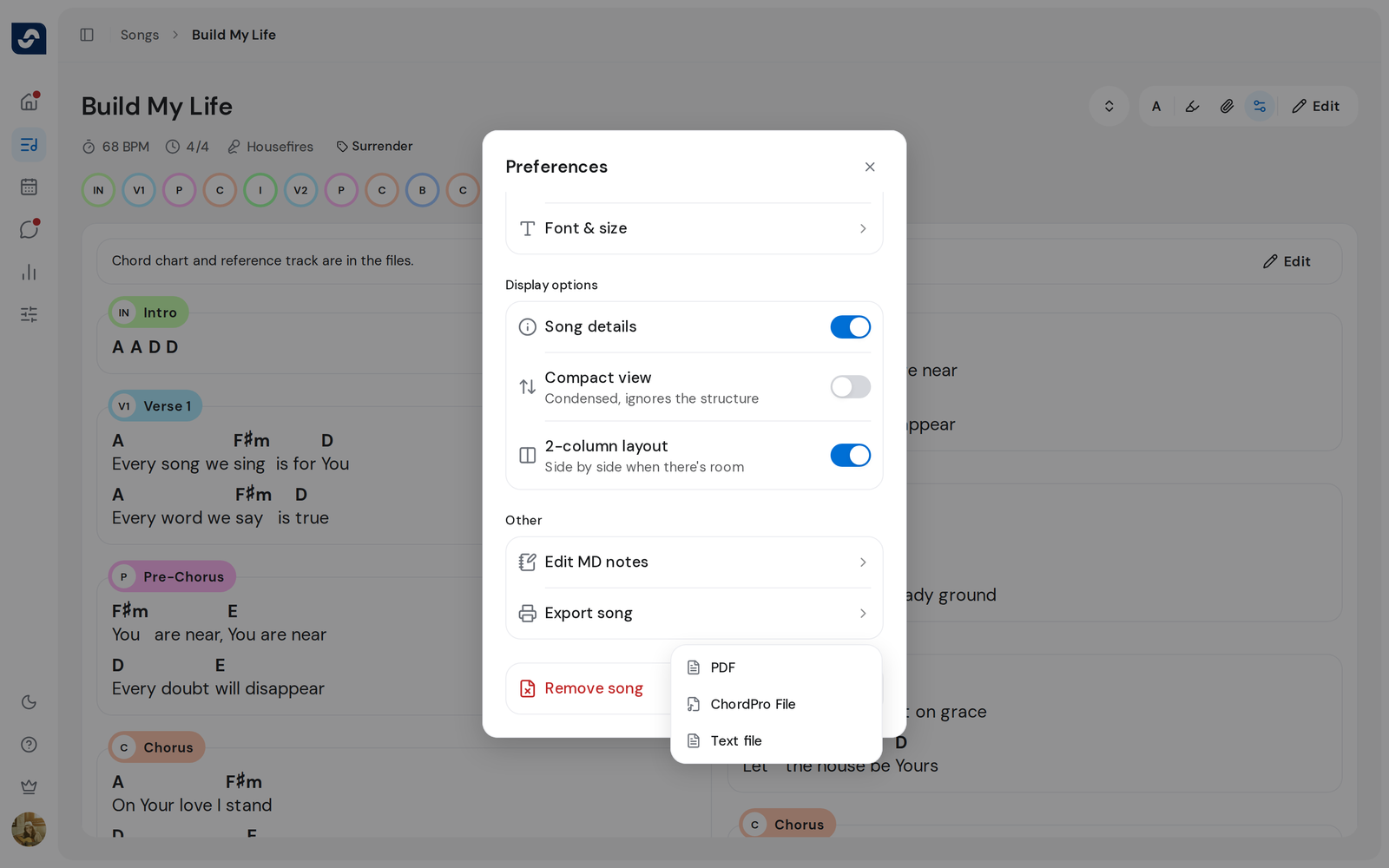
- Open the song and click Preferences, the sliders icon at the top right.
- Under Other, click Export song.
- Choose PDF, ChordPro File or Text file.
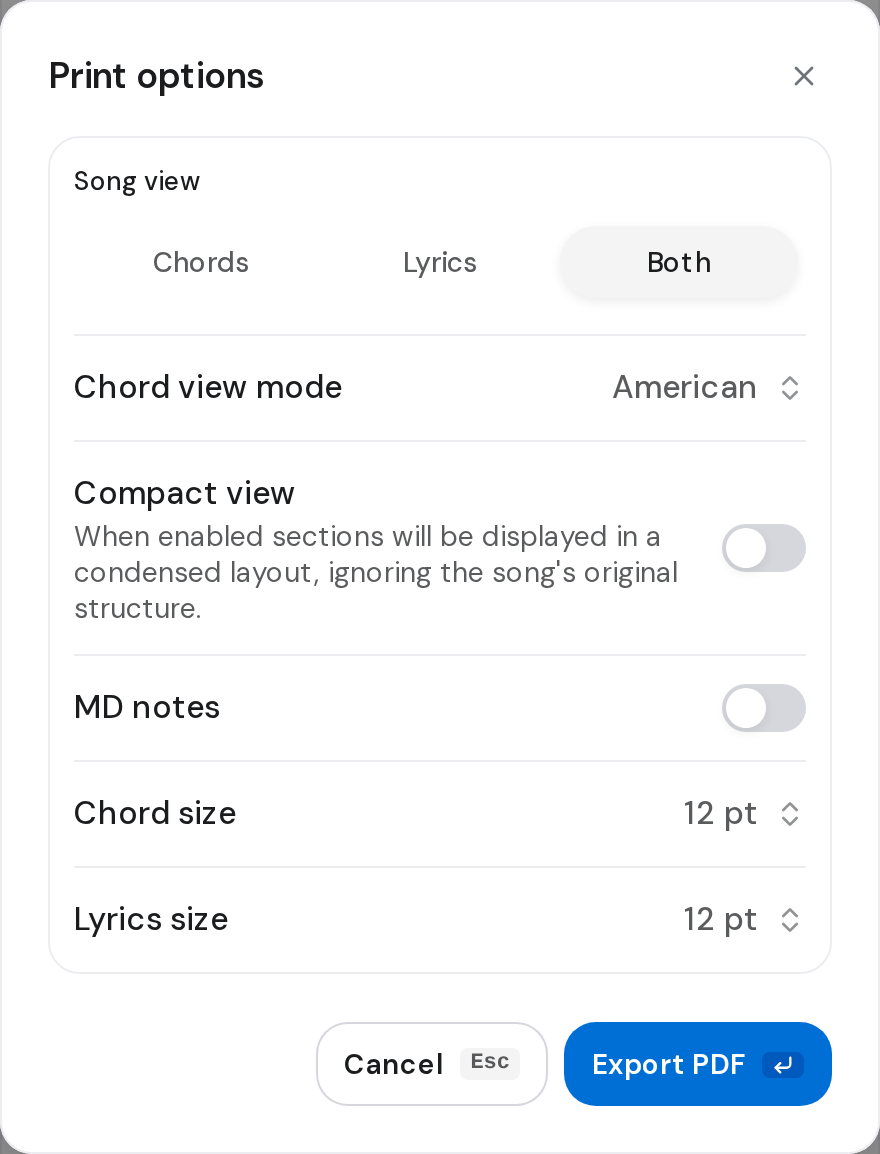
- Set the options you want.
- Click Export PDF, or Export for the other formats. The file downloads through your browser.
Good to know
- Print options for a PDF: Song view, Chord view mode, Compact view, MD notes, Chord size and Lyrics size. Turning on Compact view turns MD notes off.
- ChordPro File and Text file offer Song view and Chord view mode. Both are plain text, for another chord program to read.
- The PDF uses the key the song shows, a preview key included.
- On a free plan, Export song opens Export PDFs, which asks for an upgrade. To export the whole service instead, export the setlist.