What's on Home
Home answers "what's next for me?" Click Home at the top of the rail to open it.
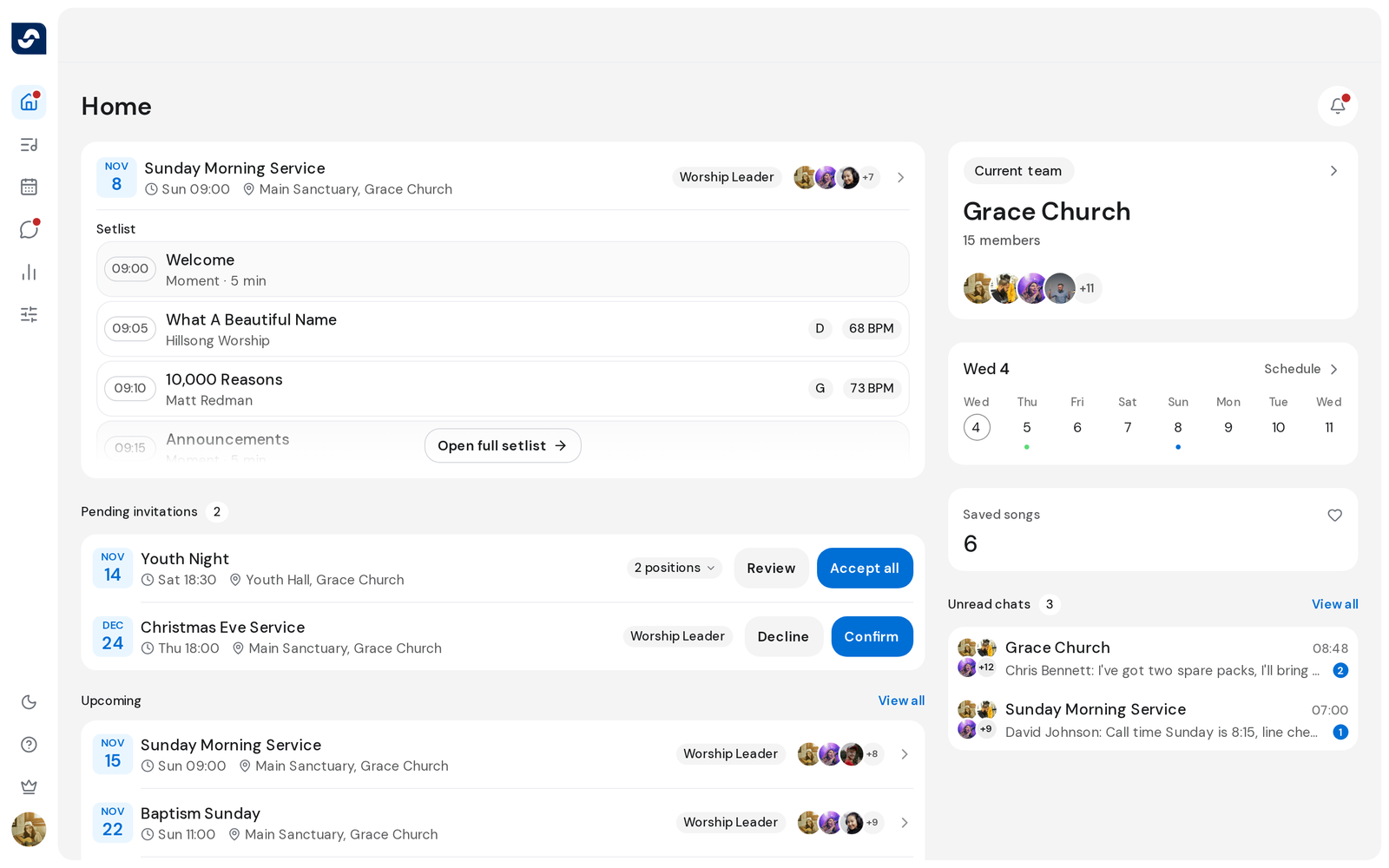
What's happening
The main column, top to bottom:
- Your next event: the soonest one, with the start of its setlist. Click the card to open the event, or Open full setlist.
- Pending invitations: positions you've been asked to serve in, with Confirm and Decline.
- Upcoming: the events after that one. View all opens Events.
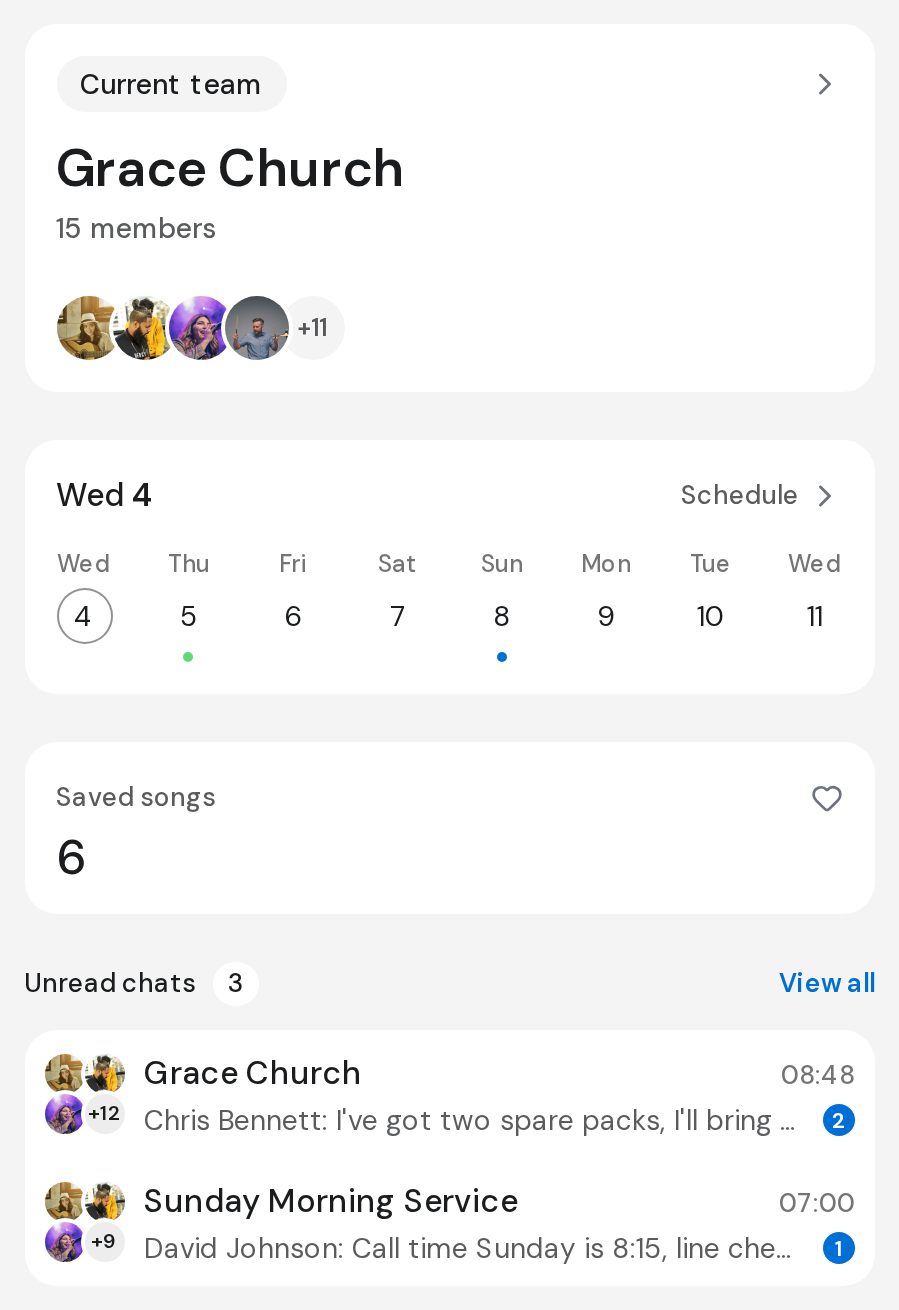
The side column:
- Current team: your team's name and faces.
- Your week: a strip of days from today. A dot means you have something that day; click the day to see it, or Open schedule.
- Saved songs and Unread chats, on a wide window.
Good to know
- The bell at the top opens Notifications. A dot on it, and on Home in the rail, means something new.
- An event from another of your teams switches you to that team when you click it.
- With nothing planned yet, planners see Plan your first event with shortcuts to New event, Add songs and Invite people.
- When nobody else has joined yet, Home offers Copy invite link.