Join or create a team
The first time you sign in, OnStage asks for two things: a username, and the team you belong to.
Steps
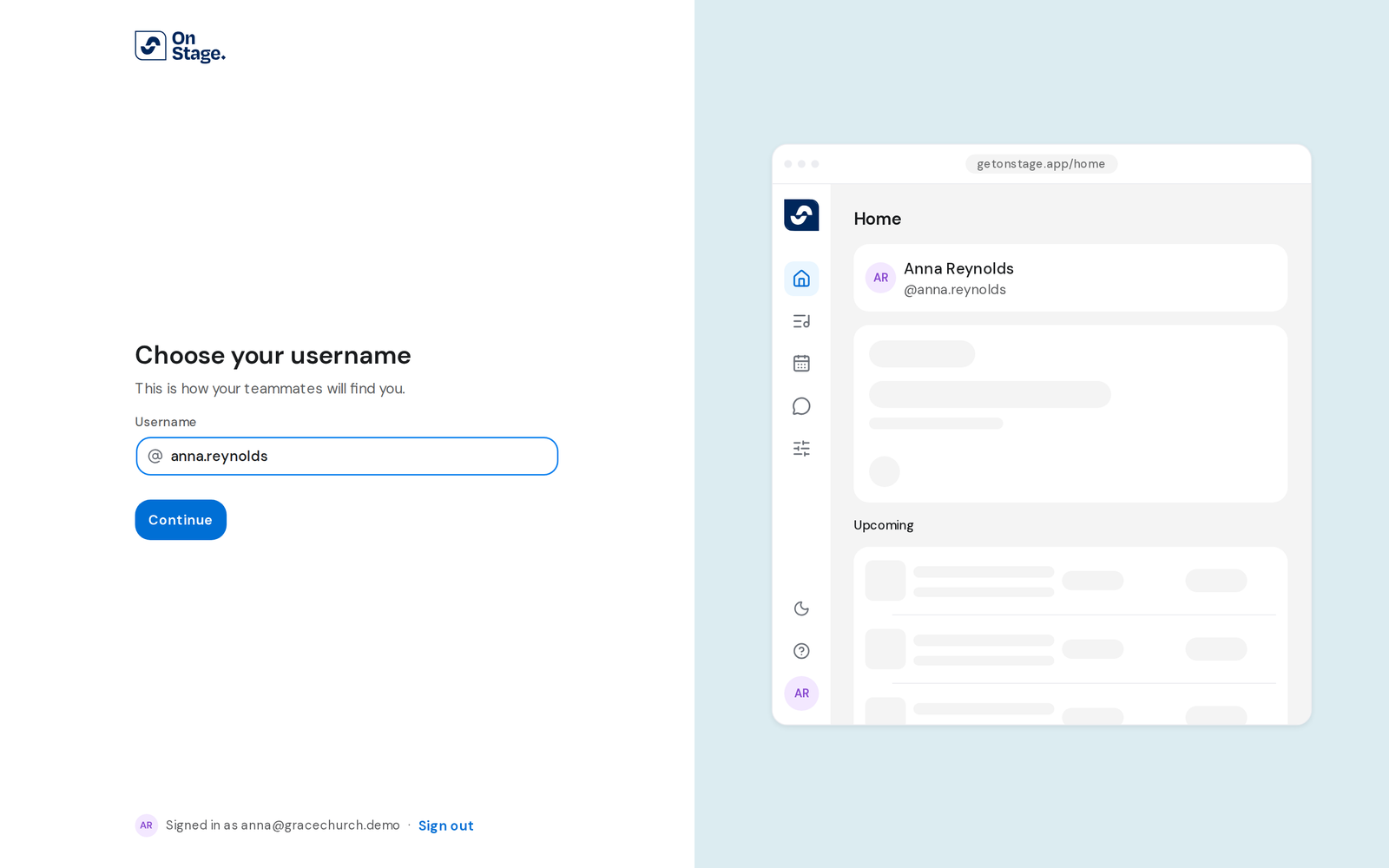
- Under Choose your username, type one and click Continue.
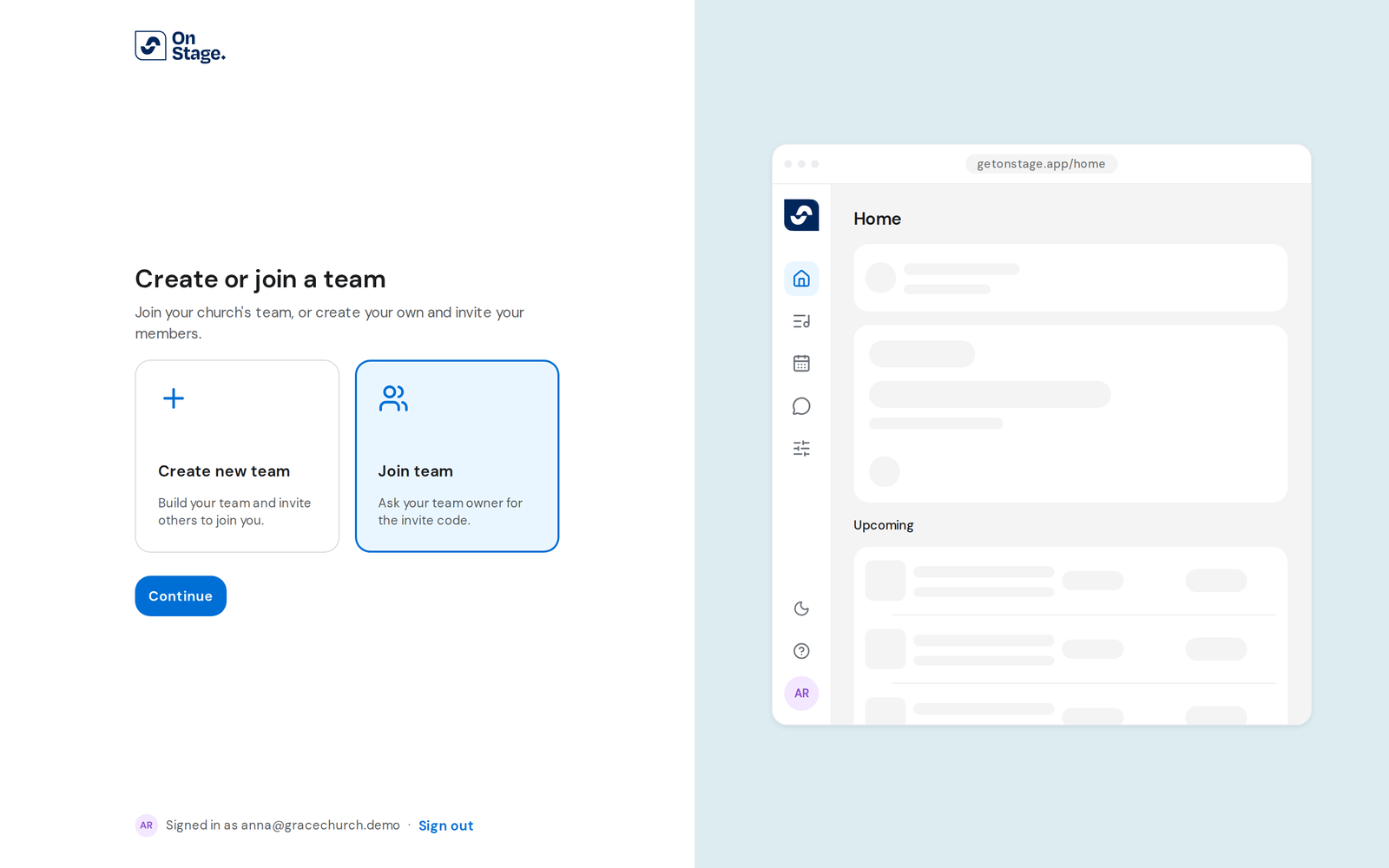
- Under Create or join a team, choose Create new team or Join team, then click Continue.
Join your team
- Type the code from your team under Team code, or paste the invite link you were sent. Click Continue.
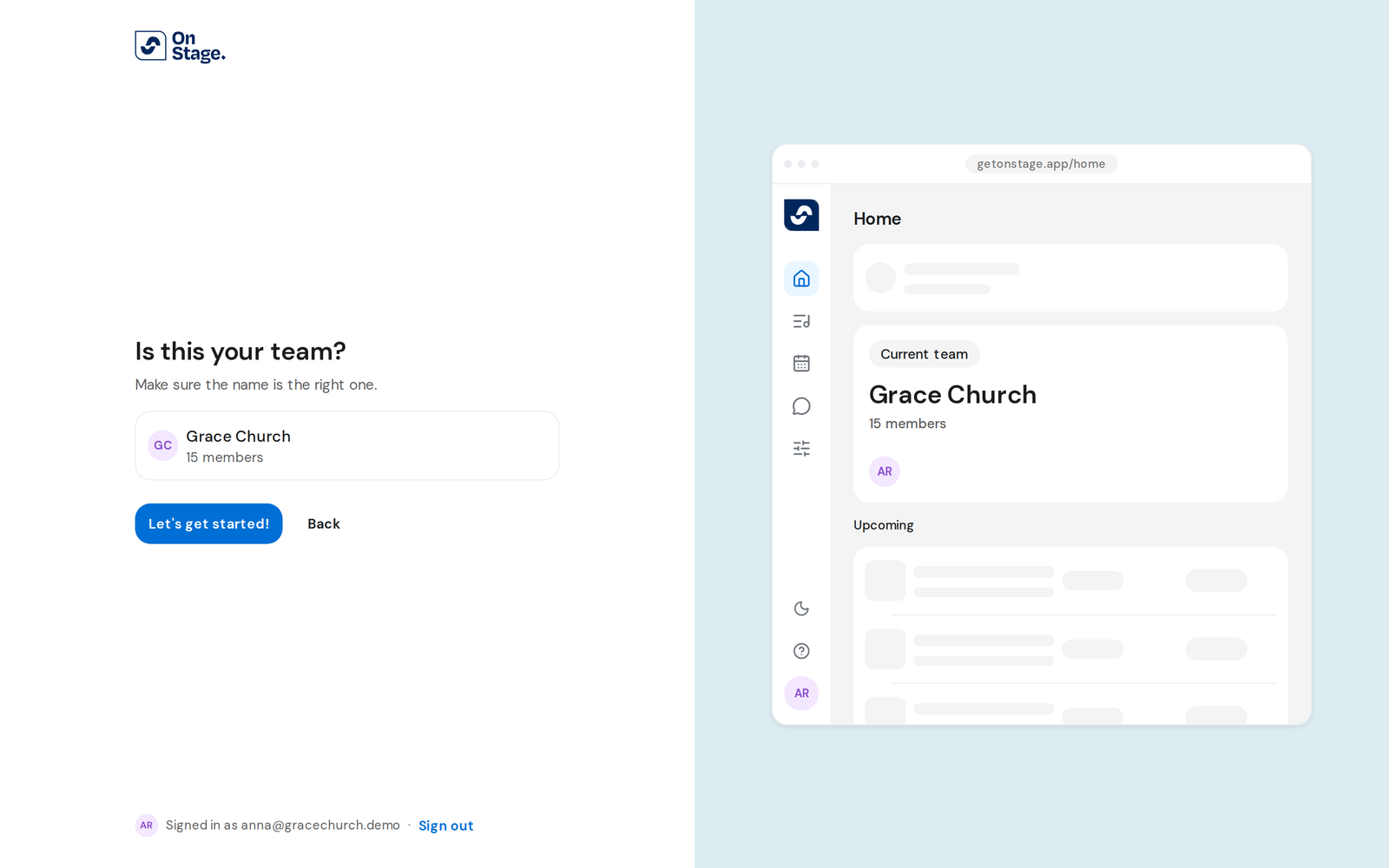
- Check the name and member count on Is this your team?, then click Let's get started!
Create a new team
- Type a name under Team's name and click Create new team. You become its Owner.
- Click Share invite link to copy a link for your team, or Skip.
Good to know
- Opened an invite link? Sign in from it and setup ends on Welcome to your team. Click Let's go!
- No team matches that code means the code is wrong. Ask your team for it again. This link is out of date means the same.
- Usernames can't contain spaces and must not be taken already.
- You can own one team, and join as many as you like.