Join the OnStage community
OnStage has a community on Discord. You reach it from Settings.
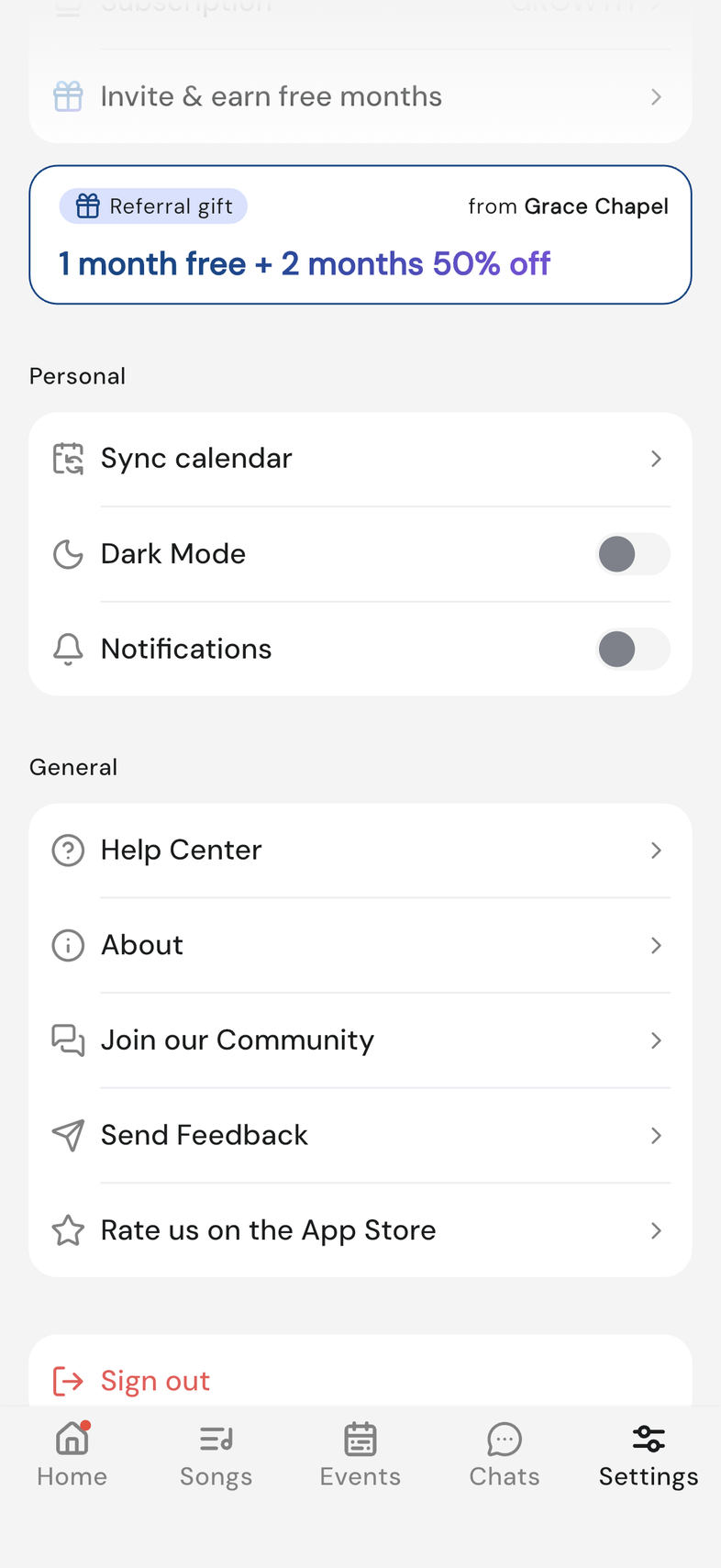
Steps
- Open Settings.
- Under General, tap Join our Community. Discord opens in your browser, or in the Discord app if you have it.
- Sign in to Discord, or create a free account.
- Say hello and ask your question.
Good to know
- Discord is a separate free service. You need a Discord account to post, and your OnStage sign-in doesn't carry over.
- Anyone with the invite link can join, so keep event details, phone numbers and anything about your team's members out of it.
- Anything about your own account, your billing, or a bug goes to support instead. Contact support