OnStage says "We're updating OnStage"
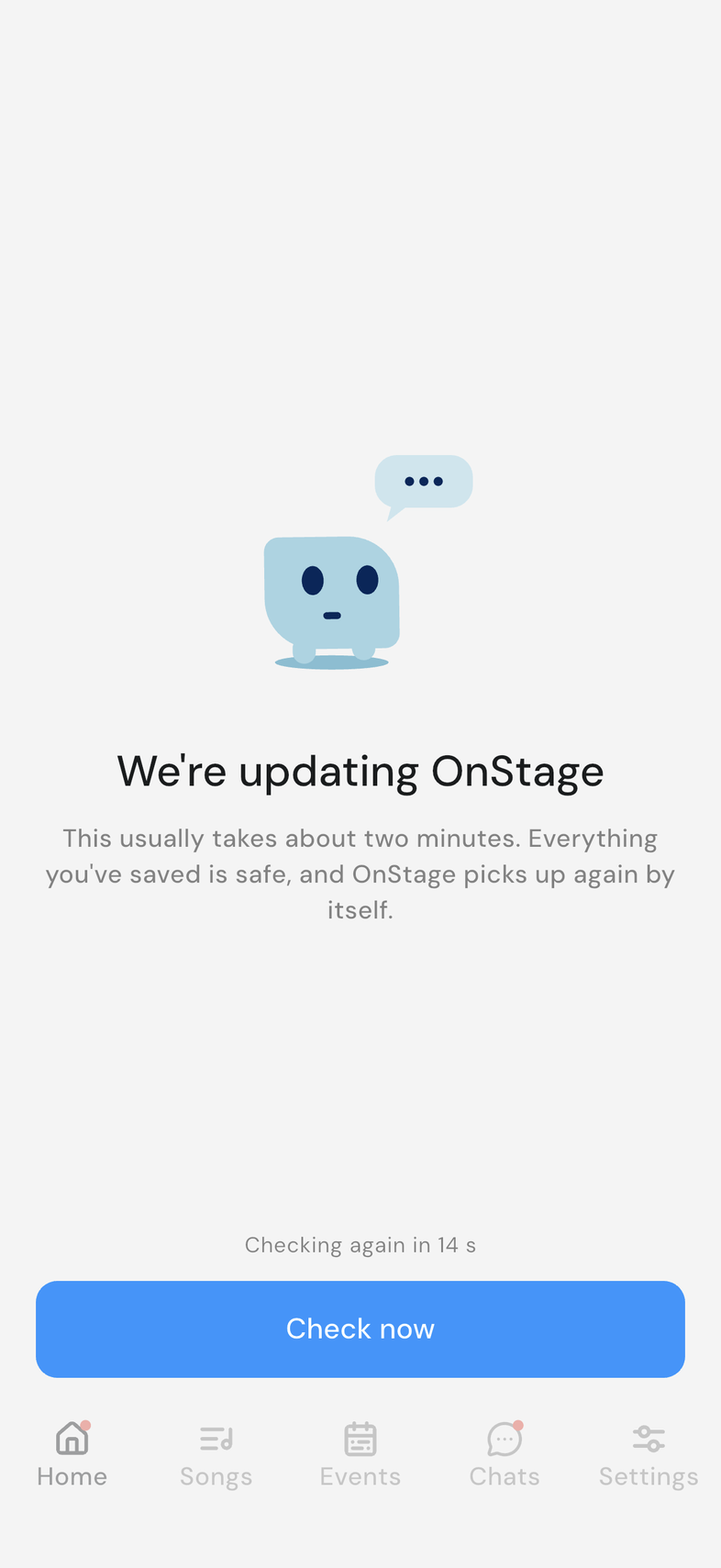
We're updating OnStage means the OnStage servers are being updated. It isn't your phone or your connection, and it usually takes about two minutes.
Where: iPhone, iPad and Android only. OnStage on phone, tablet and web
What's happening
While the update runs, the screen covers the app and nothing behind it can be tapped. Underneath, a countdown reads Checking again in 15 s: the app checks by itself every 15 seconds and picks up again on its own.
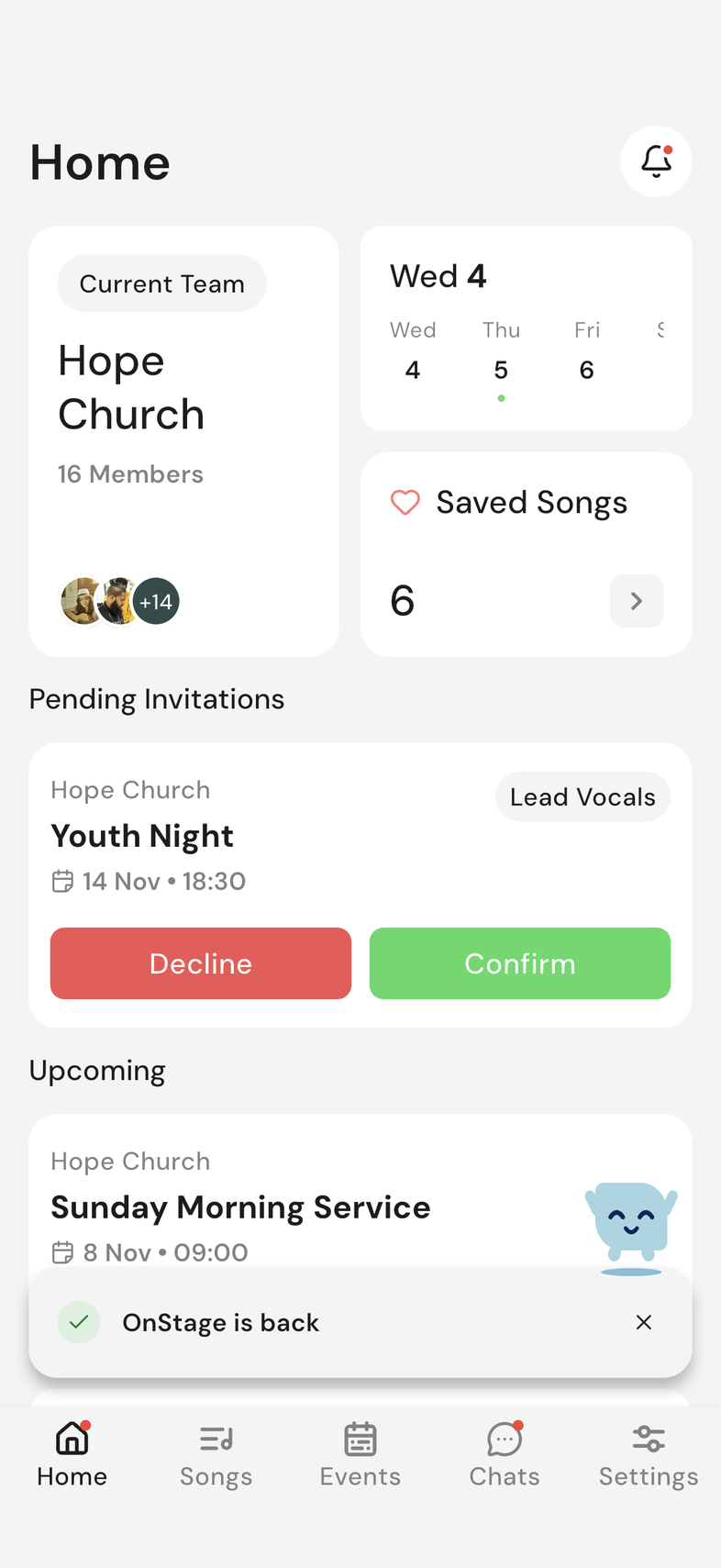
When the servers answer, the screen closes and OnStage is back shows at the bottom for a few seconds.
What to try
- Wait. You don't need to close or reopen the app.
- Tap Check now to check straight away instead of waiting for the countdown.
- If the screen is still there after several minutes, contact support.
Good to know
- Everything you've already saved is safe.
- If you saved a change right as the update started, the screen says it's holding on to it. The app saves it once the servers are back, and Your change was saved. appears under OnStage is back.
- This is not the same as Update Required, which asks you to update the app itself from your app store.