Sign in to the Web App
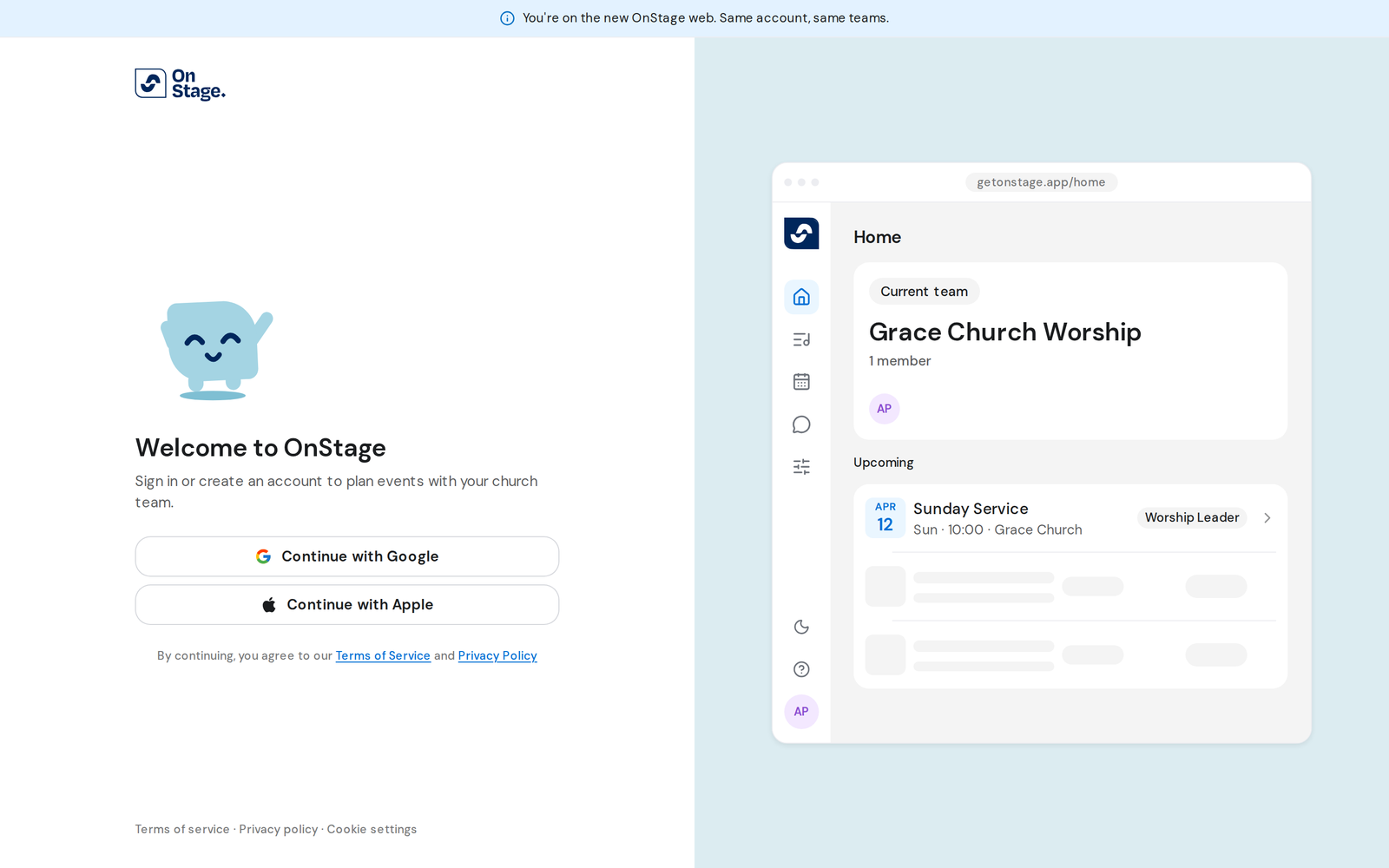
The Web App runs in your browser at web.getonstage.app. You sign in with your Google or Apple account. There is no separate password.
Steps
- Go to web.getonstage.app in Chrome, Safari, Edge or Firefox.
- On Welcome to OnStage, click Continue with Google or Continue with Apple.
- Choose your account in the window that opens.
- You land on Home with your current team. If this is your first time, setup runs first.
Good to know
- Use the same Google or Apple account you use in the mobile app. That's how OnStage finds your teams, events and songs.
- If you signed in on your phone with Apple, sign in on the web with Apple too. A different account is a different OnStage user.
- The first time, you choose a username and join or create a team. Join or create a team
- You stay signed in on that browser until you sign out. Sign out of the Web App