Sign out of the Web App
Sign out when you're done on a computer other people use. Your account and your team stay as they are.
Steps
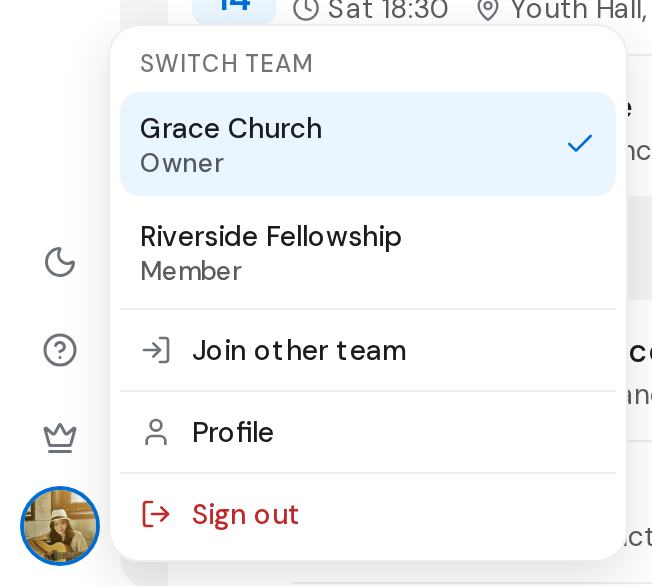
- Click your picture at the bottom of the rail.
- Click Sign out at the bottom of the menu. The sign-in page opens.
Good to know
- Sign out is also at the bottom of the Profile page, under Account.
- This browser stops getting browser notifications for your account once you sign out.
- Signing out here doesn't sign you out on your phone or other browsers.
- If you have unsaved changes, OnStage asks before signing you out.