Edit your profile on the web
Your name, photo and contact details are what your team sees next to your messages and in events.
Steps
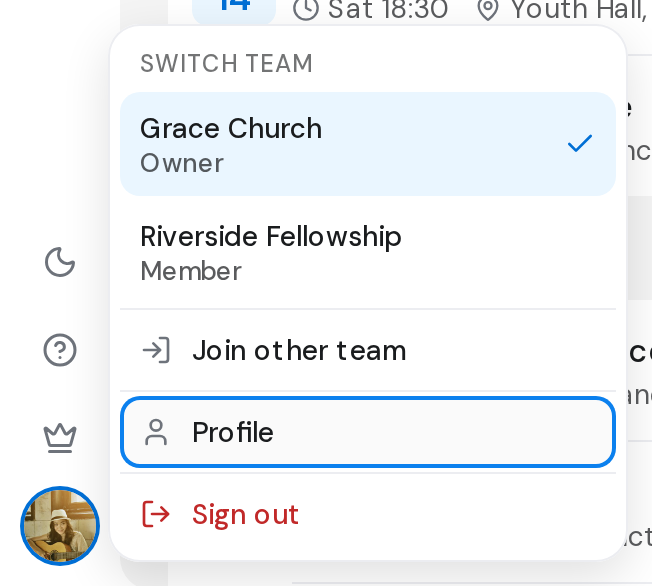
- Click your picture at the bottom of the rail, then Profile.
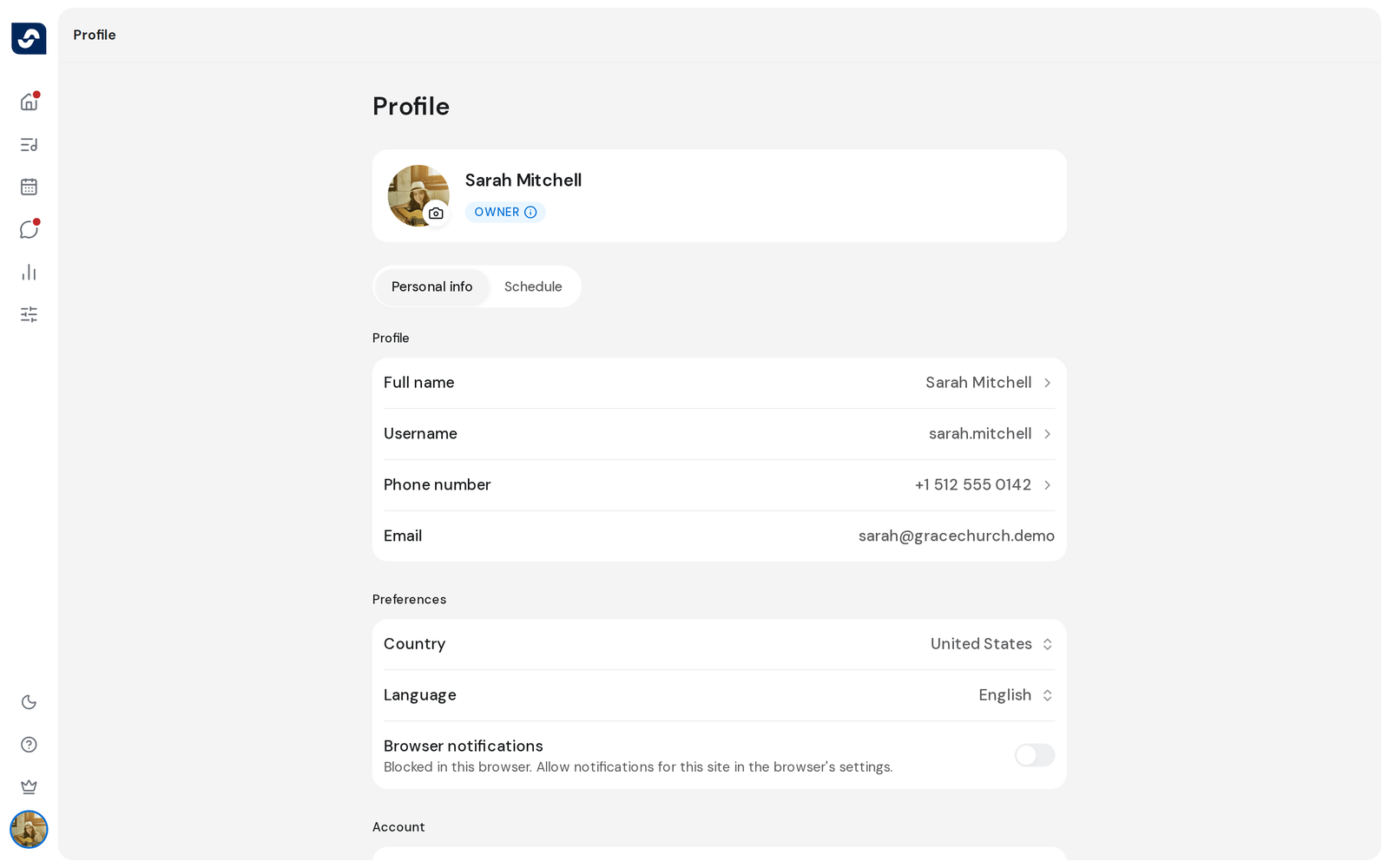
- To change your photo, click Edit photo on your picture, choose an image, zoom and position it, then click Done.
- Under Profile, click Full name, Username or Phone number. Make your change and click Save.
- Under Preferences, click Country or Language and choose one. It saves straight away.
Good to know
- Email is shown but can't be changed.
- A username can't contain spaces and must be unique. If it's taken, you see This username is already taken.
- Language offers English, Español and Português. The whole platform switches at once.
- For the phone number, pick your country code first, then type the number.