Delete your account on the web
Your account and everything attached to it are removed from OnStage. This can't be undone.
Before you start
- If you own a team on a paid plan that still renews, cancel it first. Until then the dialog shows Cancel your subscription first and Delete stays greyed out. Cancel or resume your plan
- To leave one team only, ask an Owner or Admin to remove you instead.
Steps
- Click your picture at the bottom of the rail, then Profile.
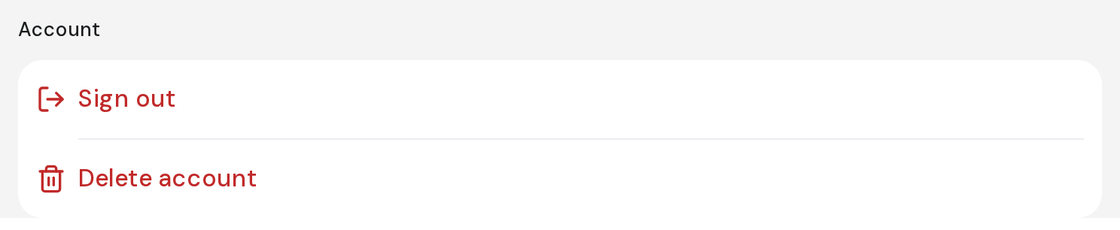
- Under Account, click Delete account.
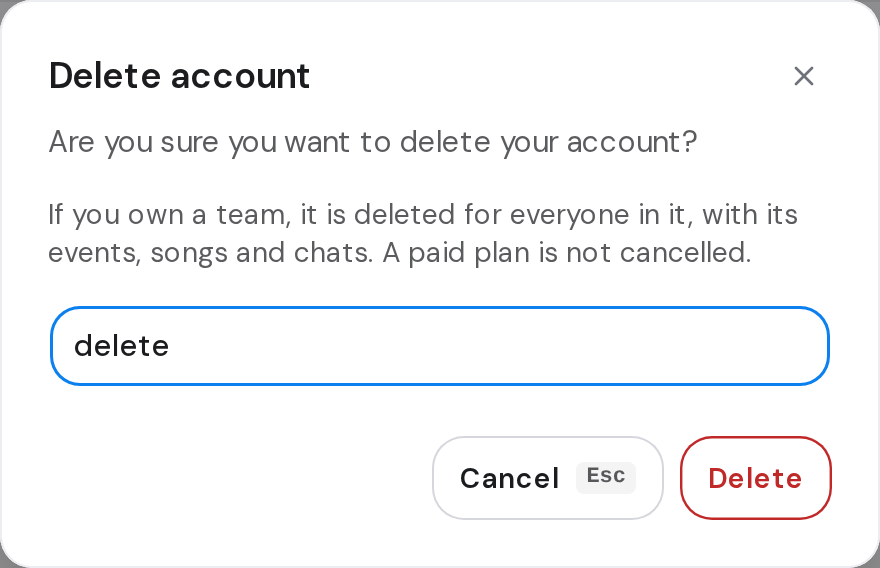
- Type delete in the box.
- Click Delete.
Good to know
- If you own a team, it's deleted for everyone in it, with its events, songs and chats.
- Deleting your account doesn't cancel a paid plan by itself.
- When the deletion goes through, you're signed out.
- If the plan belongs to another team you own, switch to that team and cancel it there.