Remove someone from the team
Removing someone takes them off the team entirely, and gives their seat back.
Who can do this: Owner, Admin. What the roles mean
Steps
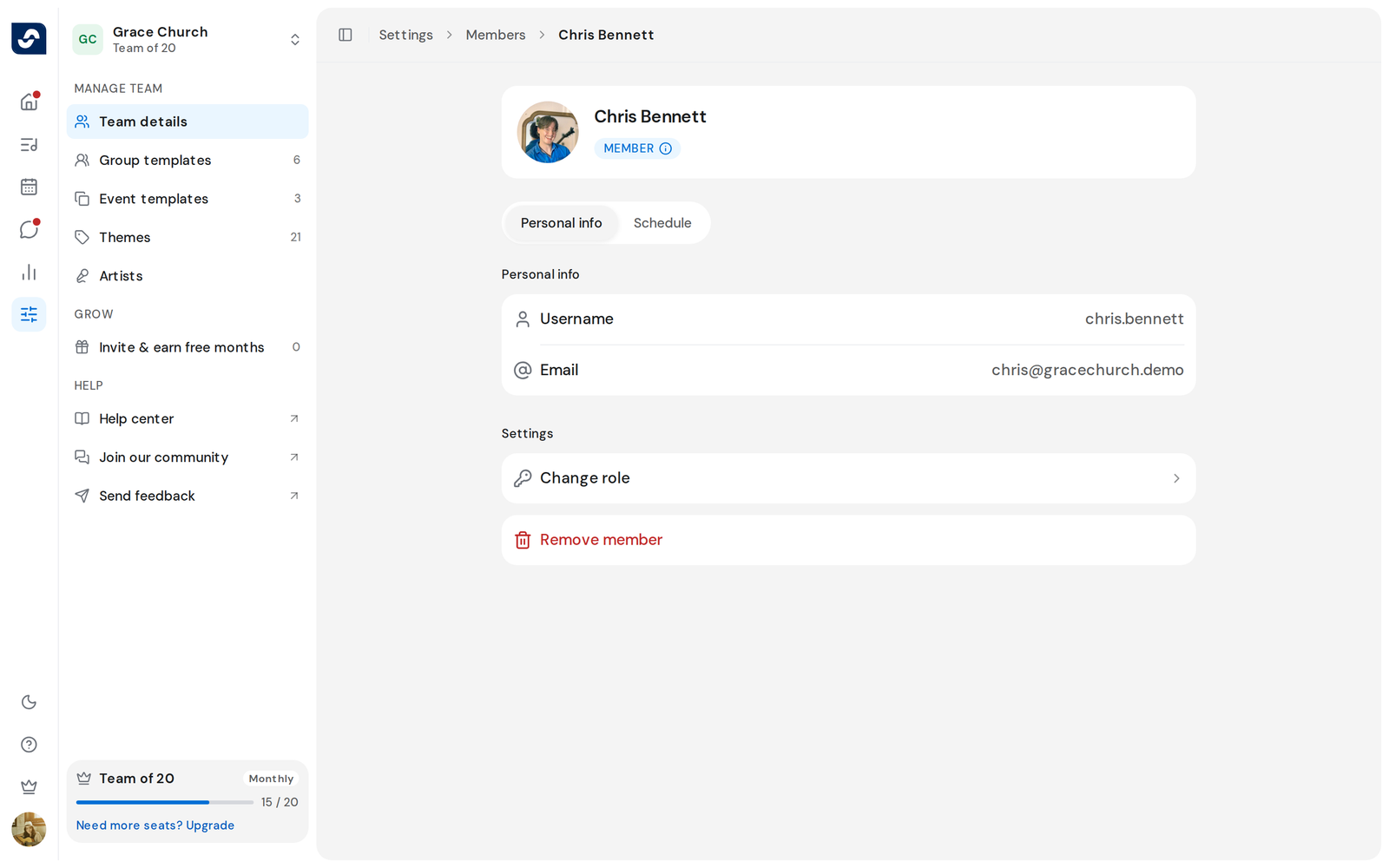
- Click Settings in the left rail, then click the person under Team members, or find them through View all.
- On their page, under Settings, click Remove member.
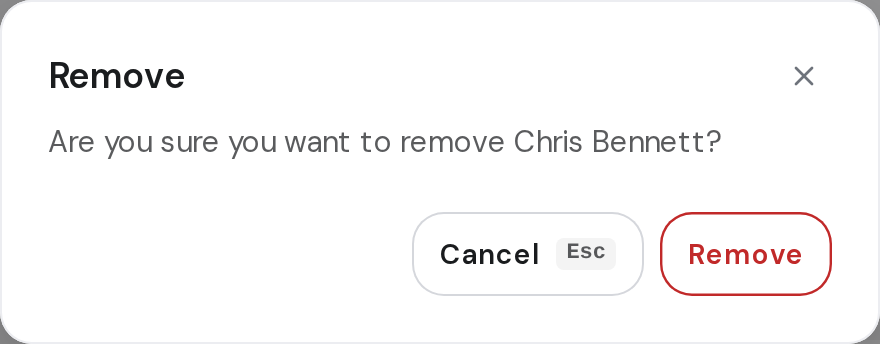
- The dialog asks if you're sure, and names them. Click Remove.
- You land back on Members, and they're no longer in the list.
Good to know
- You can't remove the Owner, and you can't remove yourself. On those pages the option isn't there.
- Someone still shown as Invited is removed the same way, which cancels their invitation.
- If the removal fails, Something went wrong appears and the dialog stays open so you can try again.
- This is different from taking someone off one event. Remove someone from an event