Set up your team and plan your first event
A computer is the easiest place to set up a team. Work through these in order and your first event takes minutes.
Who can do this: Owner, Admin, Editor. What the roles mean
Steps
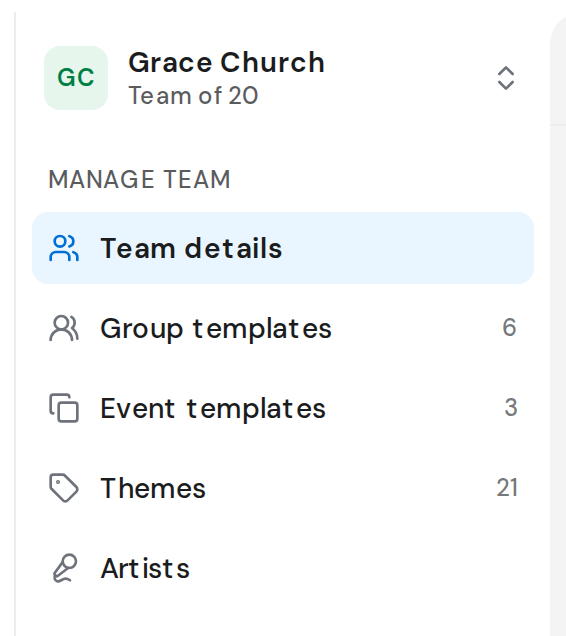
- In Settings, open Group templates and add your groups, such as Band with Drums, Bass and Keys. Create groups and positions
- Add the songs you sing, or import them from PDF or ChordPro files. Add a song
- Share your invite link so the team can join. Invite people to your team
- Save your usual Sunday once, with its moments, people and reminders. Create an event template
- Click Events, then New event. Create an event
- Add songs and moments in the order of the service. Add songs to the setlist
- Click Publish event so everyone gets their invitation. Publish an event
Good to know
- On a new team, Home shows Plan your first event with shortcuts to the same steps.
- Steps 1 to 4 are one-off. After that, each week is steps 5 to 7.
- Inviting people needs Owner or Admin. Events and their people also work for a Scheduler.