Your notifications list
Invitations, reminders and event changes for you collect in one list, reached from the bell on Home.
Steps
- Click Home in the rail. A dot on it means you have something new.
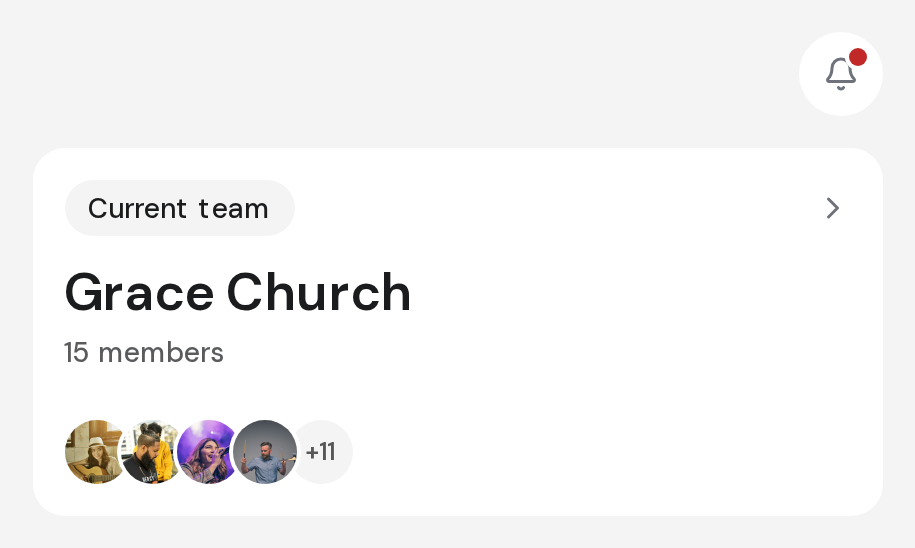
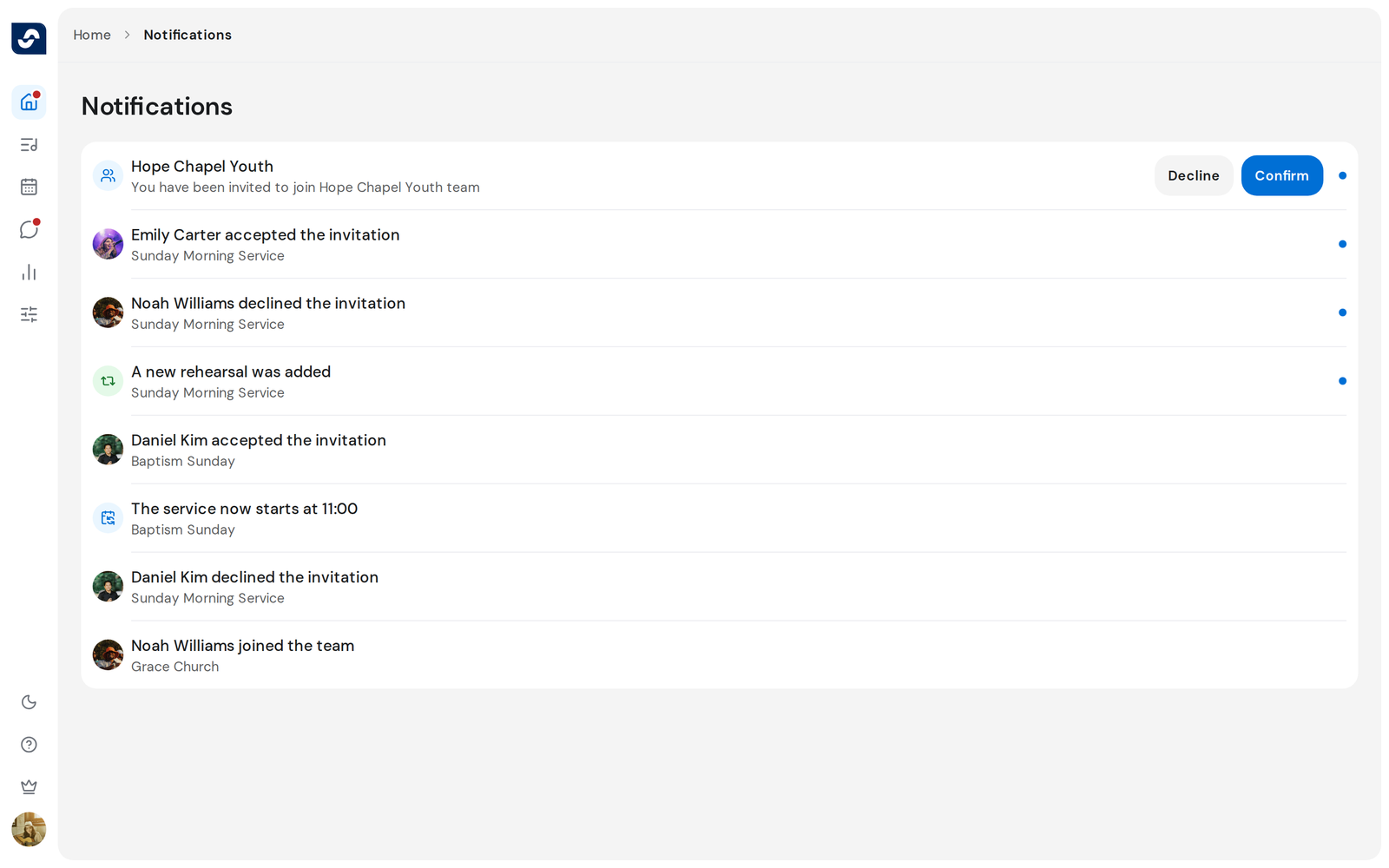
- Click the bell at the top of Home. Notifications opens, newest first.
- Click a notification about an event to open that event.
- For a team invitation, click Confirm or Decline on the row.
- After confirming, click Switch team to open the team you joined.
Good to know
- Opening the page clears the dot on the bell. Rows that are new to you keep their dot on the page.
- Older notifications load as you scroll down.
- An answered invitation shows Joined or Declined. One that was withdrawn shows No longer available.
- Some notifications are for reading only and don't open anything.