Find a song in your library
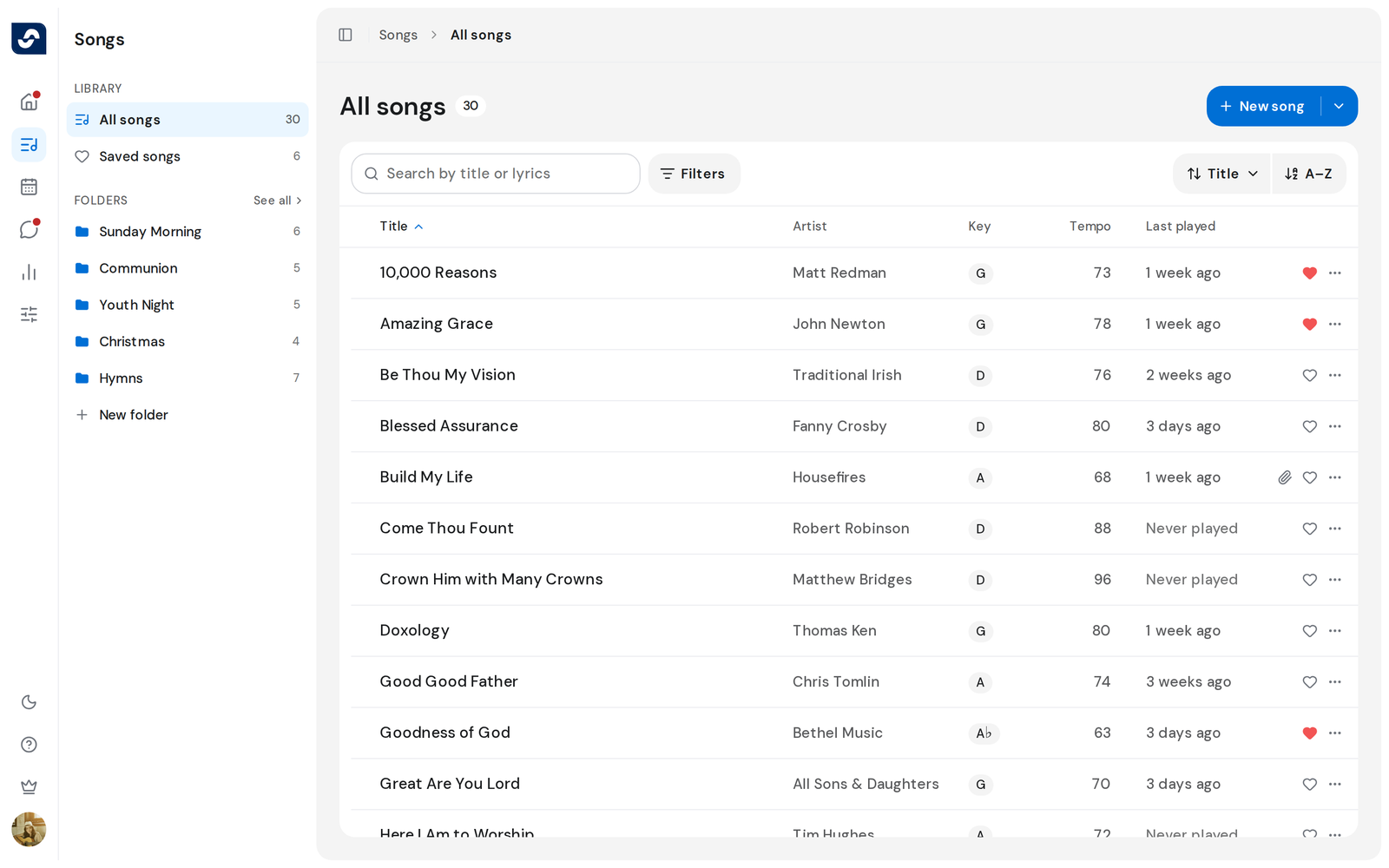
Every song your team has added is on the Songs page. Anyone on the team can browse it, search it, and open a song from it.
Steps
- Click Songs in the left rail. All Songs opens, with the number of songs next to the title.
- Scroll down. More songs load as you reach the end of the list.
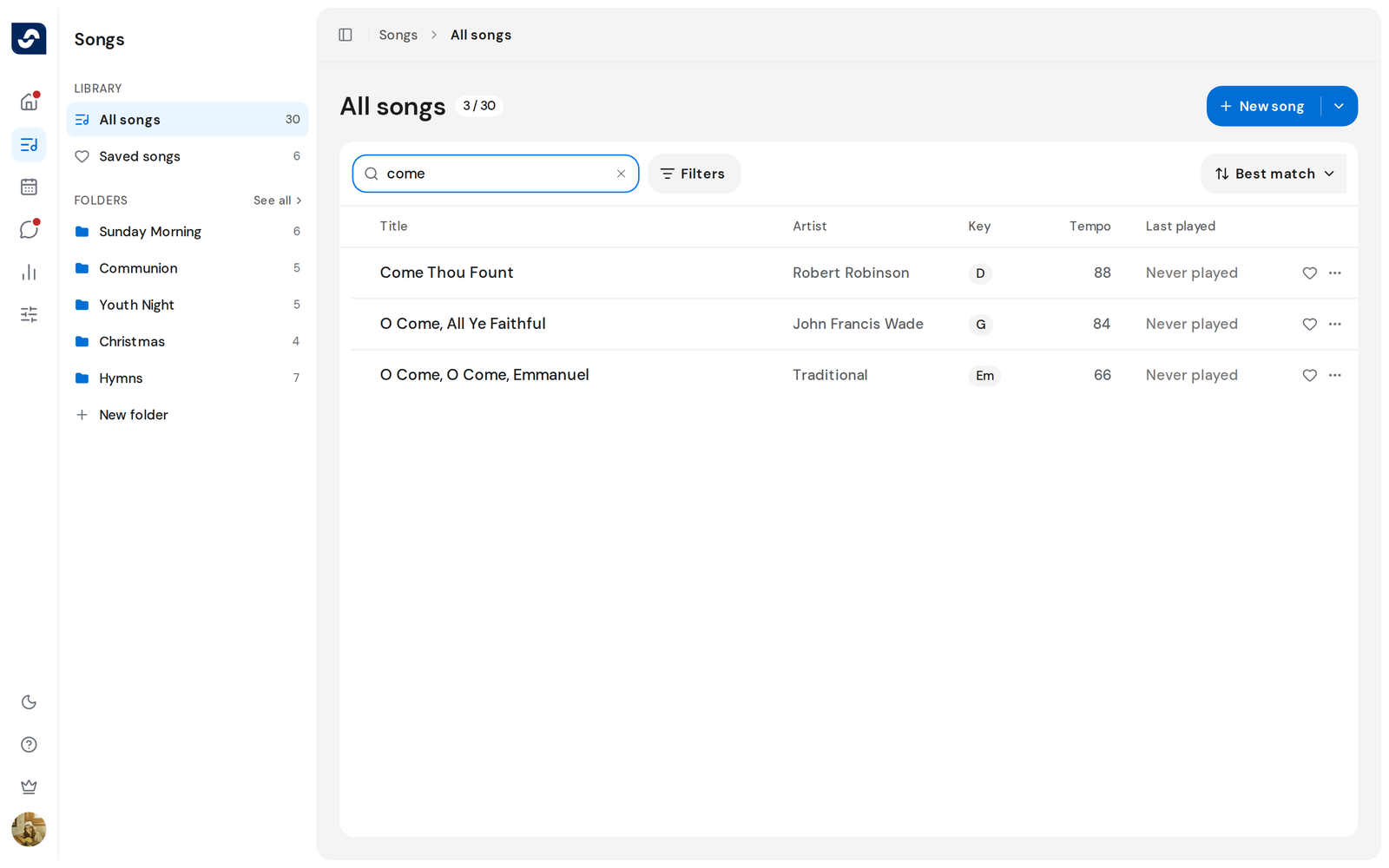
- Click the search box that reads Search by title or lyrics, or press / on your keyboard to jump straight to it.
- Type part of a title or a line you remember. The list narrows as you type, and the count beside the title shows how many songs match out of the total.
- Click a song's title to open it.
Good to know
- The side panel on the left switches between All Songs, Saved songs and your team's folders.
- A paperclip on a row means the song has files. Click it to open them.
- On a narrow window some columns drop out. Hide the side panel to bring them back.
- The library is shared, so everyone on the team sees the same songs.