Delete an event
Deleting an event removes it for the whole team, with its setlist, people and reminders.
Who can do this: Owner, Admin, Editor, Scheduler. What the roles mean
Steps
- Open the event.
- In the side column, under Event, click Delete event.
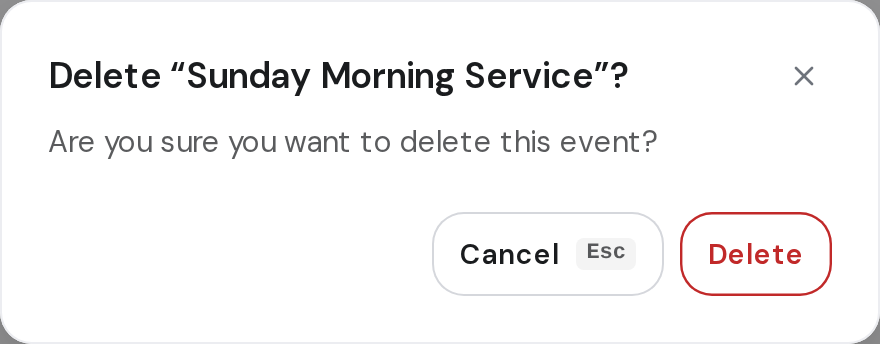
- Click Delete to confirm.
Good to know
- This can't be undone. If you only need a new date, change it instead. Change an event's name, date or place
- To throw away a new event you haven't saved, click Cancel, then Discard.