Create an event from a template
Start a new event from a saved template, so the usual moments, people and reminders are already there.
Who can do this: Owner, Admin, Editor, Scheduler. What the roles mean
Steps
- Click Events in the rail.
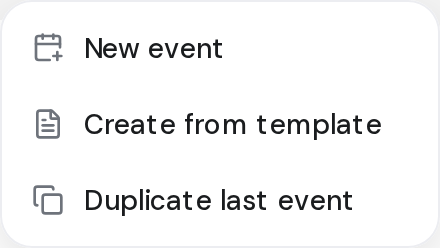
- Click the arrow next to New event, then Create from template.
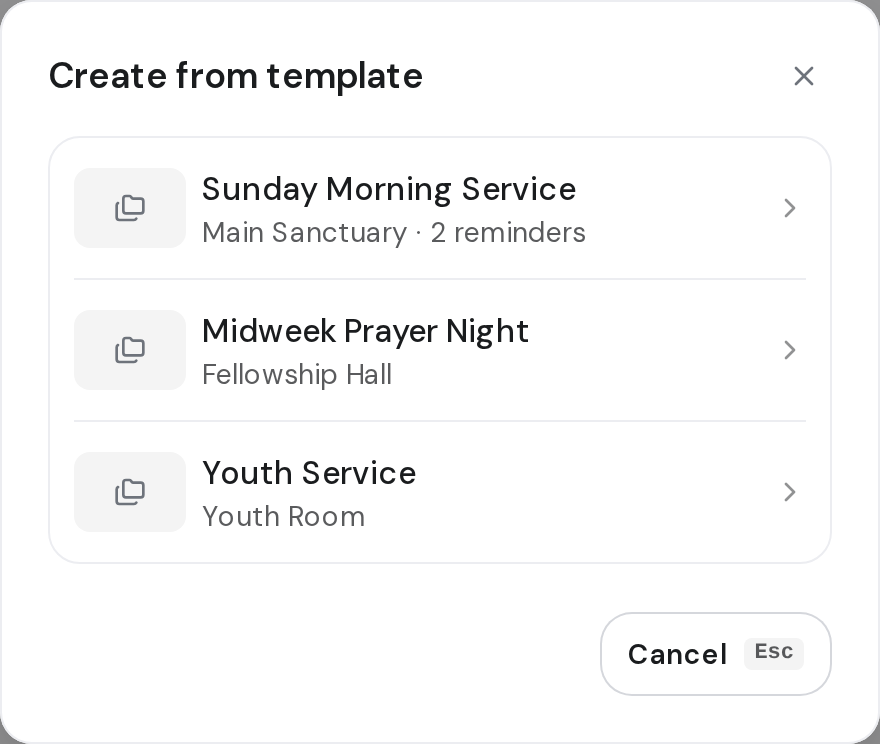
- Choose the template.
- On the New event page, add the name, date and time.
- Change anything this week needs.
- Click Save draft, or Publish event.
Good to know
- Create from template only shows once your team has a template. Create an event template
- You can also open a template in Settings > Event templates and click New event.
- Changes you make to the event don't change the template.