Add a rehearsal
Add the rehearsals before a service so everyone on the event sees when to come.
Who can do this: Owner, Admin, Editor, Scheduler. What the roles mean
Steps
- Open the event.
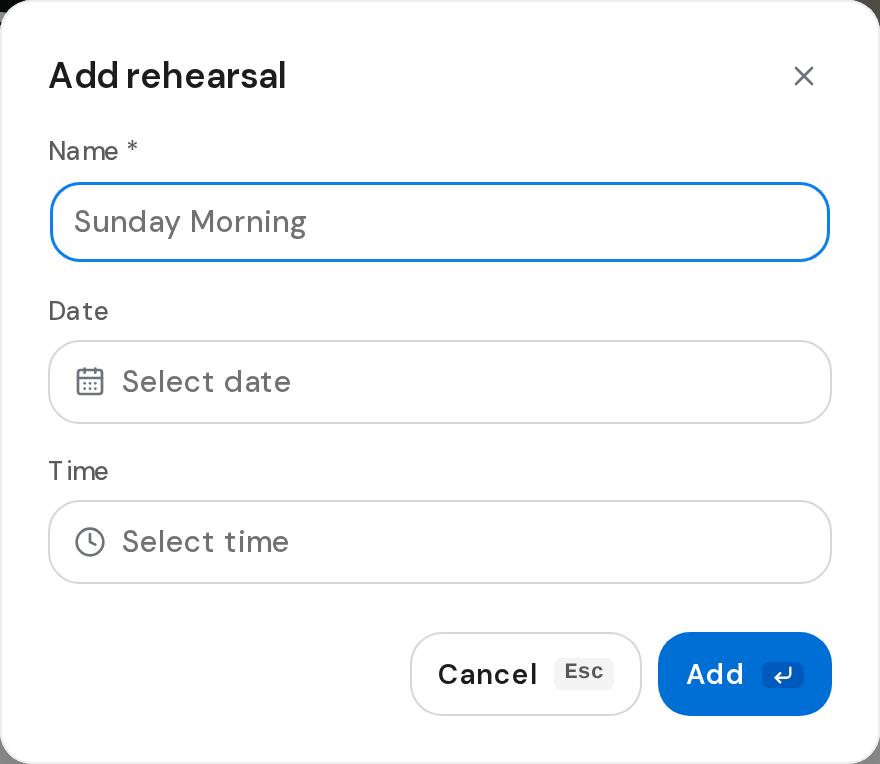
- In the side column, under Rehearsals, click Add rehearsal.
- Type a Name and pick the Date and Time.
- Click Add.
Good to know
- An event can have more than one rehearsal.
- To change or remove one, click the three dots on its row, then Edit or Delete.
- Duplicating an event doesn't copy its rehearsals. Duplicate an event
- Members see rehearsals but can't change them.