Lead or follow a live session
Live shows the setlist one item at a time. When someone leads a live session, everyone who follows moves with them.
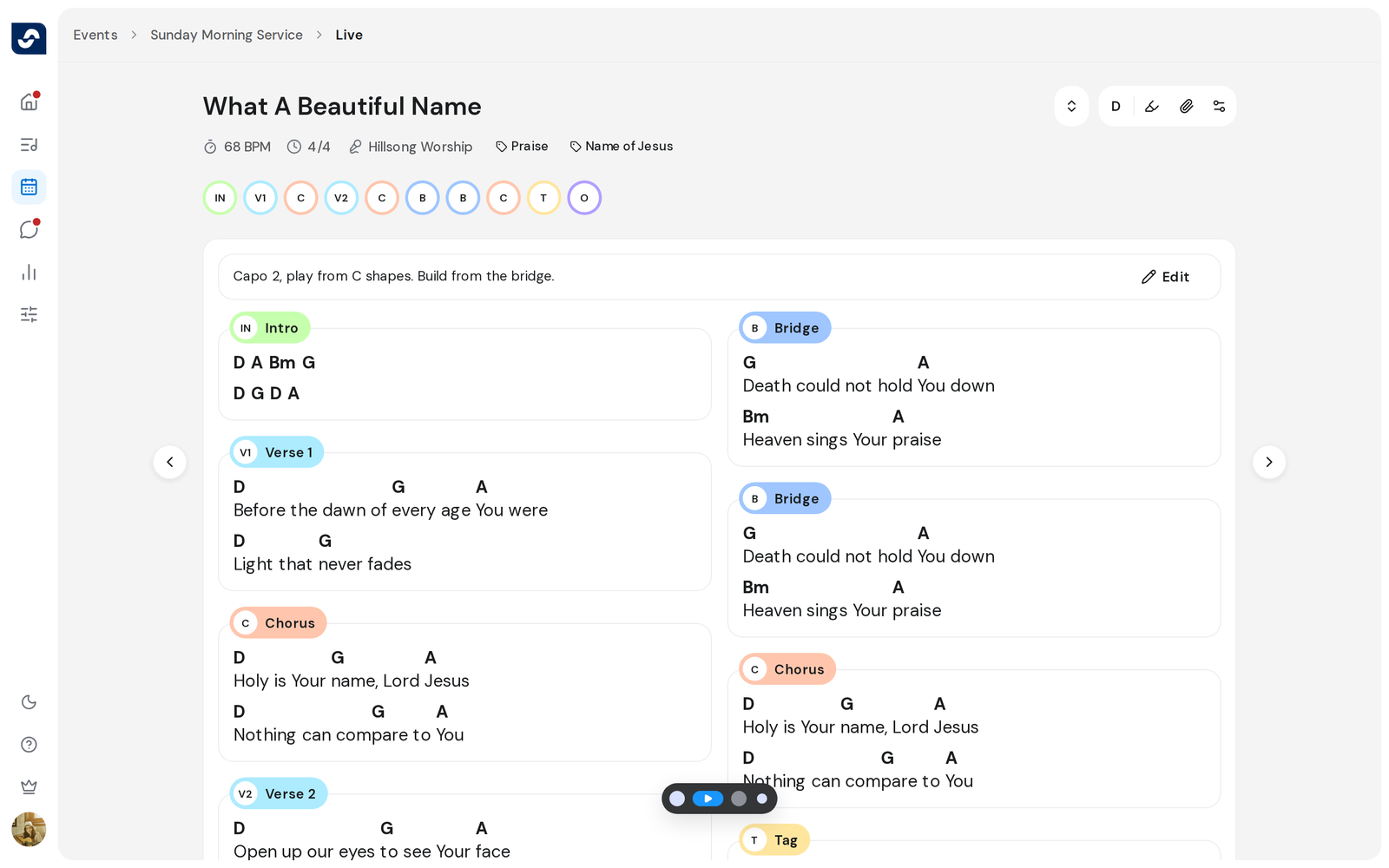
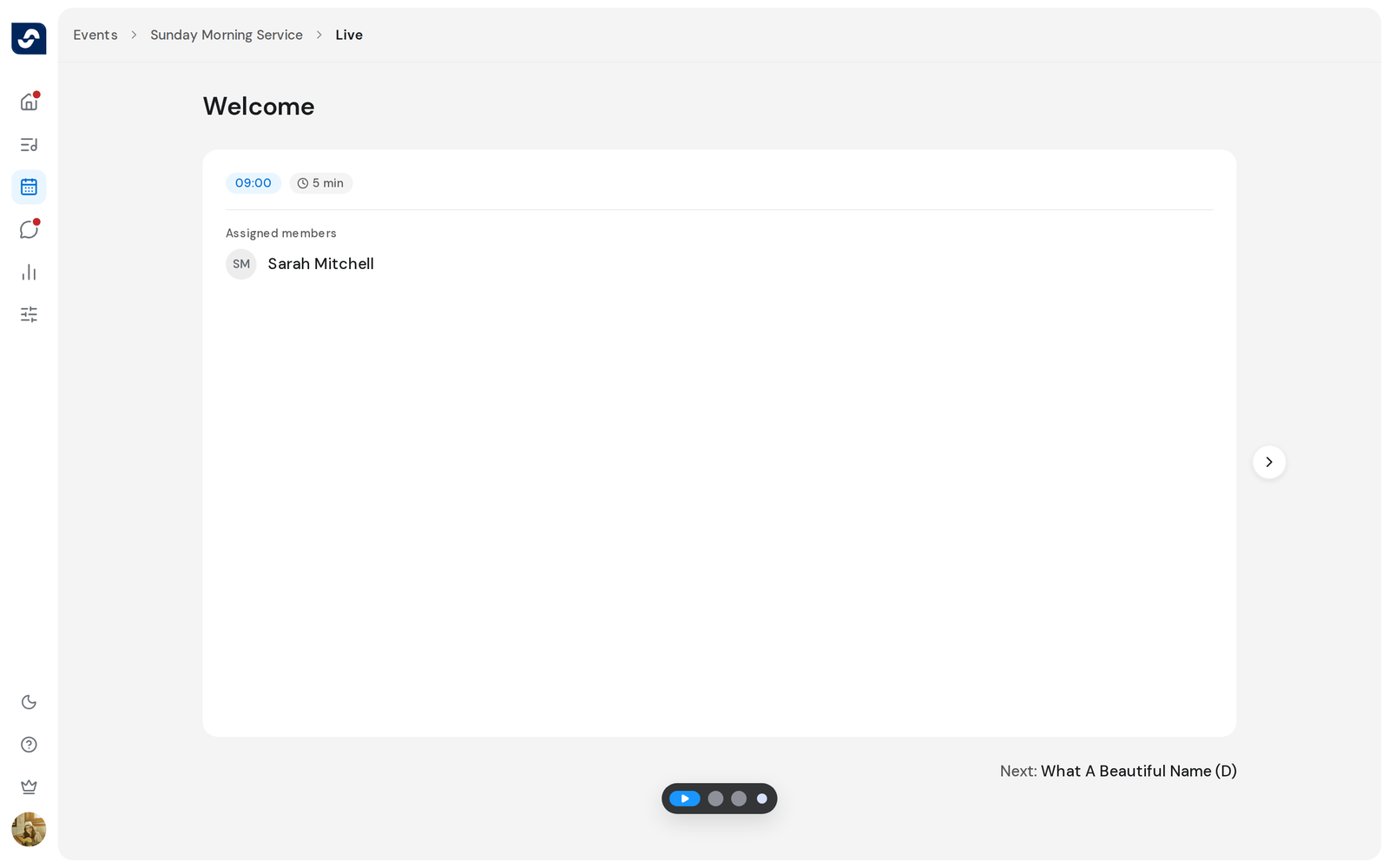
Steps
- Open a published event and click Start event.
- Use ← and → or the arrows at the sides to move through the items.
- To lead, click Start live session, then Start session.
- To follow someone, click Follow session when the Live session banner shows.
- To pass the lead, click Live, then Hand control.
- To finish, click Live, then End session.
Good to know
- An event has one live session at a time. Its button only shows while you're connected; without a connection you move through the items alone.
- Key, capo and text size stay your own while you follow.
- Annotations and autoscroll are off during a live session.
- If you scroll or move to another item, you're Paused. Click Resume live session to catch up, or Leave session to stop following.