Change the order of the setlist
Put the songs and moments in the order of the service. Each move saves at once, so there's no Save button.
Who can do this: Owner, Admin, Editor, Scheduler. What the roles mean
Steps
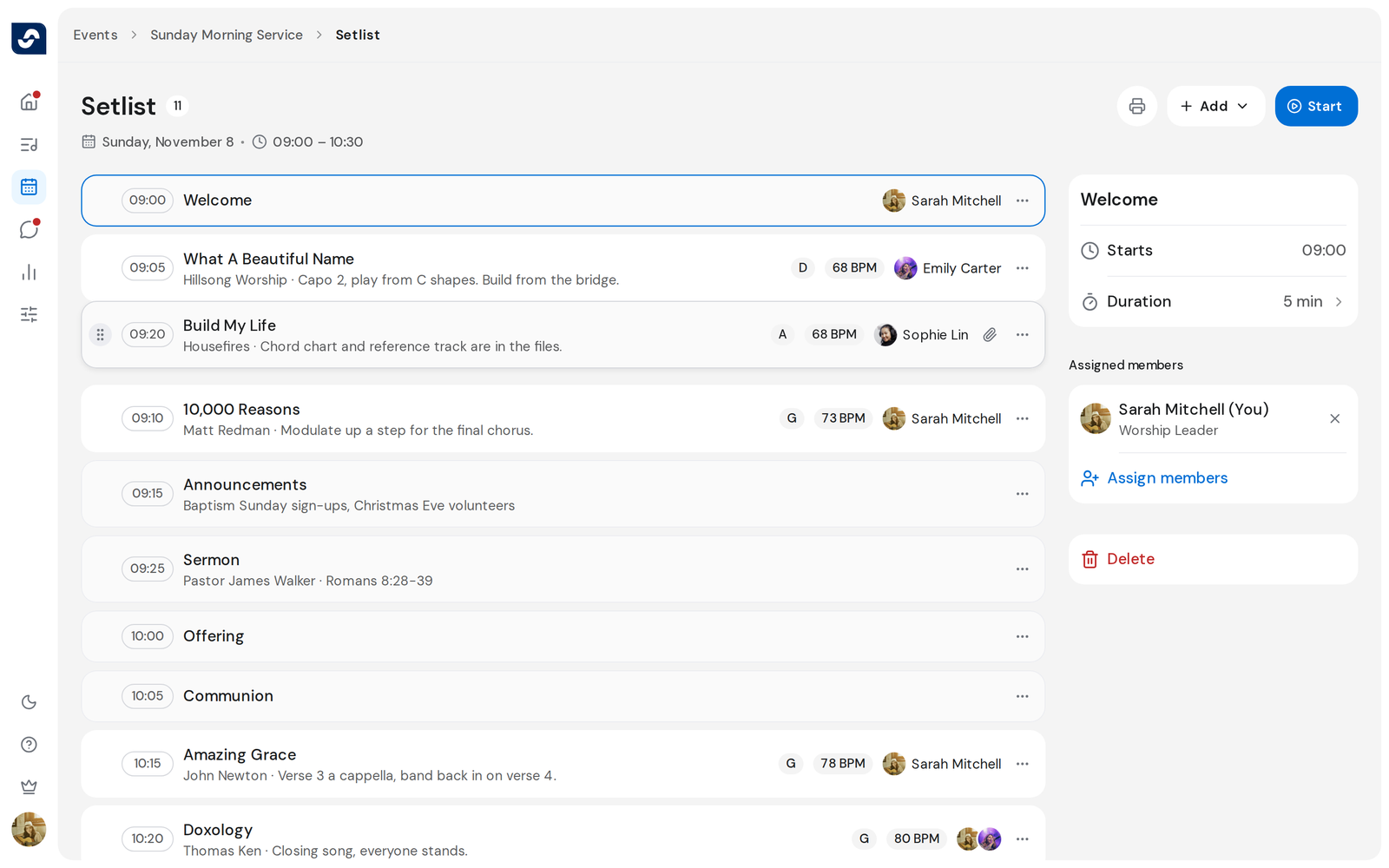
- Open the event and click Open full setlist.
- Point at a row and drag it by its handle to a new place.
- Or click the three dots on a row and choose Move up or Move down.
Good to know
- With the keyboard, Tab to a row's handle and press ⌥↑ or ⌥↓ (Alt+↑ or Alt+↓ on Windows). Keyboard shortcuts
- After a move, Order changed shows with Undo for a few seconds.
- Start times update to follow the new order.