Change an event's name, date or place
Change an event's details right on its page. There's no separate settings page.
Who can do this: Owner, Admin, Editor, Scheduler. What the roles mean
Steps
- Open the event.
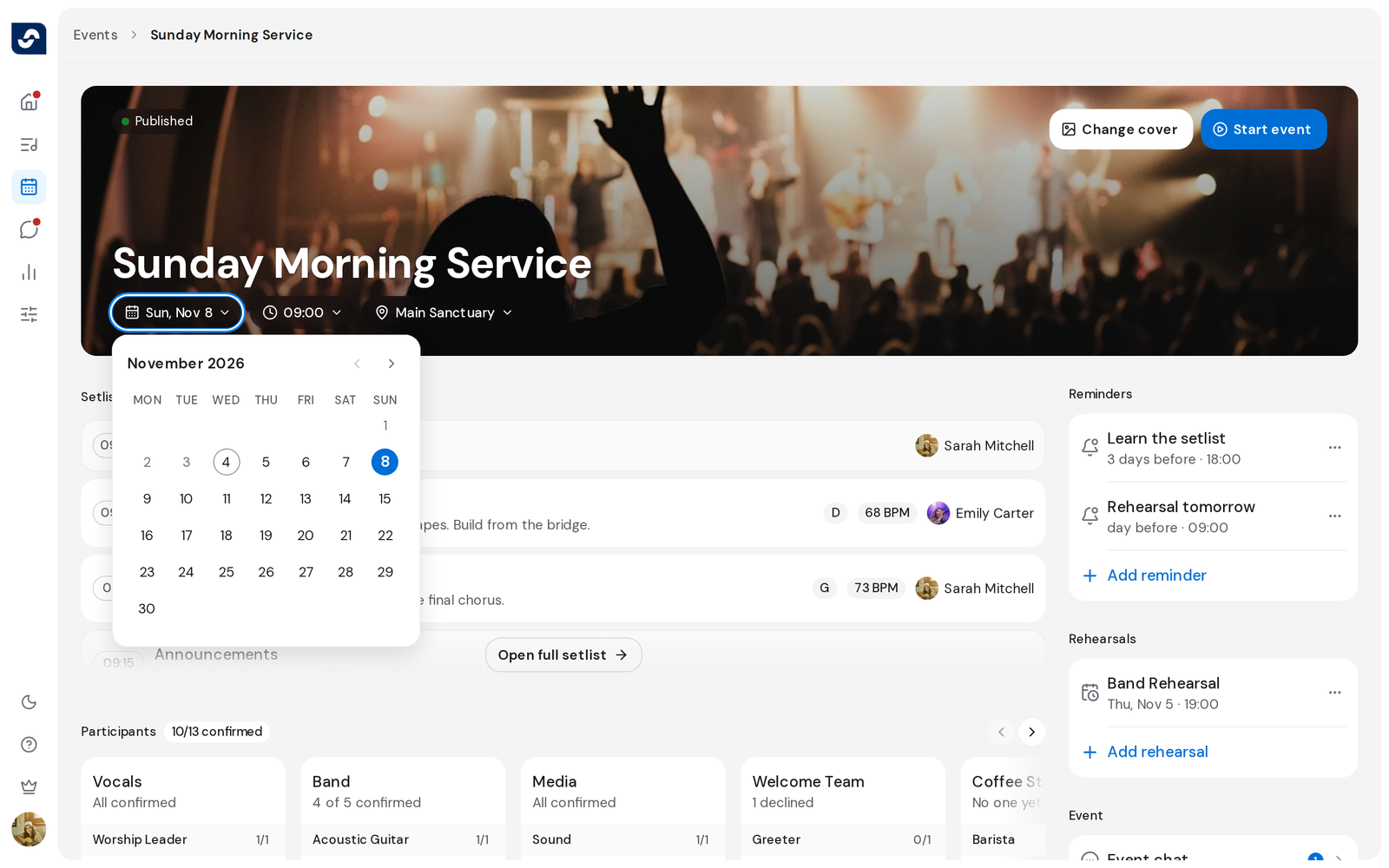
- Click the name at the top, type the new one and press Enter.
- Click the date, time or location to change it.
- Click the cover to choose another photo.
Good to know
- Each change saves at once and shows Changes saved. Esc undoes a name you're still typing.
- On a published event, a new date or time asks Notify the team? Click Update and notify team to tell everyone.
- 12 hours after an event starts, its date and time can no longer be changed.
- Members see the event read-only.