Add a moment to the setlist
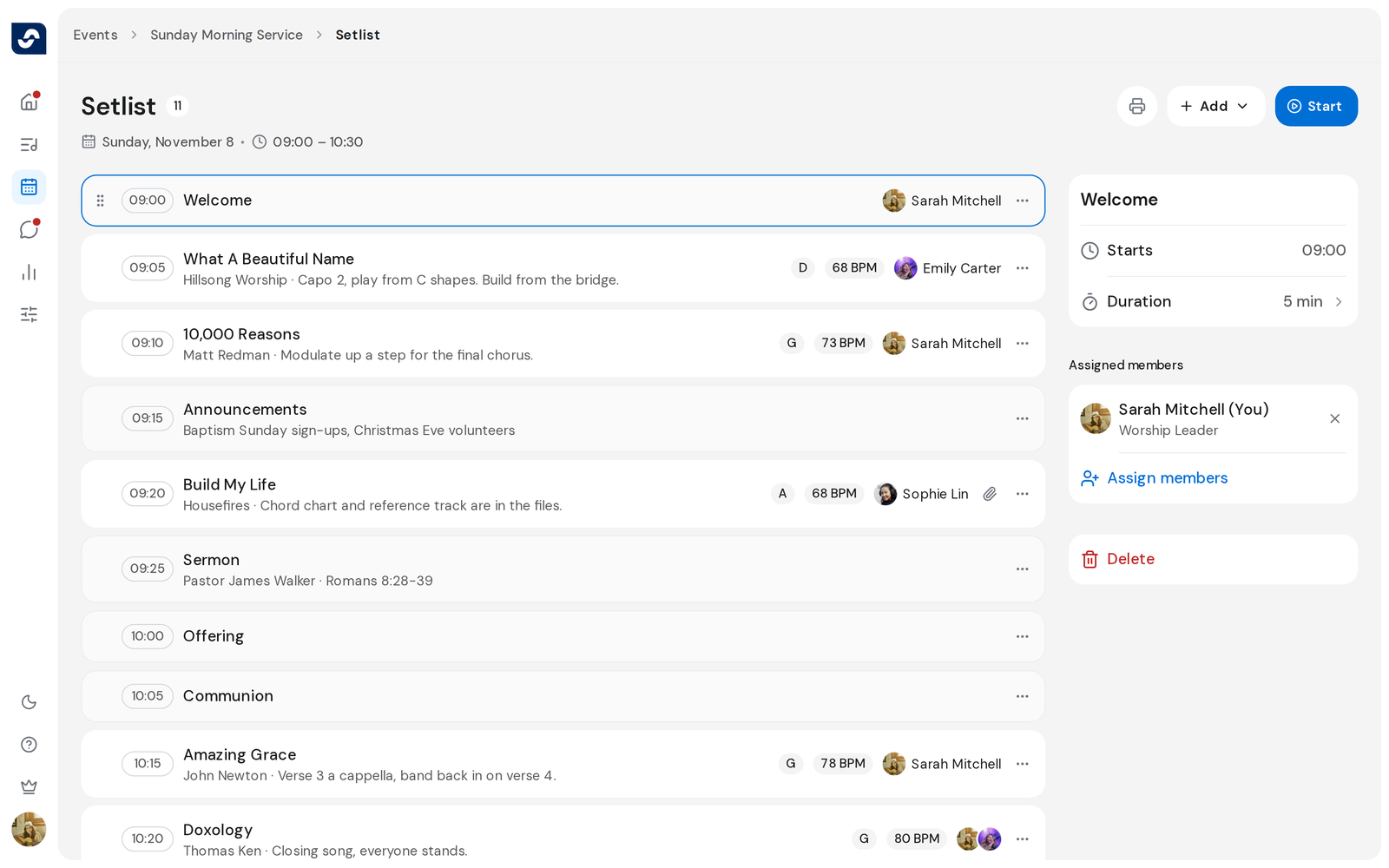
Moments are the parts of a service that aren't songs: a welcome, a prayer, the sermon. Each can have a length and the people leading it.
Who can do this: Owner, Admin, Editor, Scheduler. What the roles mean
Steps
- Open the event and click Open full setlist.
- Click Add, then Add moment.
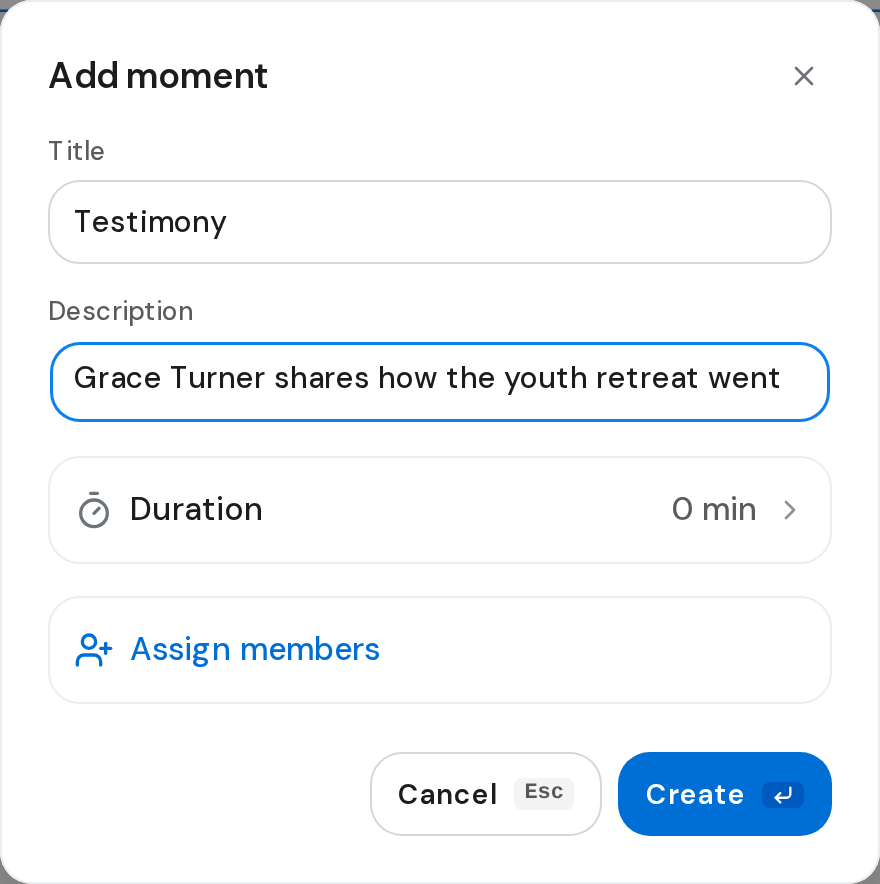
- Type a Title and a Description, and set a Duration if you want one.
- Click Create.
- To choose who leads it, click the moment, then Assign people.
- Tick the people and click Save.
Good to know
- Title and description are both needed.
- Only people who are coming to the event show up under Assign people. A moment can have up to 10.
- When you change a moment's duration, the start times after it move too.
- To change a moment, click the three dots on its row, then Edit.