Find an event
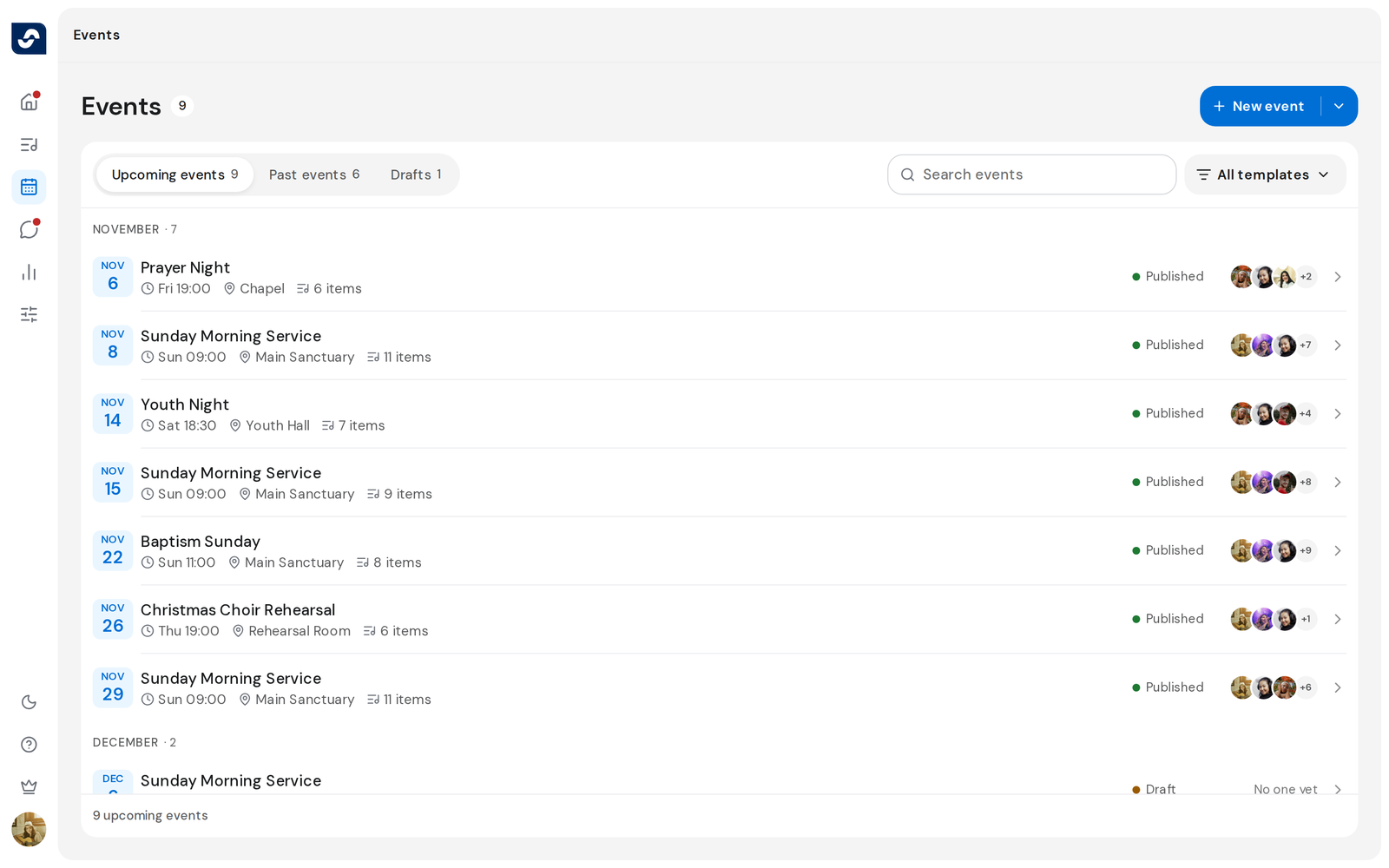
Every event your team has planned is on the Events page, soonest first.
Steps
- Click Events in the rail.
- Choose Upcoming events, Past events, or Drafts.
- To find one by name, type in Search events.
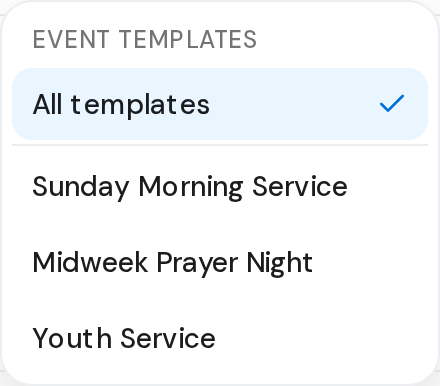
- To see only events made from one template, click All templates and choose the template.
- Click an event to open it.
Good to know
- An event stays in Upcoming events for 4 hours after it starts, then moves to Past events as Ended.
- Drafts only shows for people who plan events. Members see published events only. Publish an event
- Each row shows the date, how many items are on the setlist, and who's serving. An event running a live session says Live.
- The count under the list tells you how many events match, such as 15 of 21 while more load as you scroll.