Set a song up for your eyes
Set the song up so it's comfortable to read from wherever you're standing: choose what shows on the page, how the chords are written, how big and bold everything is, and how it's laid out on a larger screen. Each person picks their own, and nothing here changes what anyone else on the team sees.
Steps
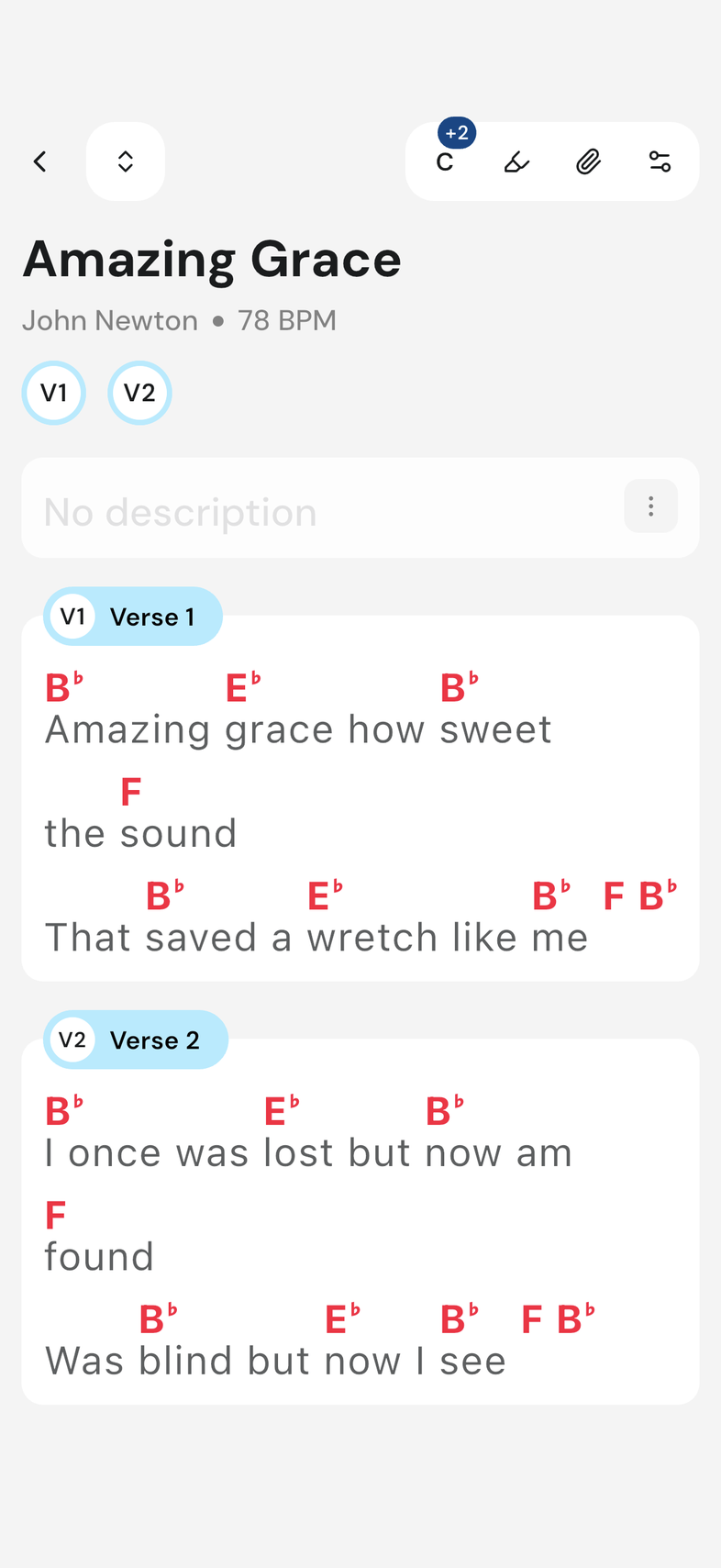
- Open any song.
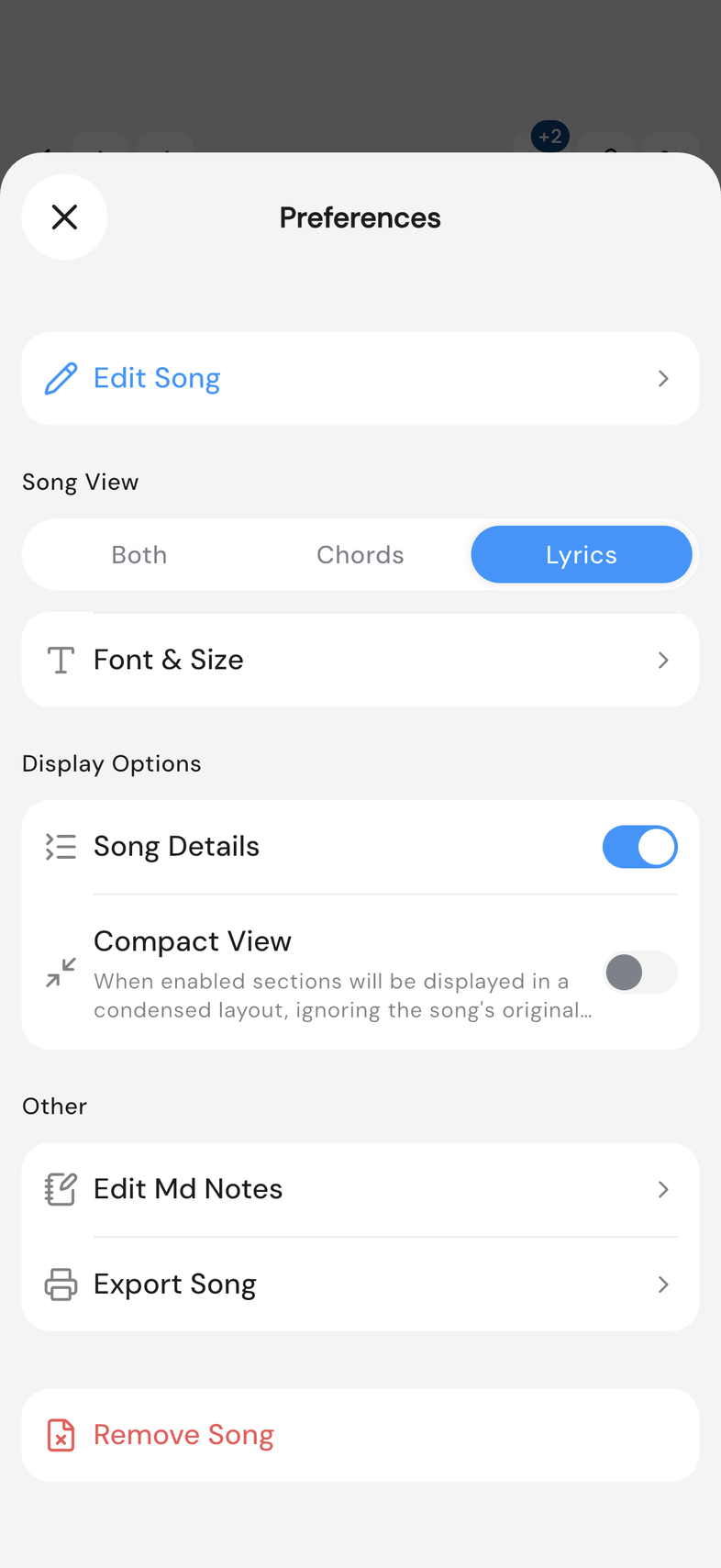
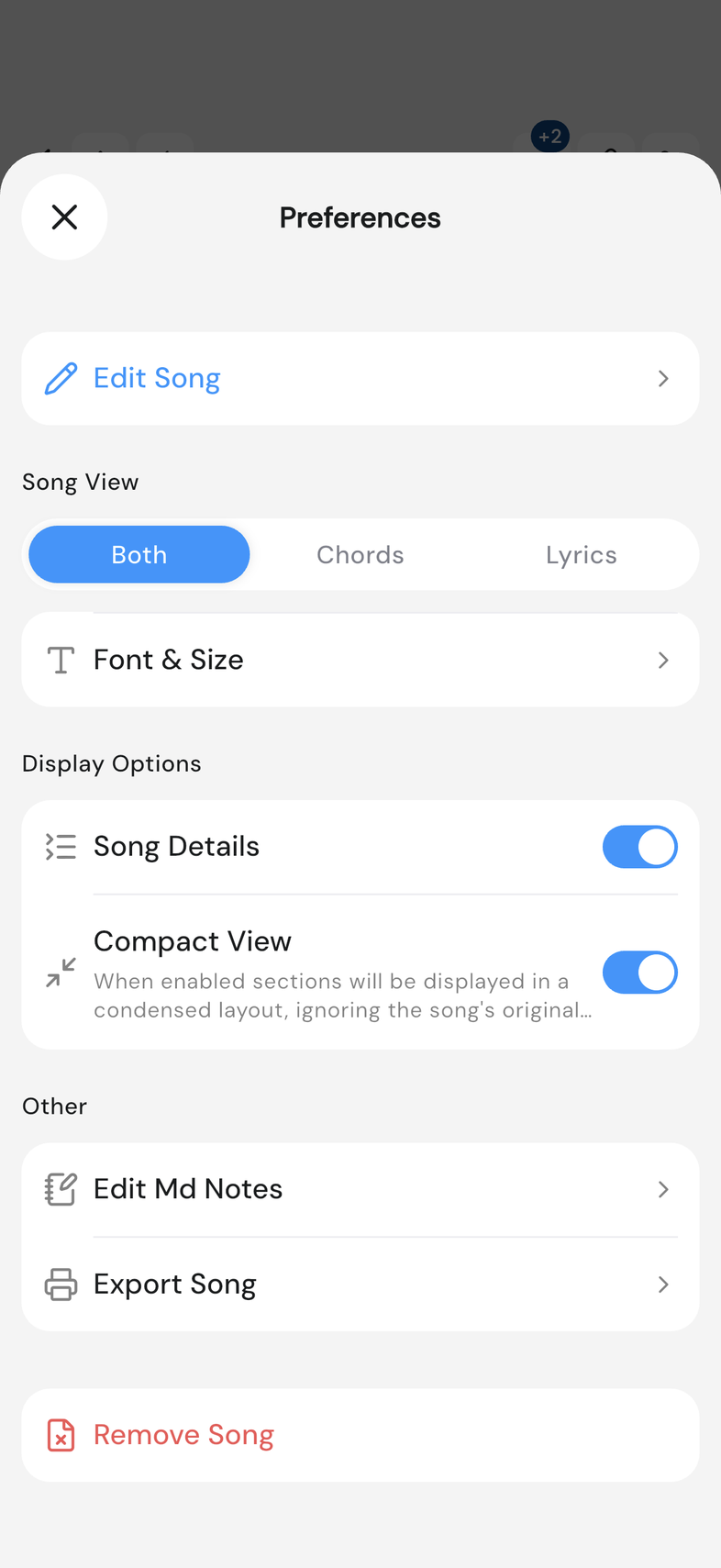
- Tap the gear icon at the top right. Preferences opens.
- Under Song View, choose Both, Chords or Lyrics to set what shows on the page.
- Tap the chord-style row to choose American (chord letters), Numbers or Numerals: the chord's position in the key, written as digits or Roman numerals.
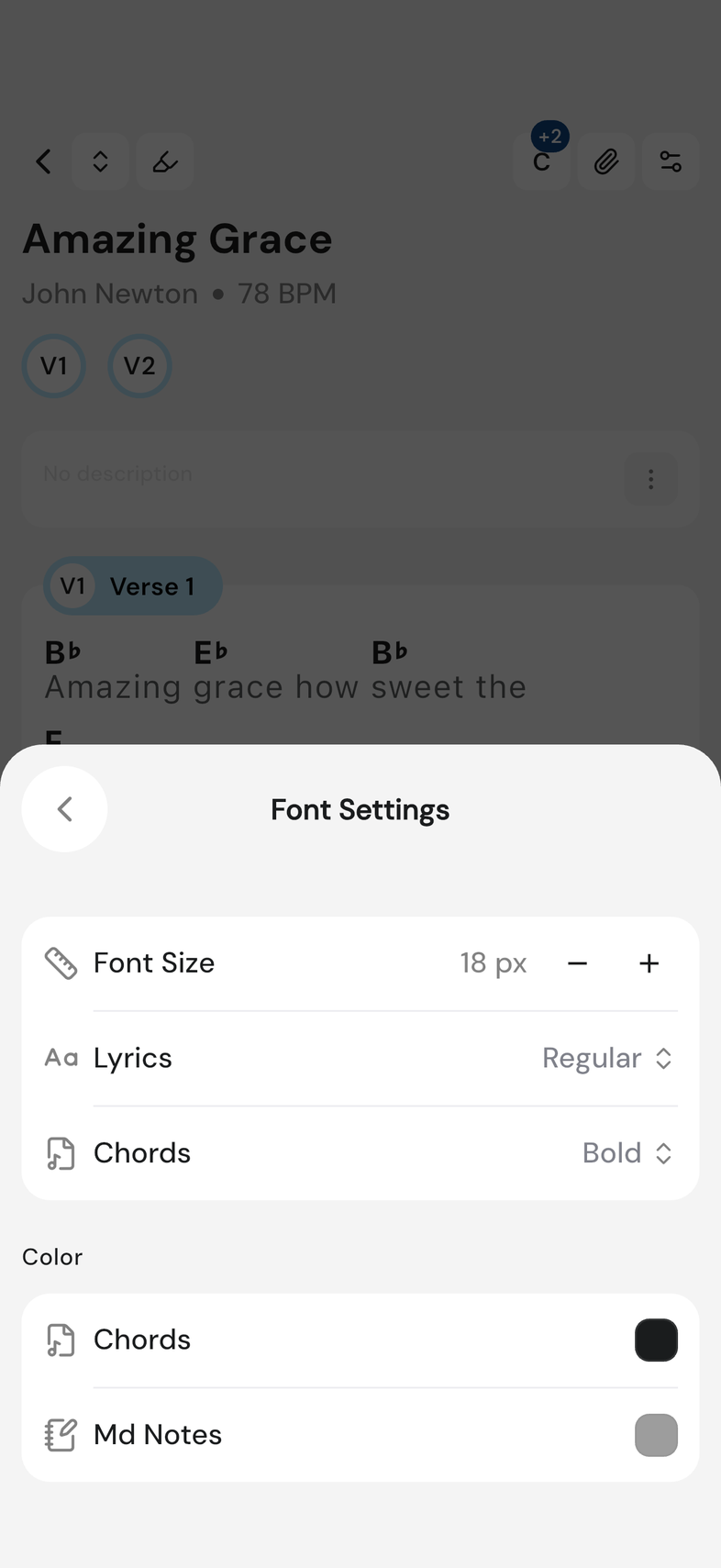
- Tap Font & Size to open Font Settings.
- Use − and + on Font Size to size the text, and tap Lyrics or Chords to set how heavy that text is, from Light to Bold.
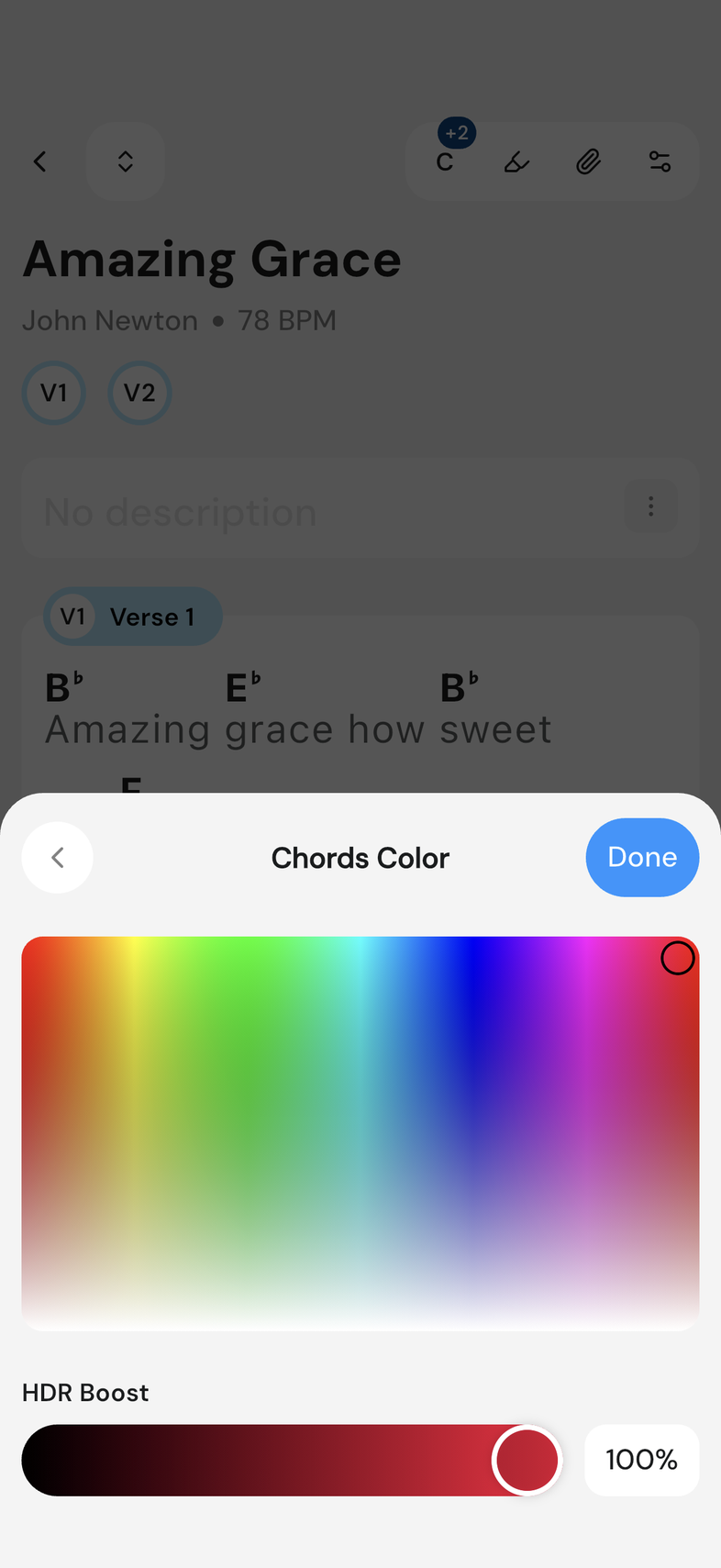
- Under Color, tap Chords or Md Notes and pick a color.
- Go back to close Font Settings.
- Scroll to Display Options. Turn on Compact View to collapse repeated sections so a long song reads shorter, or, on a tablet or in a browser, turn on 2-Column Layout to split the song into two side-by-side columns.
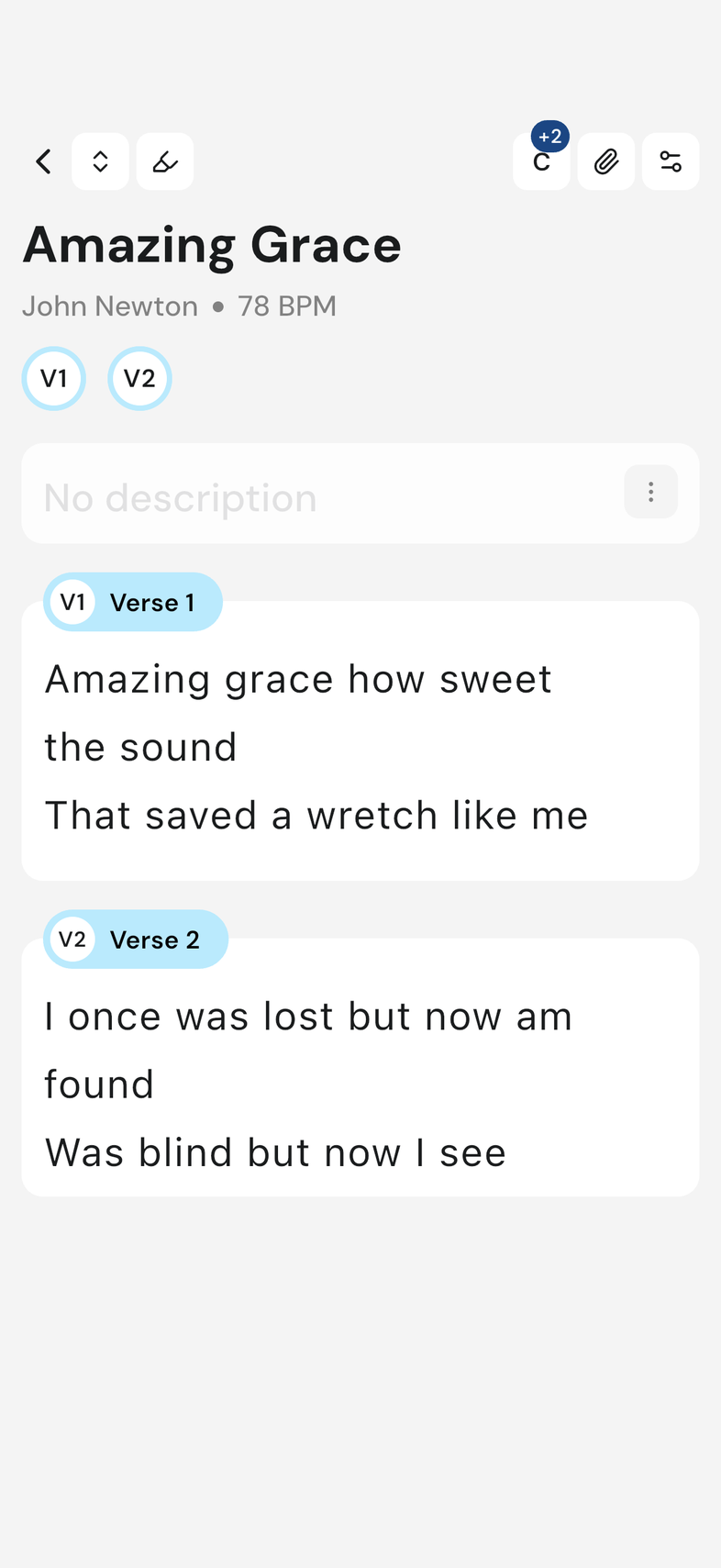
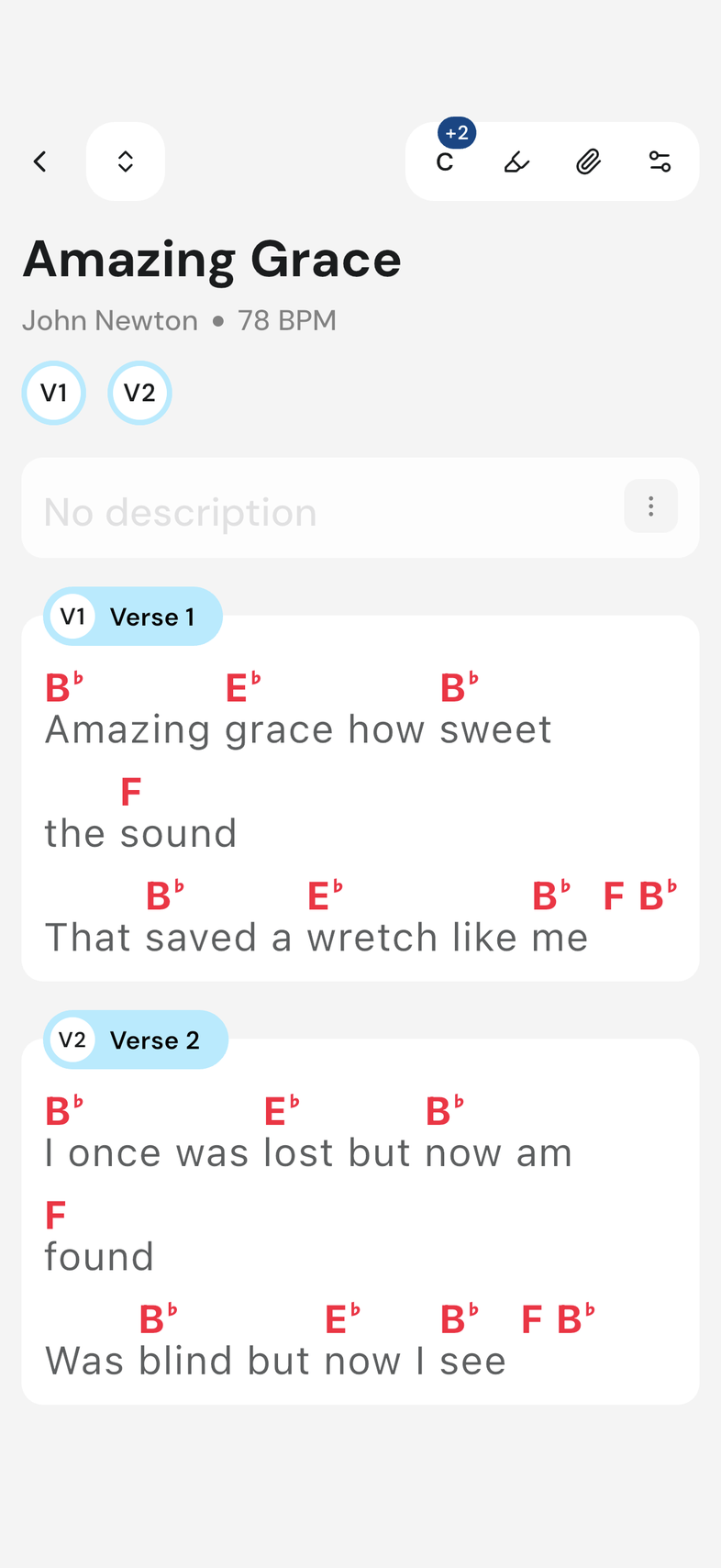
- Close the modal. The song redraws behind it.
Good to know
- This is your own view. Nothing changes for anyone else on the team, and the choice applies to every song you open from now on, not only the one in front of you.
- American is chord letters (C#, D, E), what most chord sheets use. Numbers writes each chord as its position in the key: 1, 2, 3. Numerals writes the same positions as Roman numerals: I, II, III. Either way the chart reads the same whatever key the song is in.
- Font Size runs from 10 px to 36 px, and it sizes lyrics and chords together. Md Notes is the color of the notes written on a section, not of the lyrics.
- 2-Column Layout only exists on a large screen (on a phone it isn't in the list at all), and even switched on, the song splits only when the screen is wide enough, about 600 px. Below that width it goes back to one column on its own, and returns to two when there's room again.