Open a song from an event
Read chords and lyrics from inside the event itself, so you're on the same setlist as everyone else on stage.
Steps
-
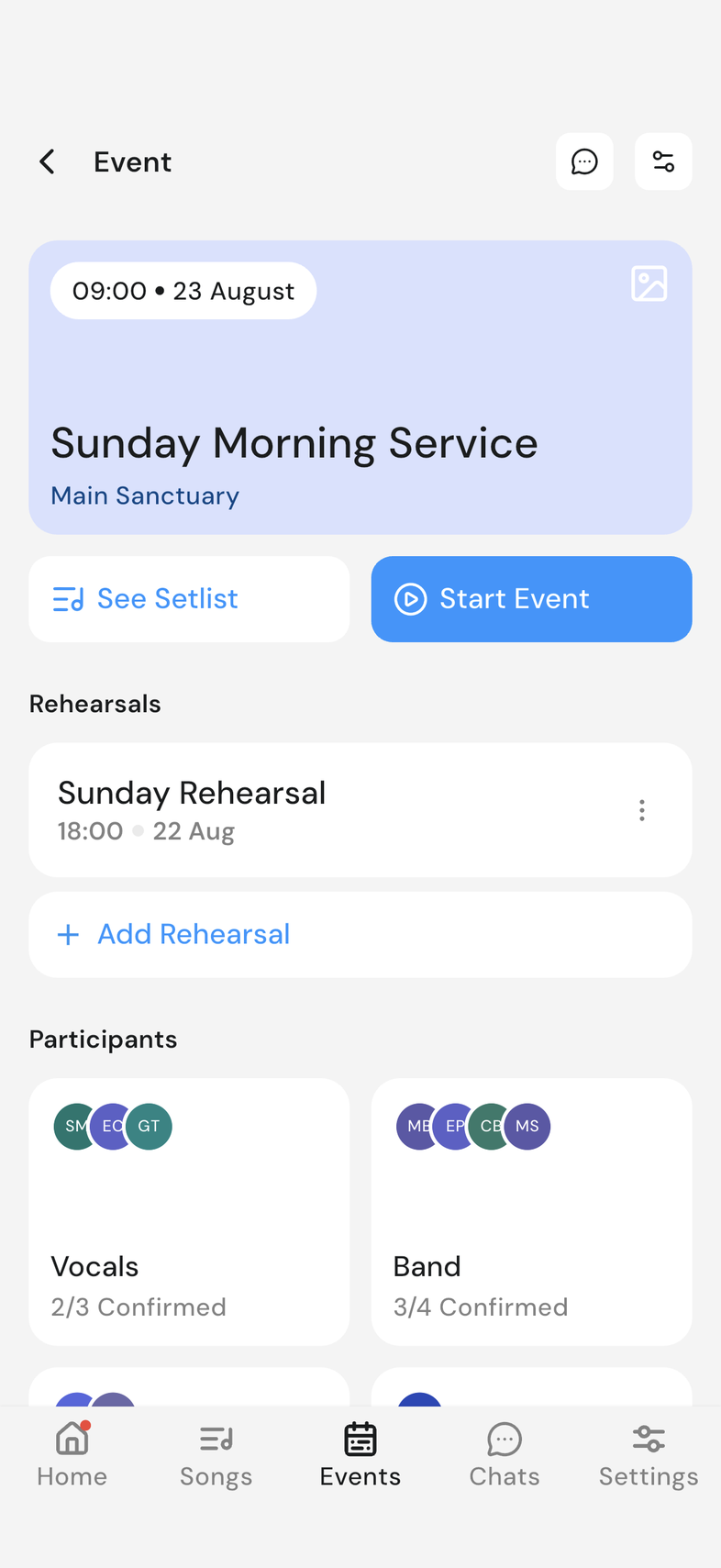
Open the event you're playing at.
-
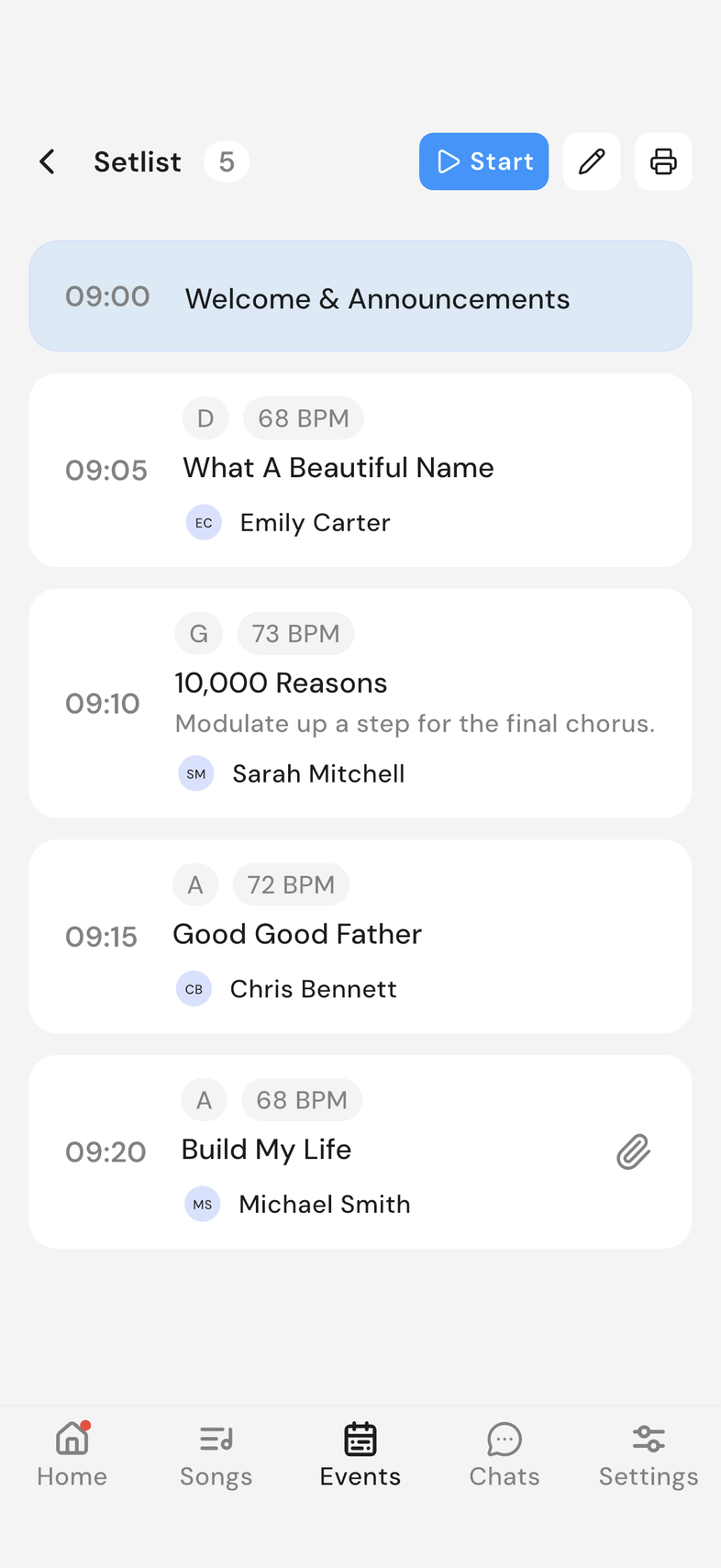
Tap See Setlist. Everything for the event appears in order.
-
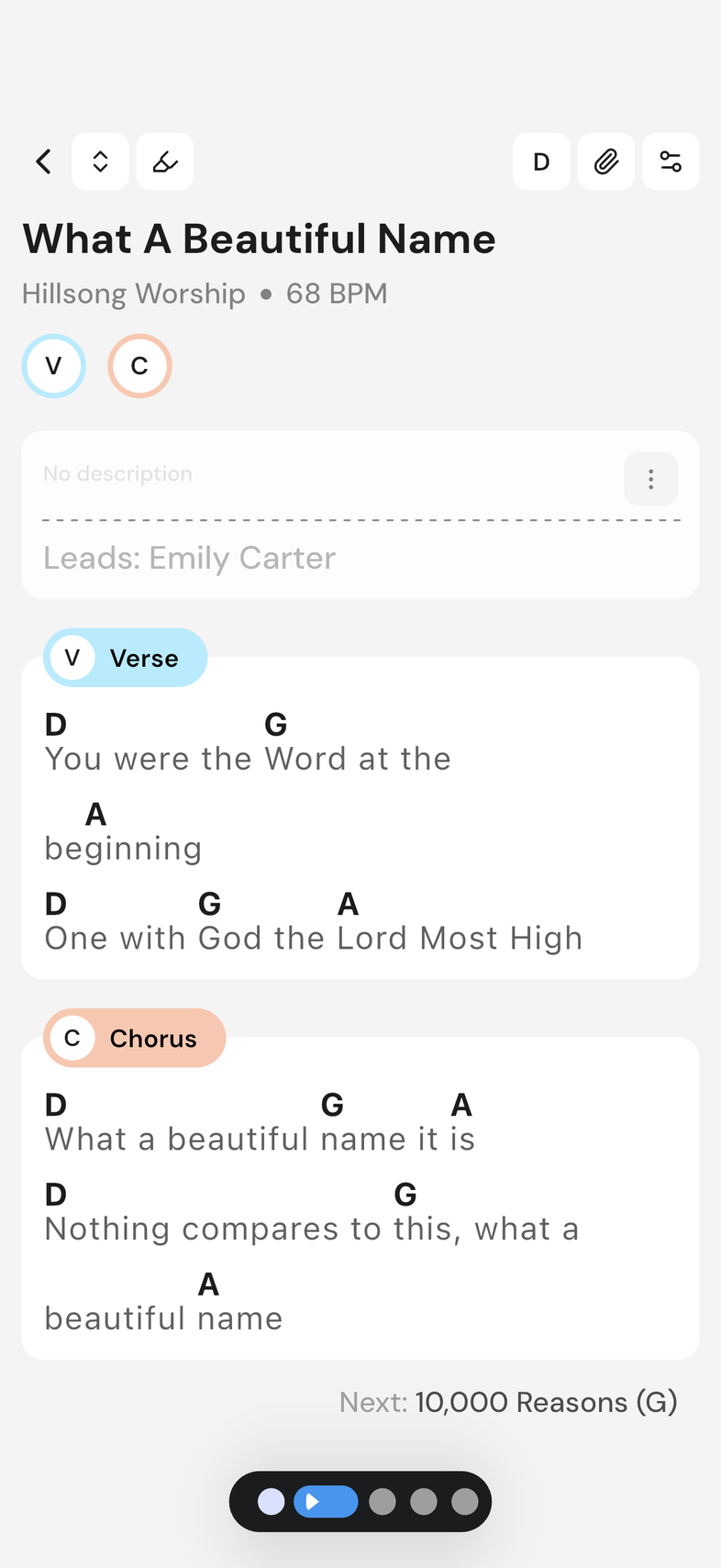
Tap the song you want to read. It opens full screen.
-
To begin at the top of the setlist instead, tap Start Event on the event.
Good to know
- The screen stays awake for as long as a song is open, so it won't dim on you halfway through.
- Your capo, autoscroll speed and display settings come with you into the event.
- Songs you've already opened stay readable without internet.
- Once a song is open, swipe to reach the rest of the setlist. Swipe between songs in an event