Move between sections in a song
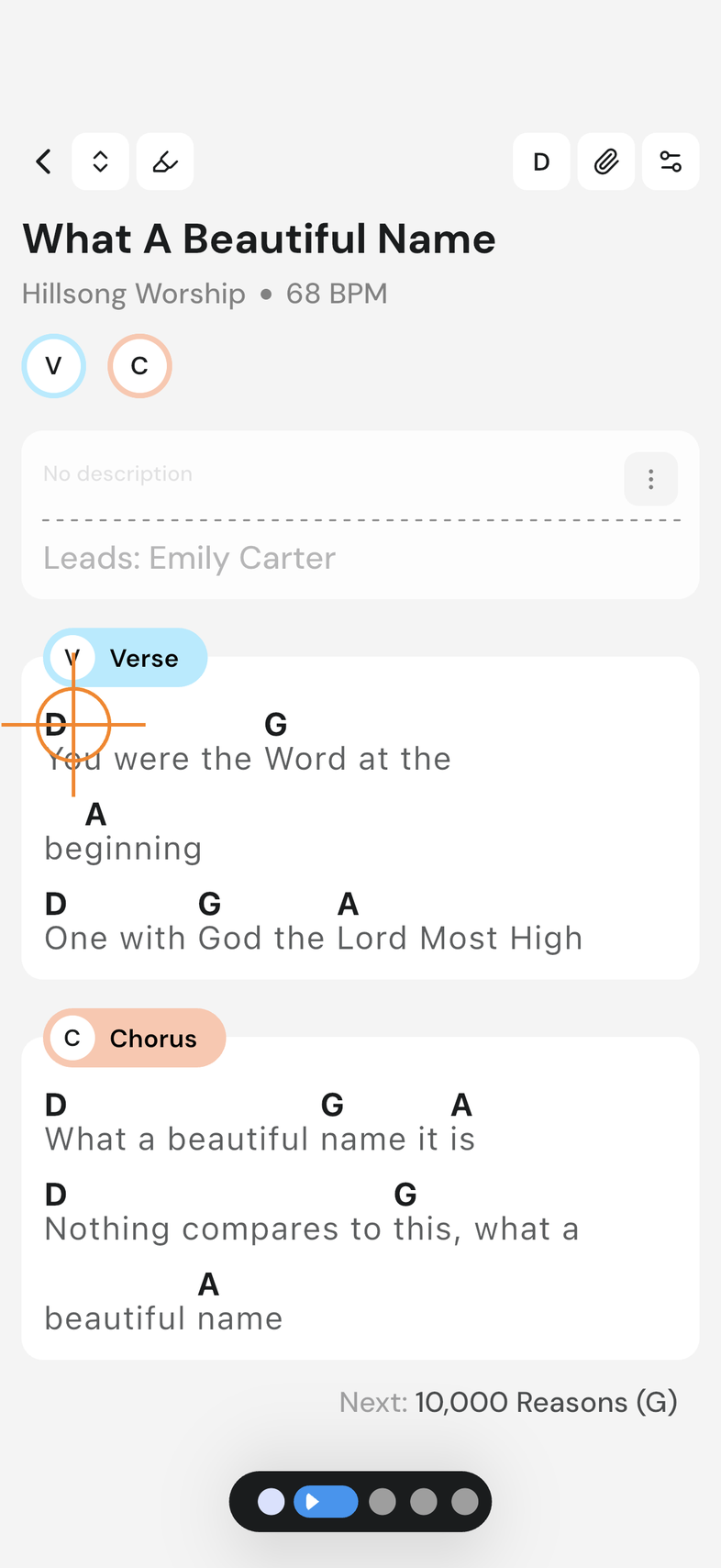
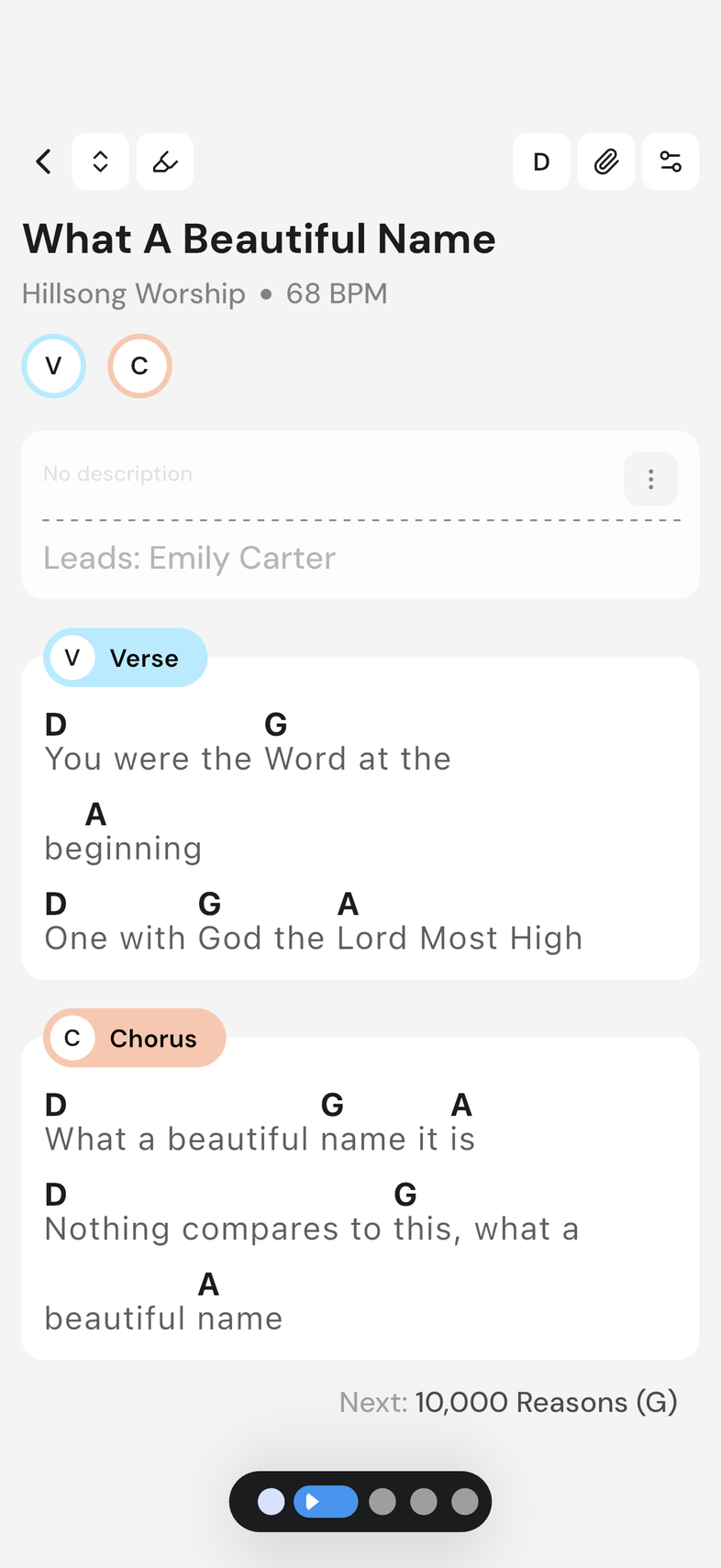
A song open on stage has a strip of section chips at the top, so you can jump straight to any part without scrolling through the whole thing.
Steps
- Tap a section chip in the strip at the top to jump straight to that section.
- Tap a section's title, above the section itself, to scroll it to the top of the screen.
Good to know
- The chip strip follows you as you scroll, sliding the section you're on into view.
- A repeated section's chip carries the count, so you can see it's played more than once before you get there.
- Tapping a chip in the strip doesn't work while Compact View is on. Choose your view: chords, lyrics or both