See when you're scheduled
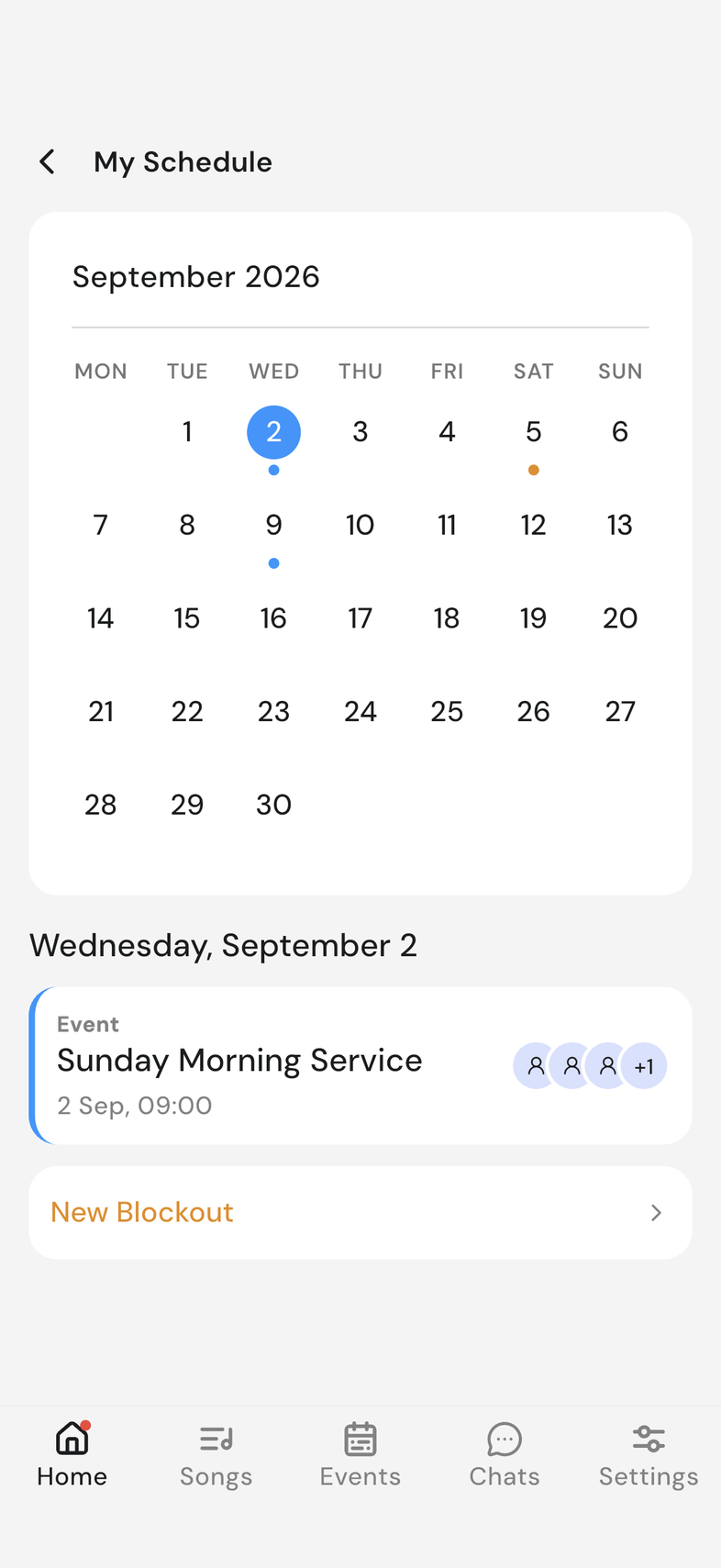
My Schedule shows the events, rehearsals, and blockouts you're part of, one month at a time.
Steps
-
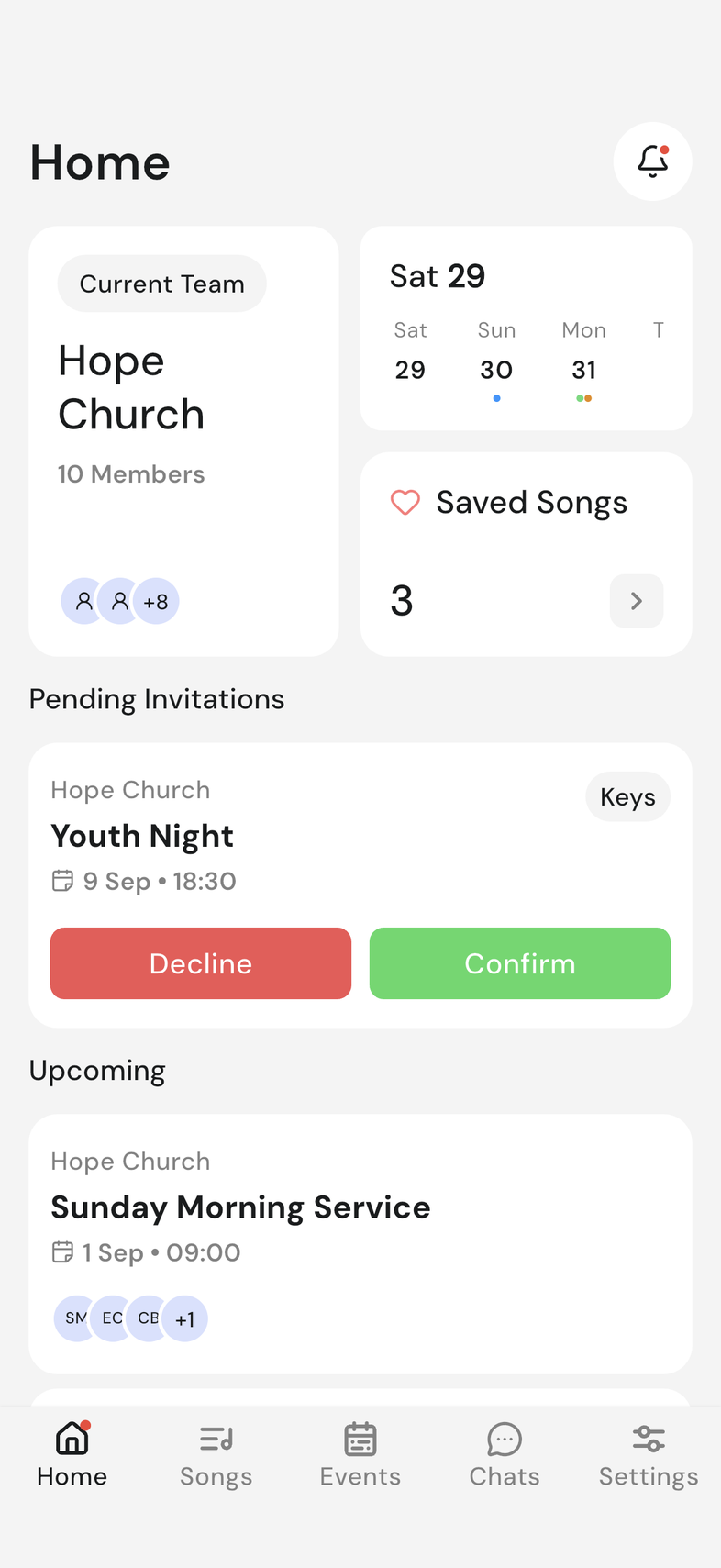
Open the Home screen.
-
Tap the calendar card. My Schedule opens.
-
Swipe the calendar left or right to move to another month.
-
Tap a day. The date appears below the calendar, with that day's items under it.
-
Tap an event or rehearsal to open it.
Good to know
- The calendar card is the only way in to My Schedule.
- Colored dots on a day show what's on it.
- On a day with nothing on it, you'll see only the New Blockout card.
- Pull down on the screen to refresh.