Export the setlist as a PDF
Turn the setlist into a file you can print, send, or hand to someone who doesn't use OnStage.
Paid plan: This needs a paid plan. What's included
Steps
-
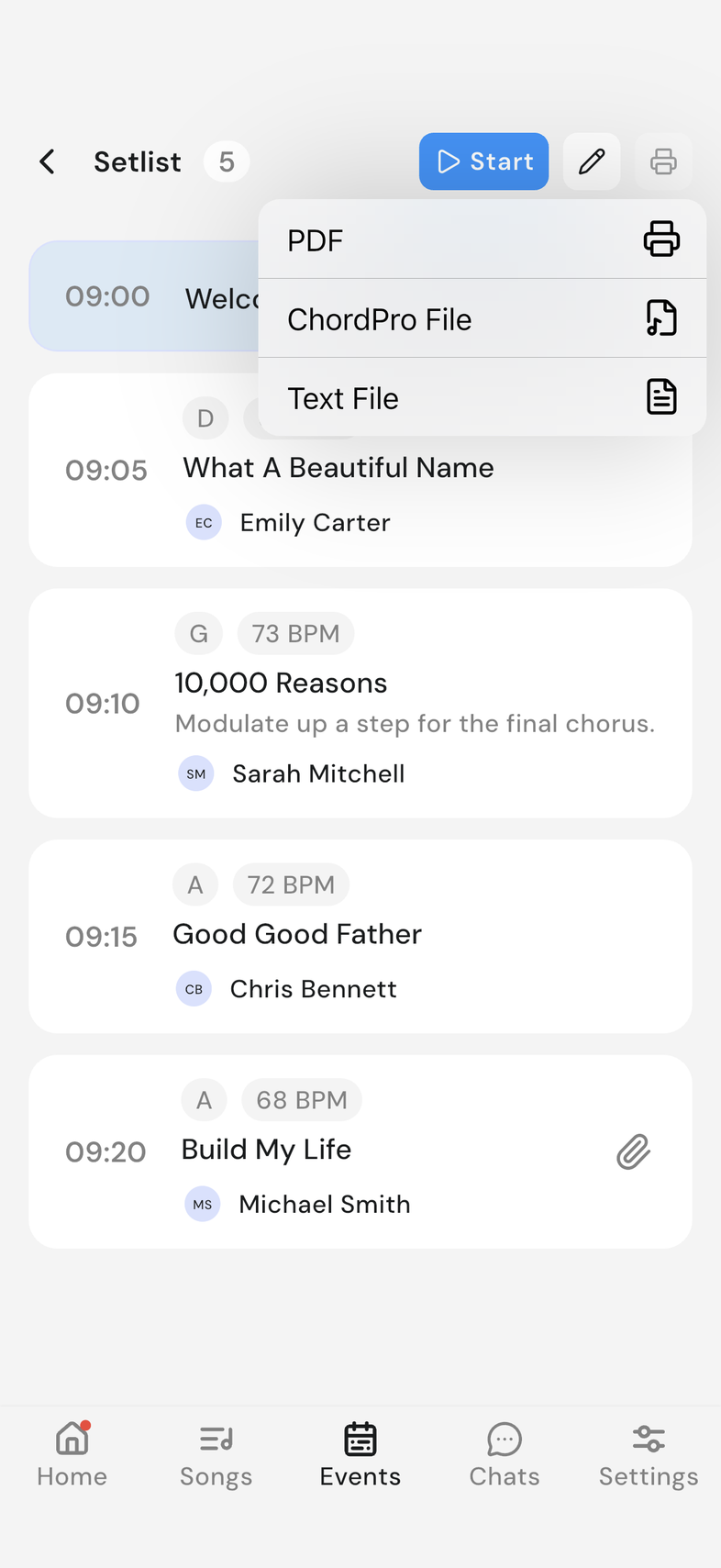
Open the event and tap See Setlist.
-
Tap the printer icon at the top right.
-
Choose PDF. ChordPro File and Text File are on the same menu.
-
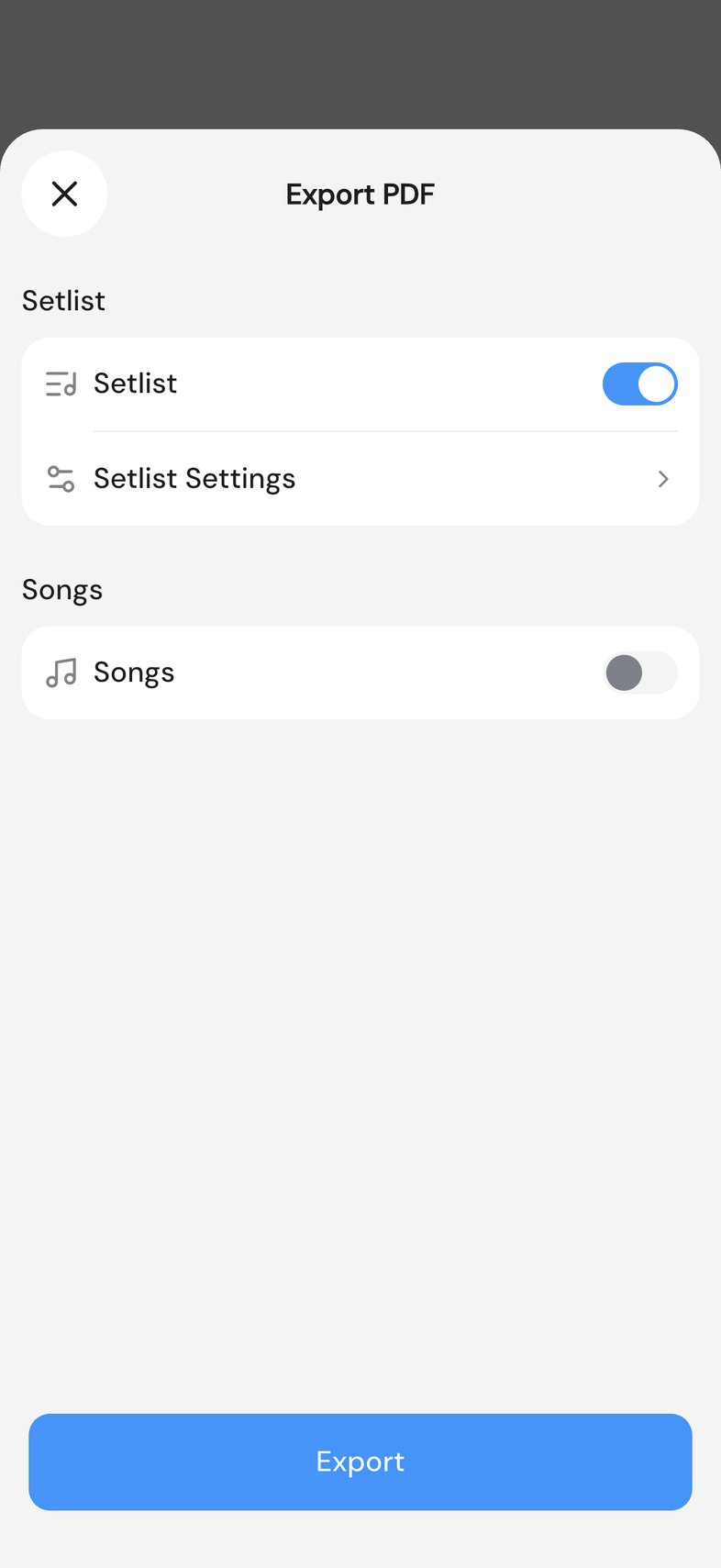
In Export PDF, turn Setlist on for the running order and Songs on for each song's page.
-
Open Setlist Settings to choose what shows on the running order: Notes, Assigned People, Structure and Font Size.
-
Open Song Settings for the song pages: Compact View, Md Notes, Chord Size and Lyrics Size.
-
Tap Export.
Good to know
- Setlist and Songs can both go in one file, or either one on its own.
- Compact View lays the sections out condensed instead of following the song's own structure.
- One song can go out on its own instead of the whole setlist. Export a song as PDF, ChordPro or text