Check another member's schedule
Open anyone on your team to see what they're booked for and when they're away.
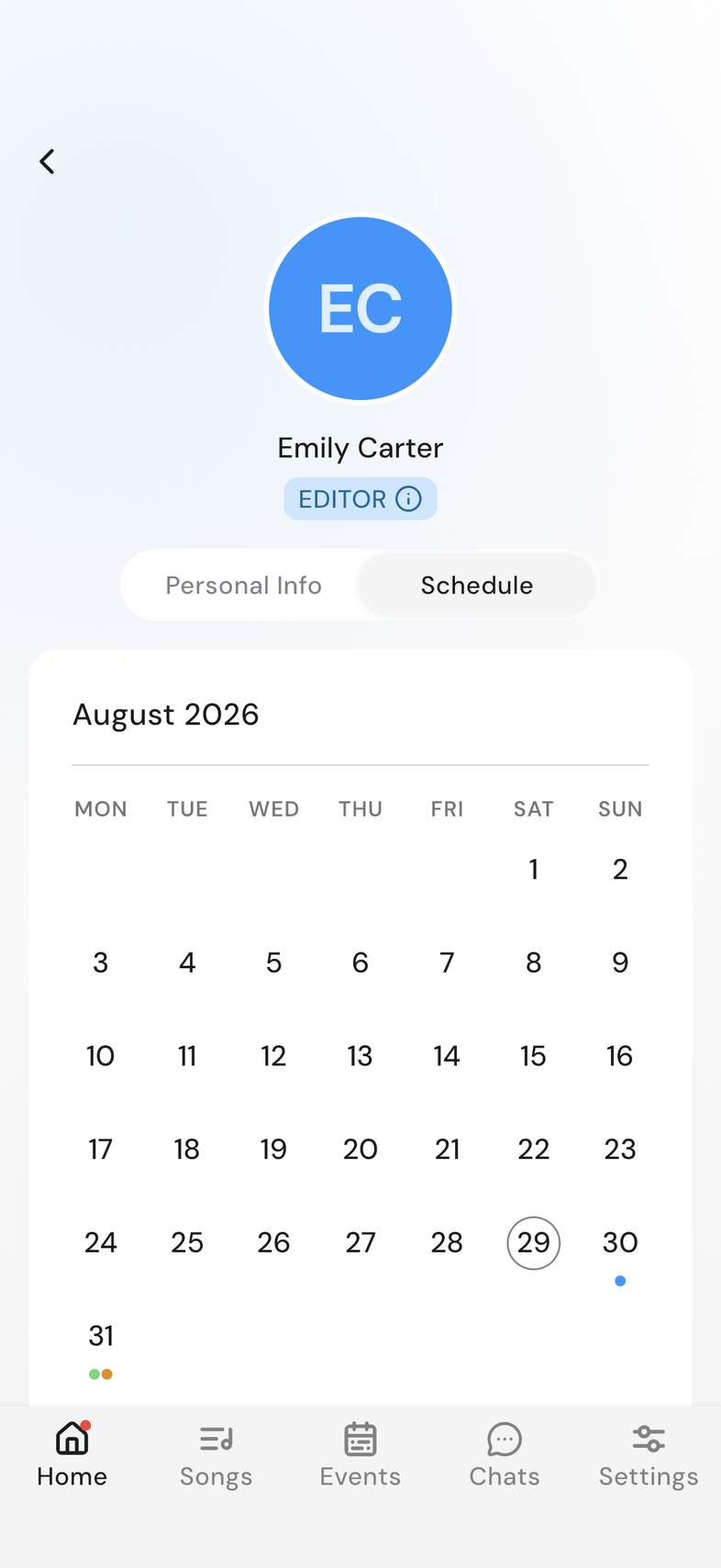
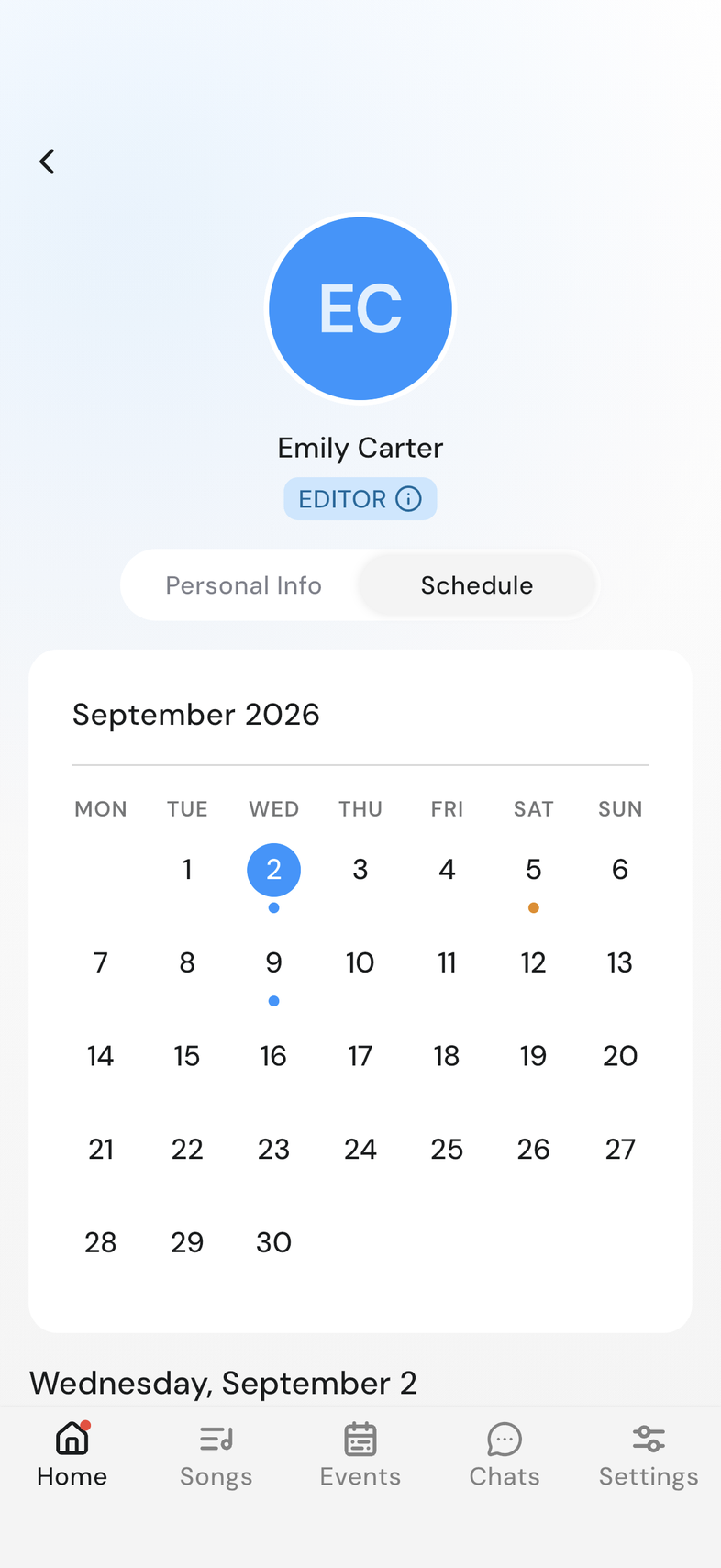
Steps
- Open Team details and tap the person in the member list, or tap their row on an event.
- Tap the Schedule tab next to Personal Info.
- Tap a day to see what they have on it.
Good to know
- The colors mean the same thing as on your own calendar.
- A blockout shows the reason the person typed.
- There's no New Blockout card and no menu on their items: you can only change your own.
- A day with nothing on it shows No items in this schedule.