Delete your account
Your account and everything attached to it are removed from OnStage. This cannot be undone.
Before you start
- If you own a team, cancel its plan first. Ownership can't be moved to anyone else. Why the Owner's role can't be changed
- If you only want to leave a team, ask an Owner or Admin to remove you instead.
Steps
- Open Settings and scroll to General.
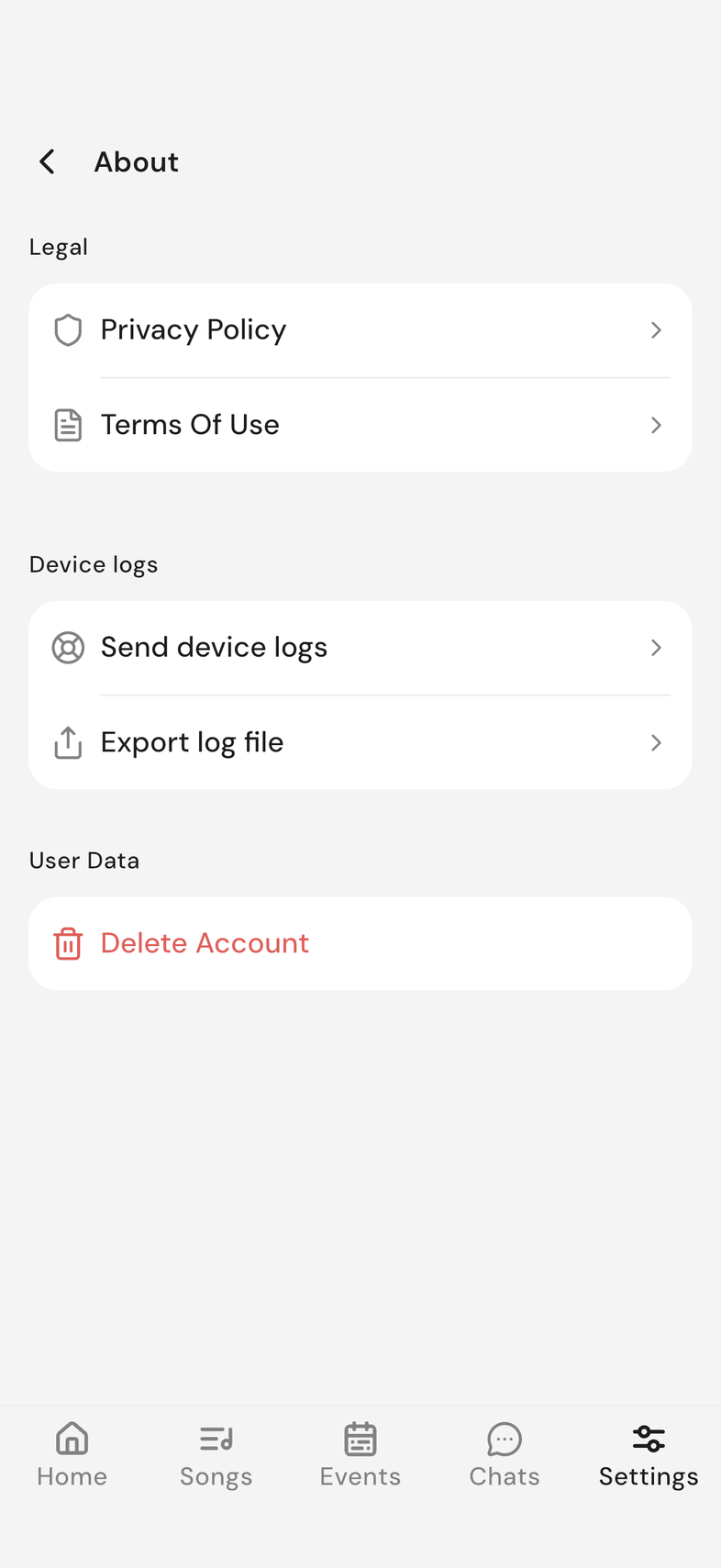
- Tap About.
- Scroll to User Data.
- Tap Delete Account.
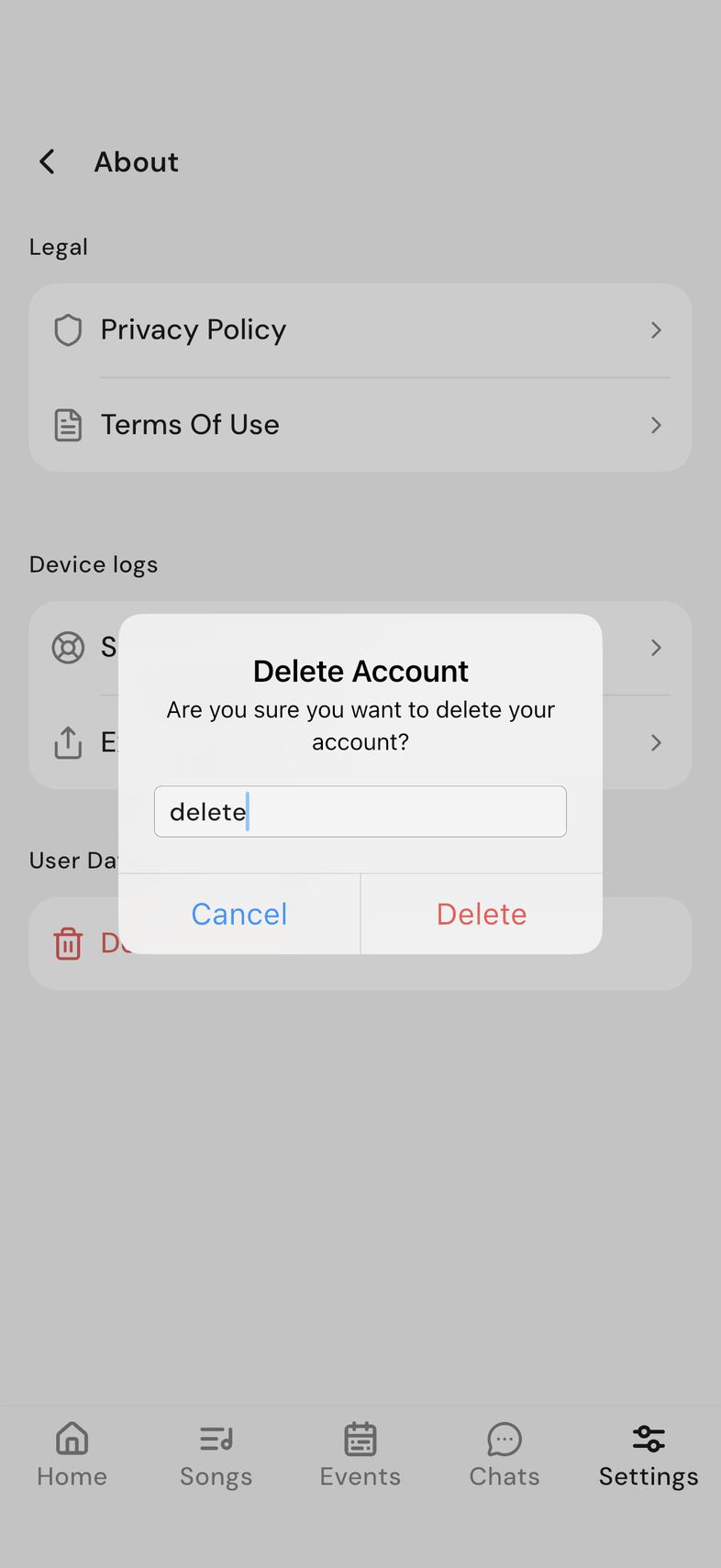
- Type delete in the box to confirm.
- Tap Delete.
Good to know
- If you own a team, it's deleted too. Its events, songs and chats go with it.
- There is no undo. Your account and the things attached to it are gone.
- You're signed out as soon as the deletion goes through.
- Deleting your account does not cancel a paid plan. Cancel it first.