Connect OnStage to FreeShow
FreeShow is a free program for putting lyrics and slides on the screen. Connect it to OnStage and it can use your team's events and songs, so the setlist only gets built once.
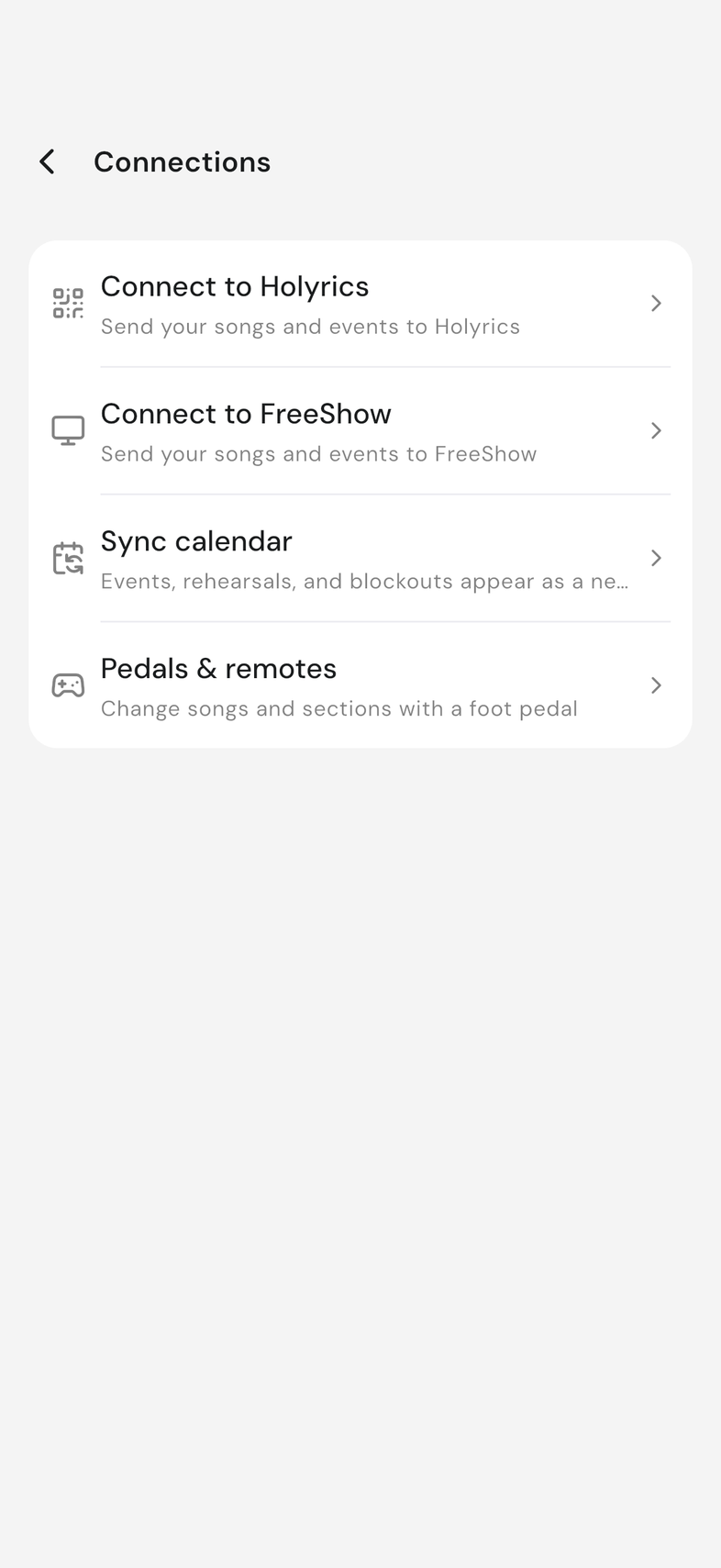
You connect from FreeShow on your computer, not from your phone. The same steps are in the app under Settings, Connections, Connect to FreeShow.
Steps
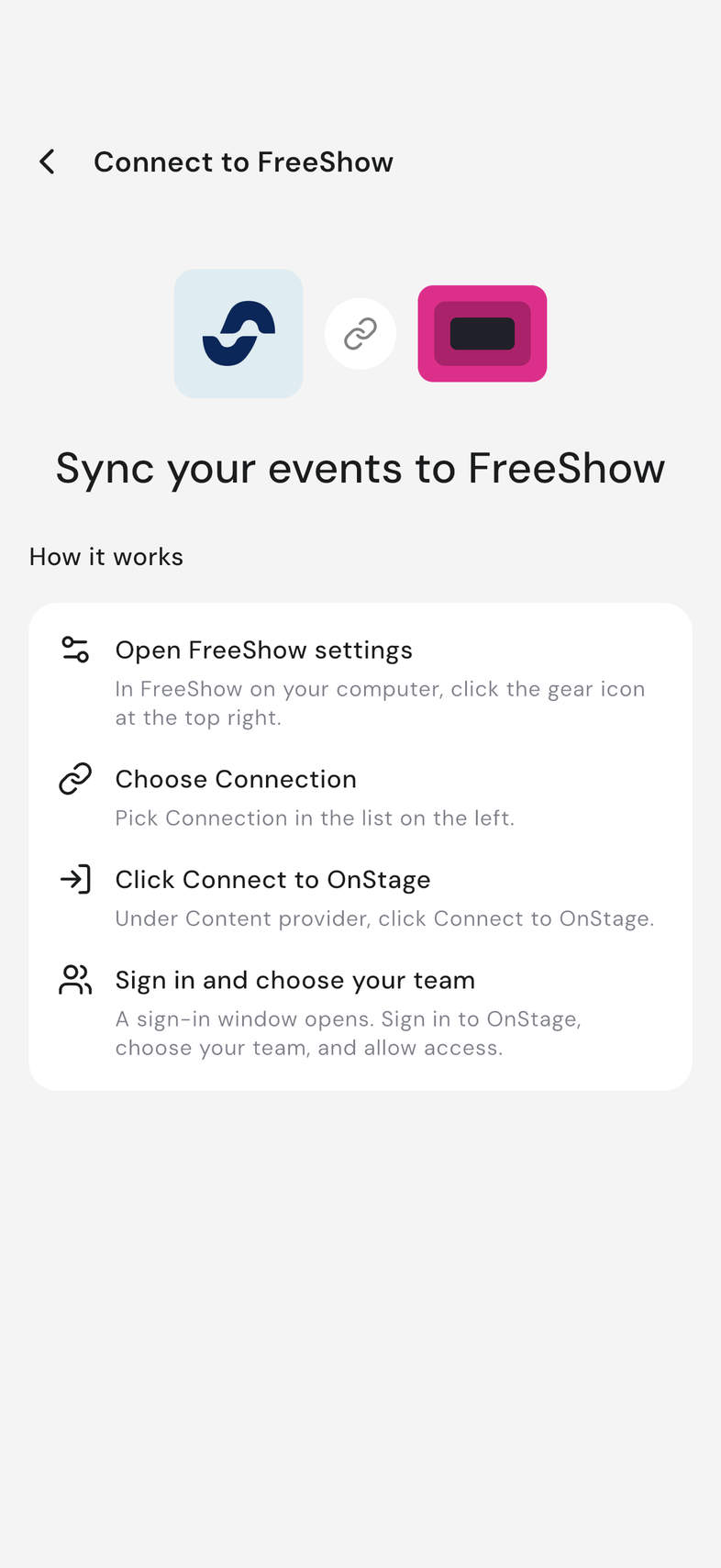
- In FreeShow on your computer, click the gear icon at the top right.
- Pick Connection in the list on the left.
- Under Content provider, click Connect to OnStage.
- Sign in to OnStage in the window that opens.
- Choose your team and allow access.
Good to know
- FreeShow can read your team's songs and events. It can't change anything in OnStage.
- Anyone on the team can connect, but only to a team they've joined.