Turn dark mode on or off
Dark mode is easier on your eyes in a dark room. Light mode reads better in daylight.
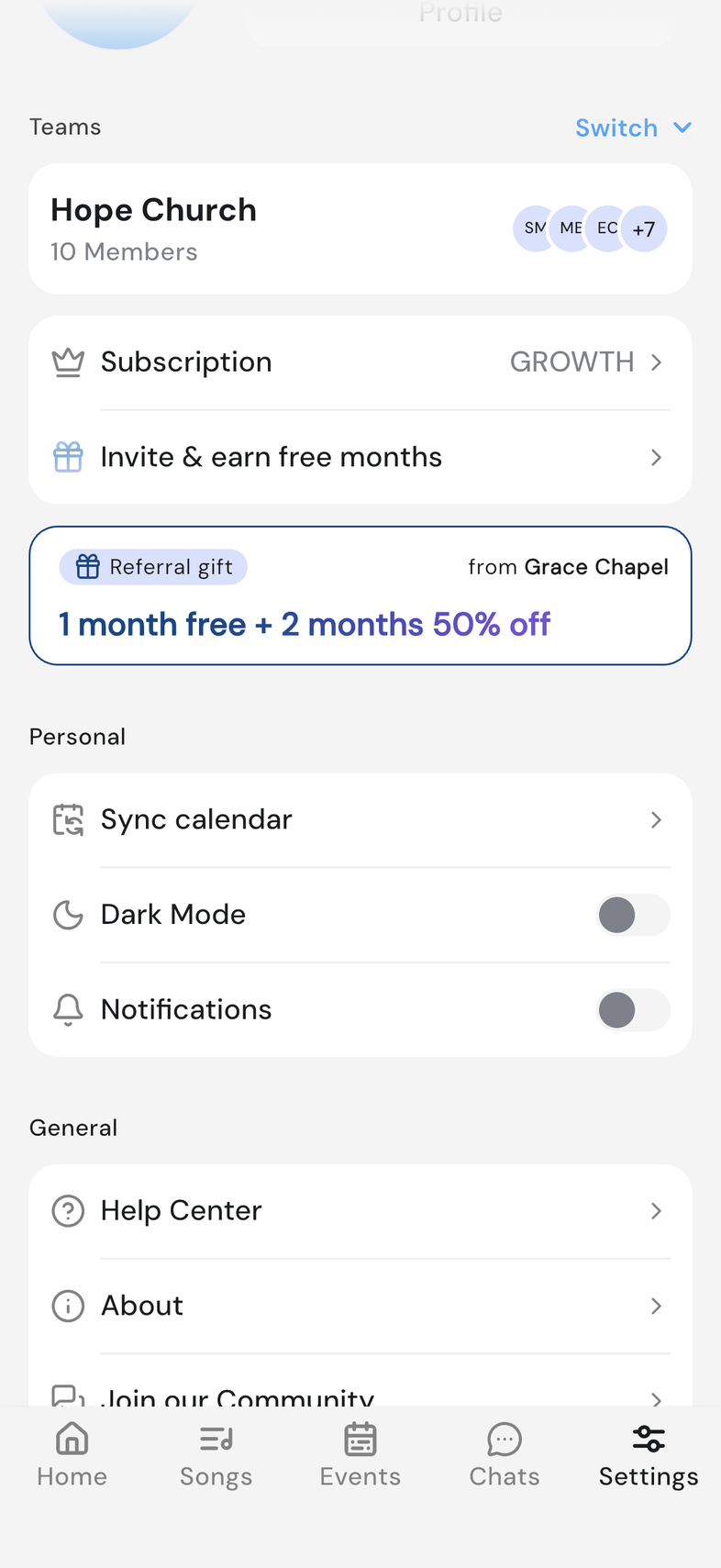
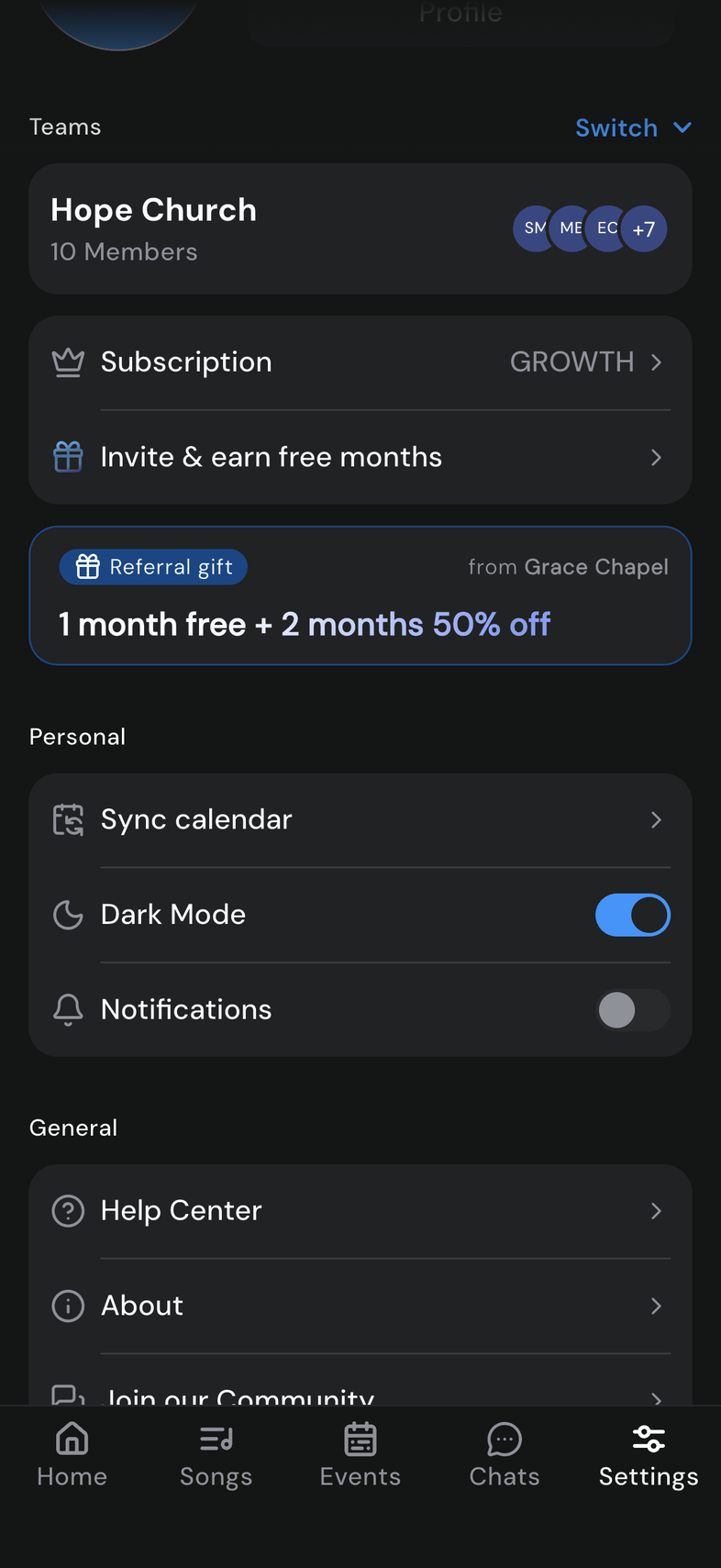
Steps
- Open Settings.
- Scroll to Personal.
- Turn Dark Mode on or off.
Good to know
- The whole app changes the moment you flick the switch. There's nothing to save.
- It's your own setting. Nobody else's screen changes.
- It applies to every screen, so check a song page before you're on stage.