See your usage, next payment and receipts
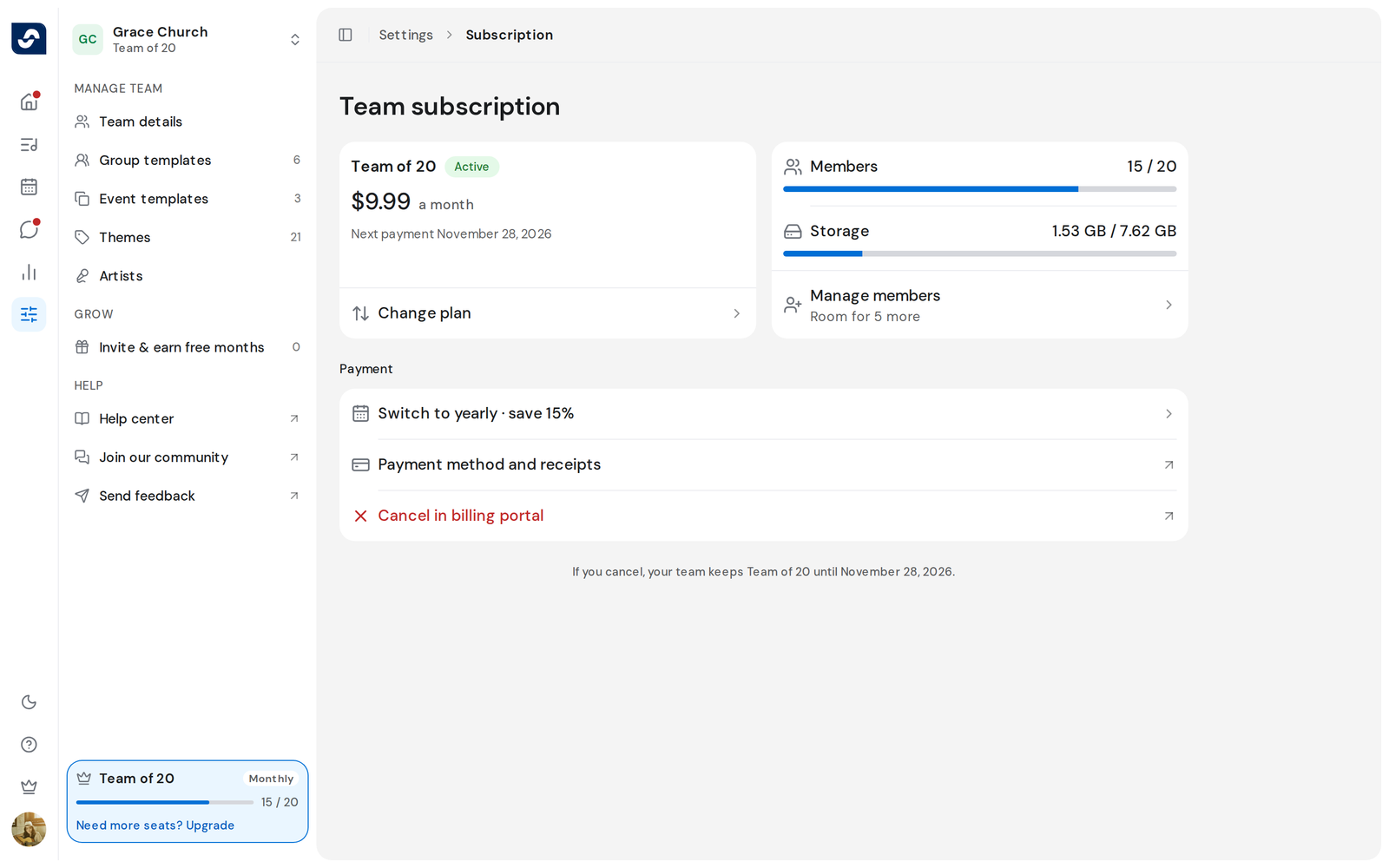
The Team subscription page shows your plan, what the team is using, and how it's paid.
Who can do this: Owner. What the roles mean
Steps
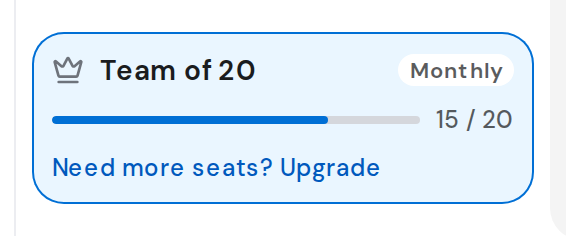
- Click Settings in the rail, then your plan card. Team subscription opens.
- Read Members and Storage on the card beside your plan: what's used of each limit.
- The plan card shows the price and Next payment with the date.
- To change your card or get receipts, click Payment method and receipts under Payment. Your billing portal opens in a new tab.
Good to know
- If a payment fails, Billing issue appears at the top. Click Update payment on the plan card to fix it in the billing portal.
- A plan bought in the App Store or Google Play is managed there. The page says so, for example Plans bought in the App Store can only be changed or cancelled there.
- On a monthly plan, Switch to yearly · save 15% under Payment opens the yearly plan on the Plans page.
- Everyone else can open the page but sees Managed by your team owner.