Reply, react, copy and see who read a message
Every message has a menu for reacting, replying and copying. On your own messages it also shows who has read them.
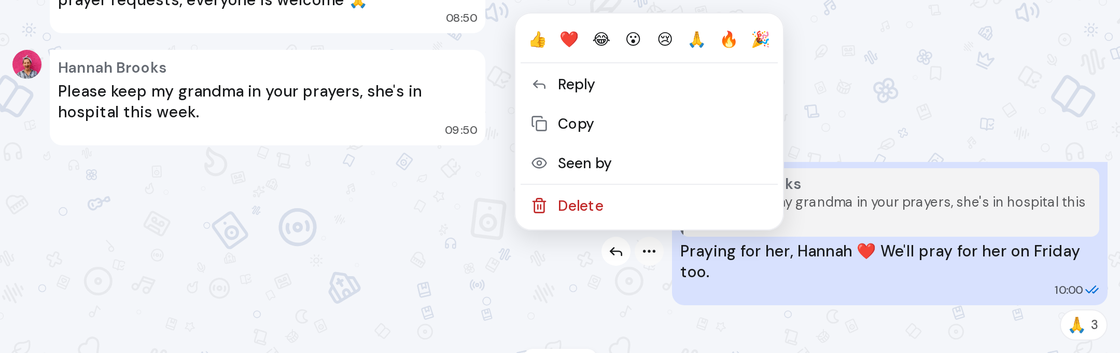
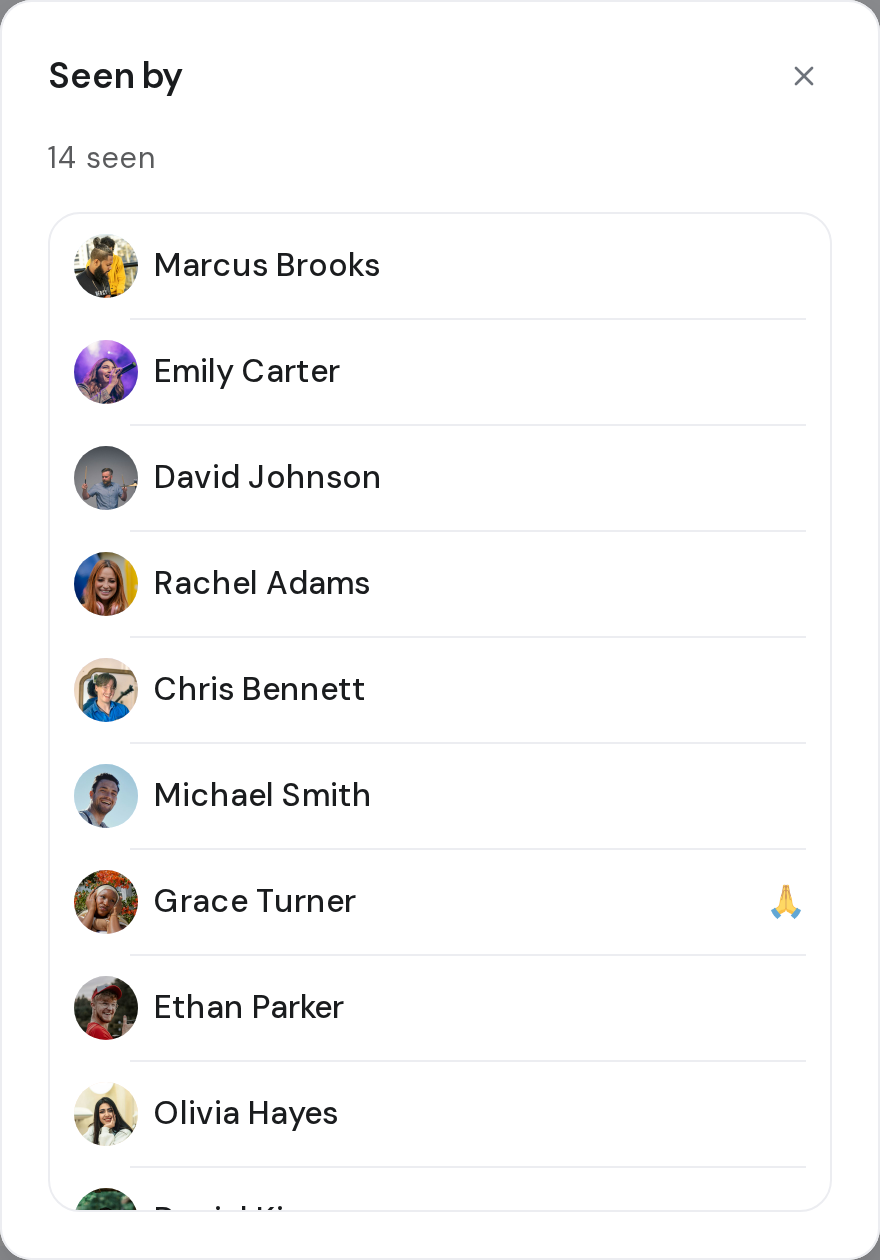
Steps
- Point at a message. Reply and Message actions appear beside it.
- Click Message actions, or right-click the message.
- Click an emoji at the top of the menu to react.
- Click Reply to answer that message, or Copy to copy its text.
- On a message you sent, click Seen by. It lists who has read it, or says Not seen yet.
A message that didn't send
- Click Message not sent on the message.
- Click Retry to send it again, Copy text to keep the words, or Delete to remove it.
Good to know
- You have one reaction per message. Pick another emoji to swap it, or click your reaction under the message to take it off.
- After jumping back to an old message, click Jump to present to return to the newest ones.
- On a poll you voted in, the menu also has Retract vote.