See how much storage your team is using
Every file your team uploads takes space from your plan's limit. Storage at the bottom of Team details shows how much has gone, and to what.
Steps
- On Home, tap your team card to open Team details.
- Scroll to Storage.
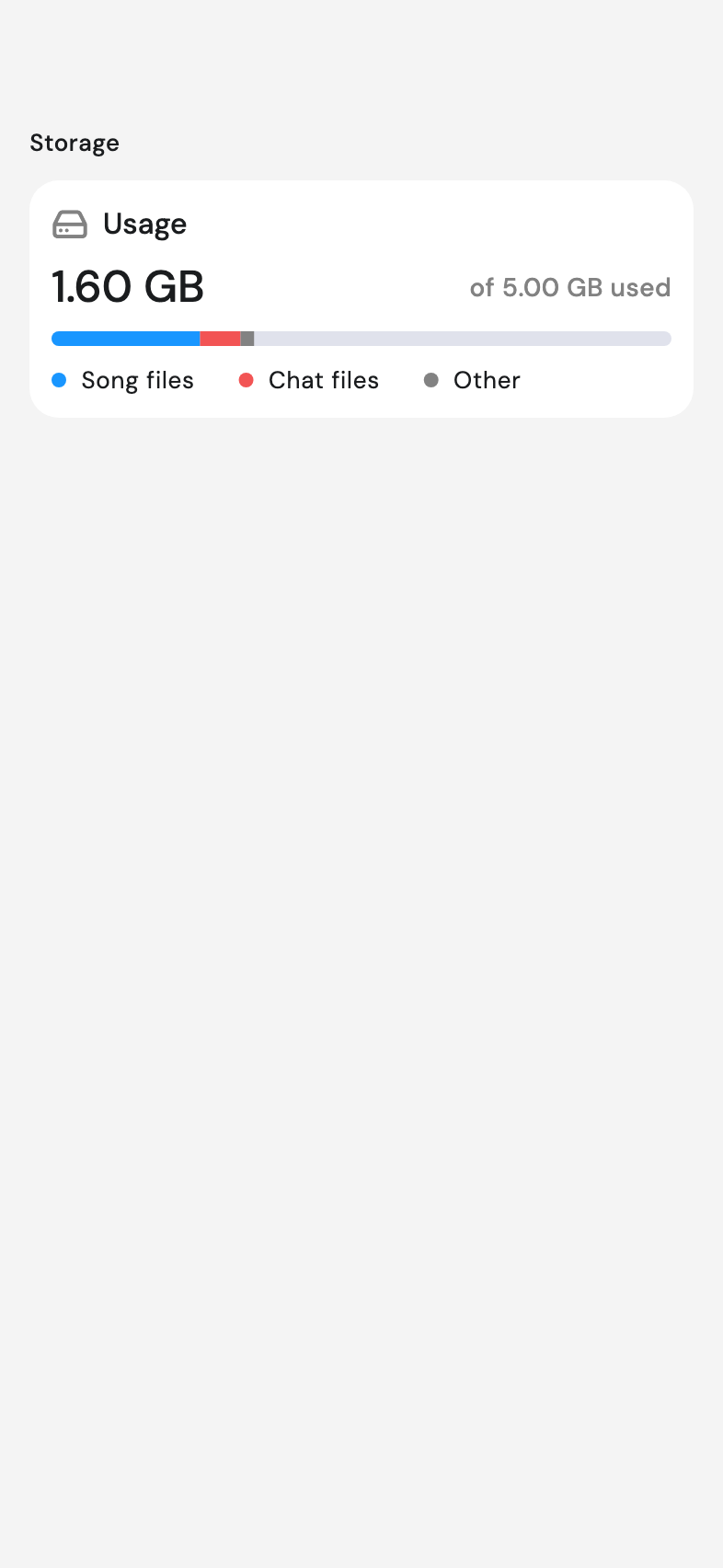
- Read Usage. The large figure is what's used, and of … used beside it gives the total your plan includes.
- Read the bar underneath. It splits into Song files, Chat files, and Other, each with its own size.
Good to know
- Other shows only when something is stored that falls into neither.
- The bar looks tappable. Nothing opens when you press it.
Frequently asked questions
How much space do we have left?
Usage gives what's used, and of … used beside it gives the total your plan includes.
What counts as a song file?
Everything attached to songs: audio, PDFs and documents. Chat files covers photos and files sent in chats.
Can everyone see this?
Yes. Everyone on the team sees the same figures.