Refer a church and earn free months
Invite another church to OnStage. When they start paying, you earn a free month, and they get a gift for joining through you.
Who can do this: Owner. What the roles mean Where: iPhone, iPad and Android only. OnStage on phone, tablet and web Online only: You need internet for this. Why buttons disappear offline
What's happening
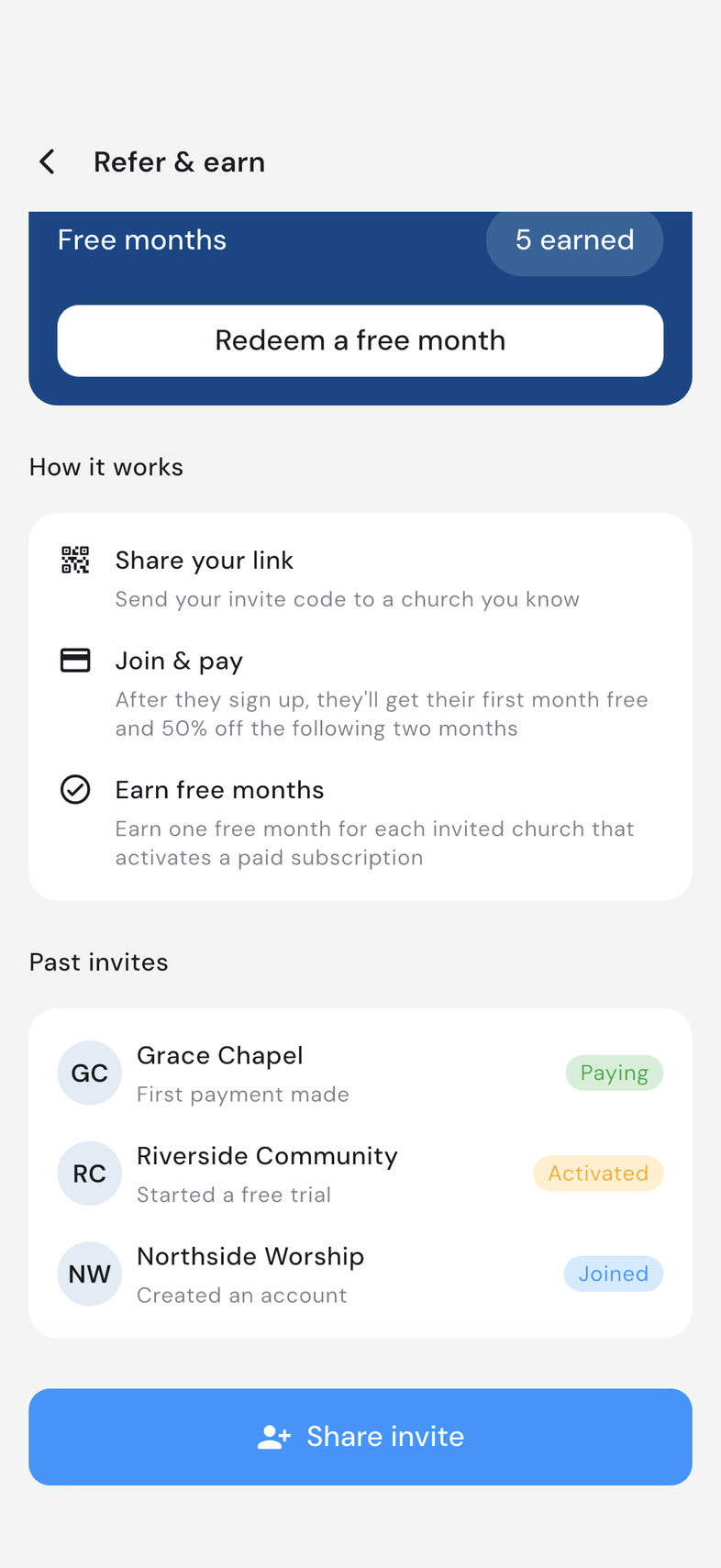
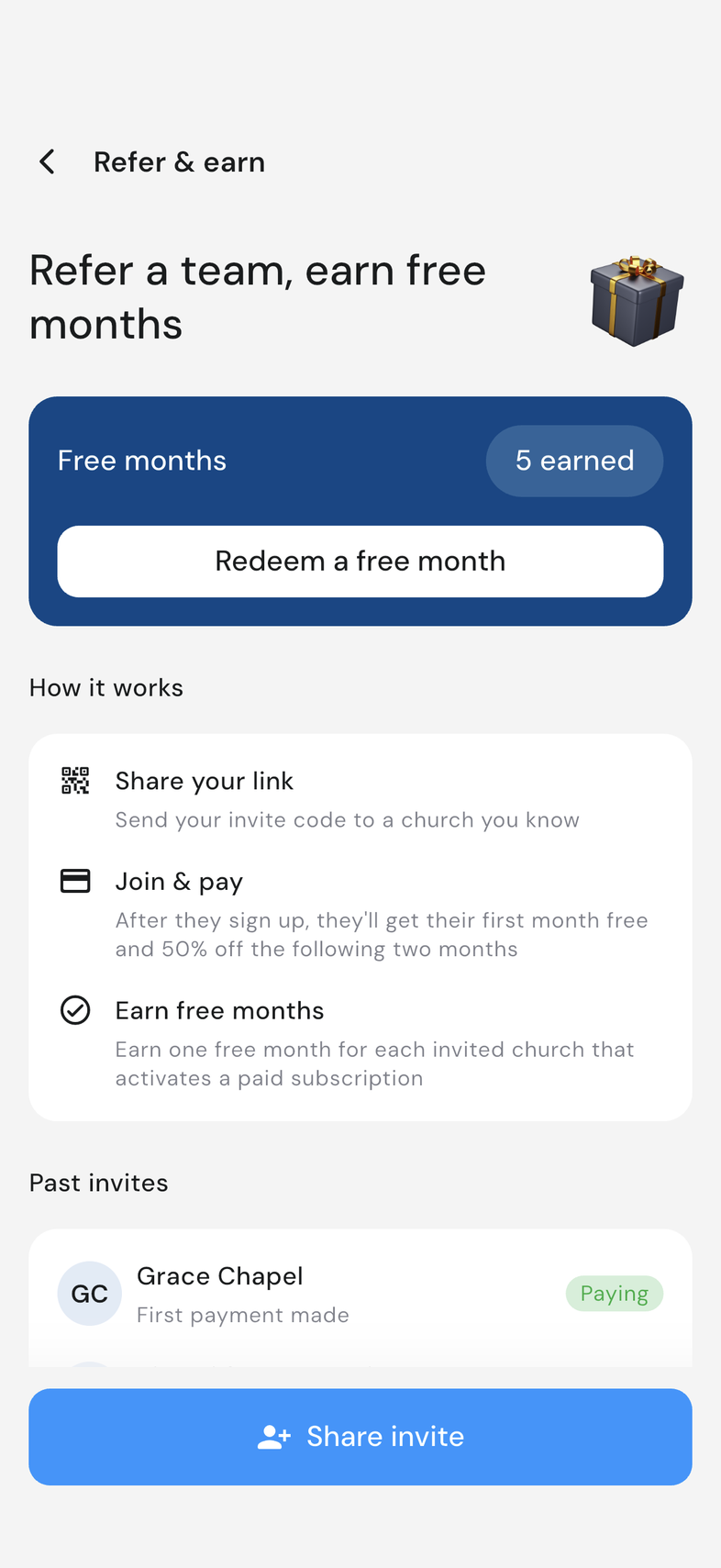
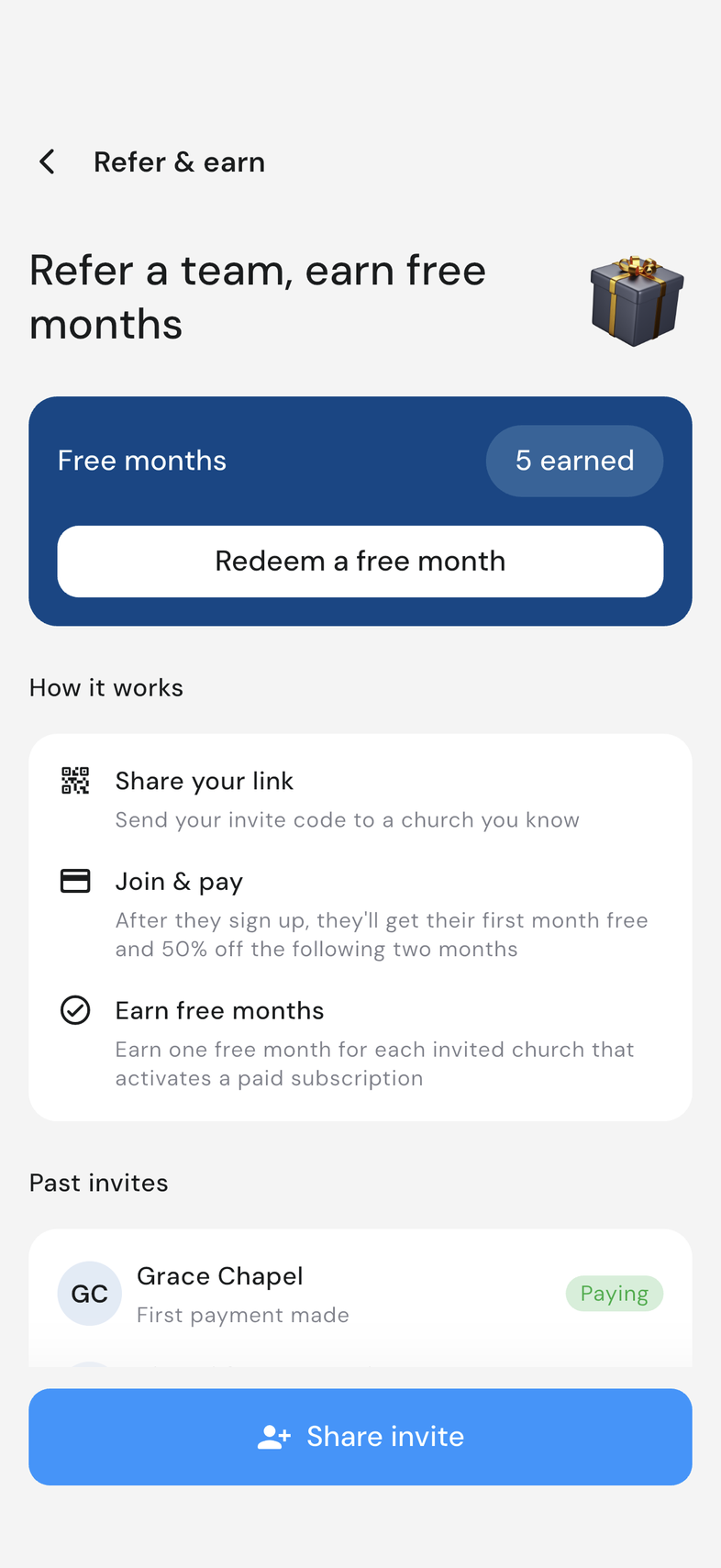
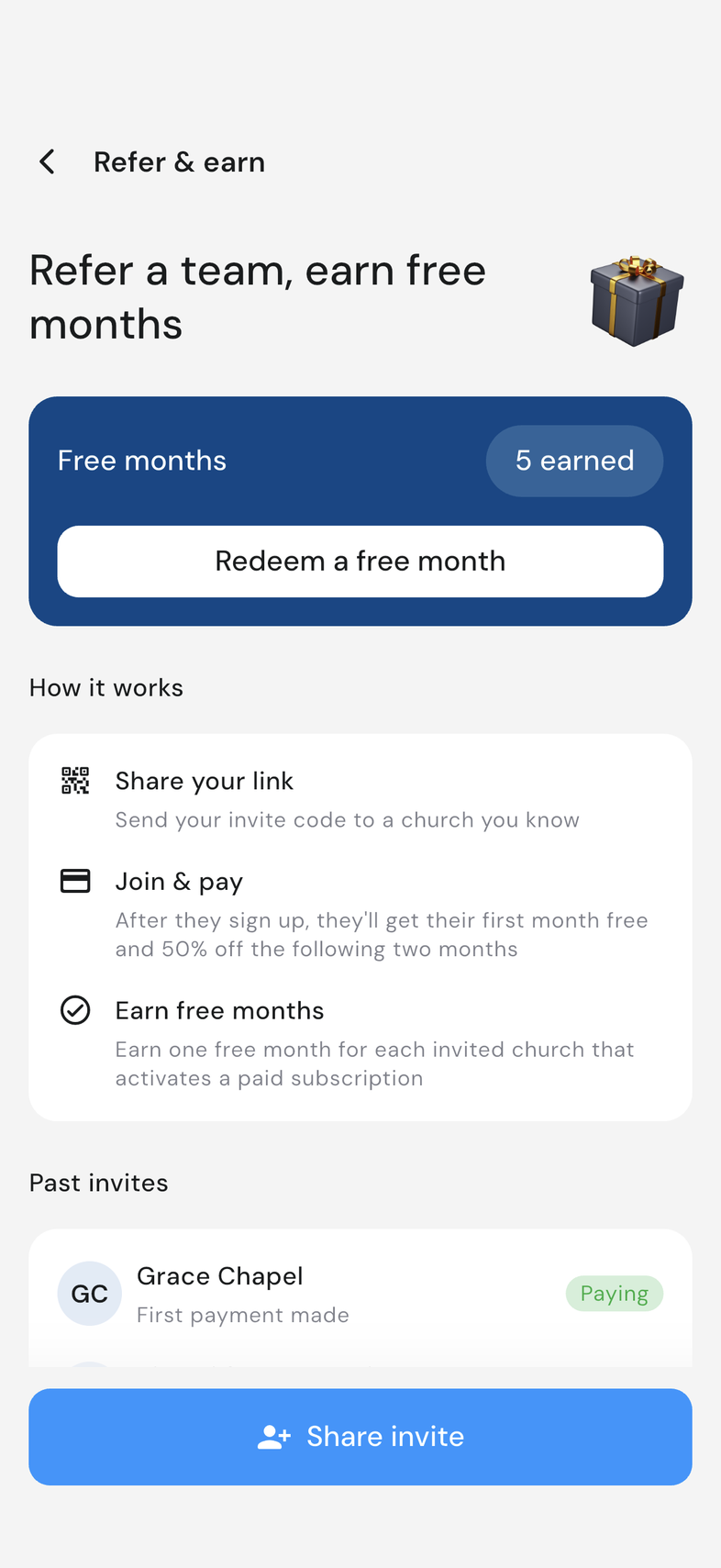
Open Settings and tap Invite & earn free months under your team's card. That opens Refer & earn, which holds three things: your invite link, the churches you've invited, and the free months you've earned.
Each invite moves along on its own as that church signs up, starts a trial, and makes its first payment. You don't have to chase it. Months you've earned collect under Free months until you claim one.
Share your referral link
- Open Settings.
- Tap Invite & earn free months under your team's card.
- On Refer & earn, tap Share invite at the bottom of the screen.
- Pick how to send it from your phone's share sheet: messages, email, or any app on the list.
- Send it to the person who will set that church up in OnStage.
Track your invites
Every church you invited sits on the Refer & earn screen with a badge showing how far it has got.
Open Settings, tap Invite & earn free months, and look under Past invites. Each row carries the church's name and one of three stages:
- Joined: created an account.
- Activated: started a free trial.
- Paying: first payment made.
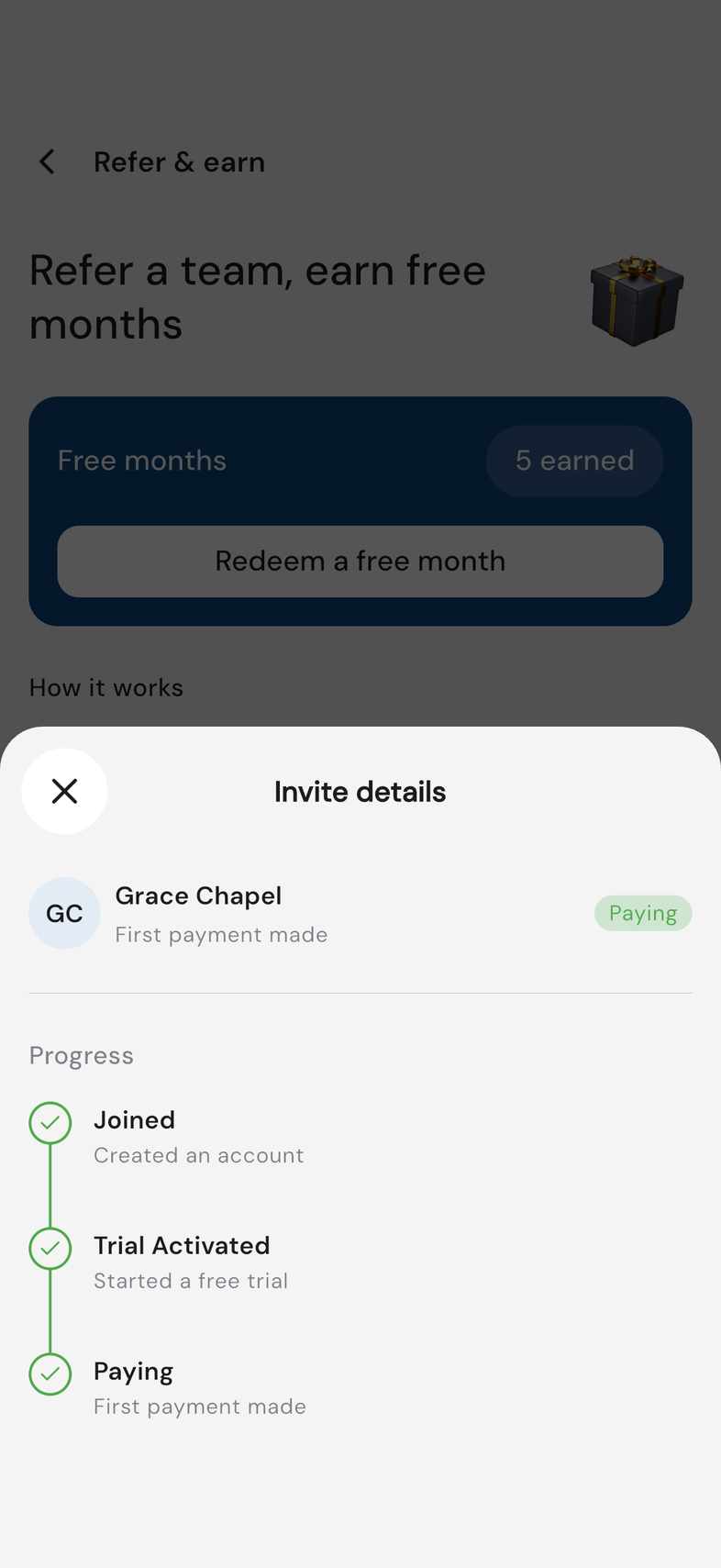
Tap a row to open Invite details. Progress draws the three stages as a timeline, so you can see which ones are done.
A free month is earned when an invite reaches Paying.
Redeem a free month
A month you've earned isn't applied on its own. You claim it when you want it.
- Open Settings, then tap Invite & earn free months.
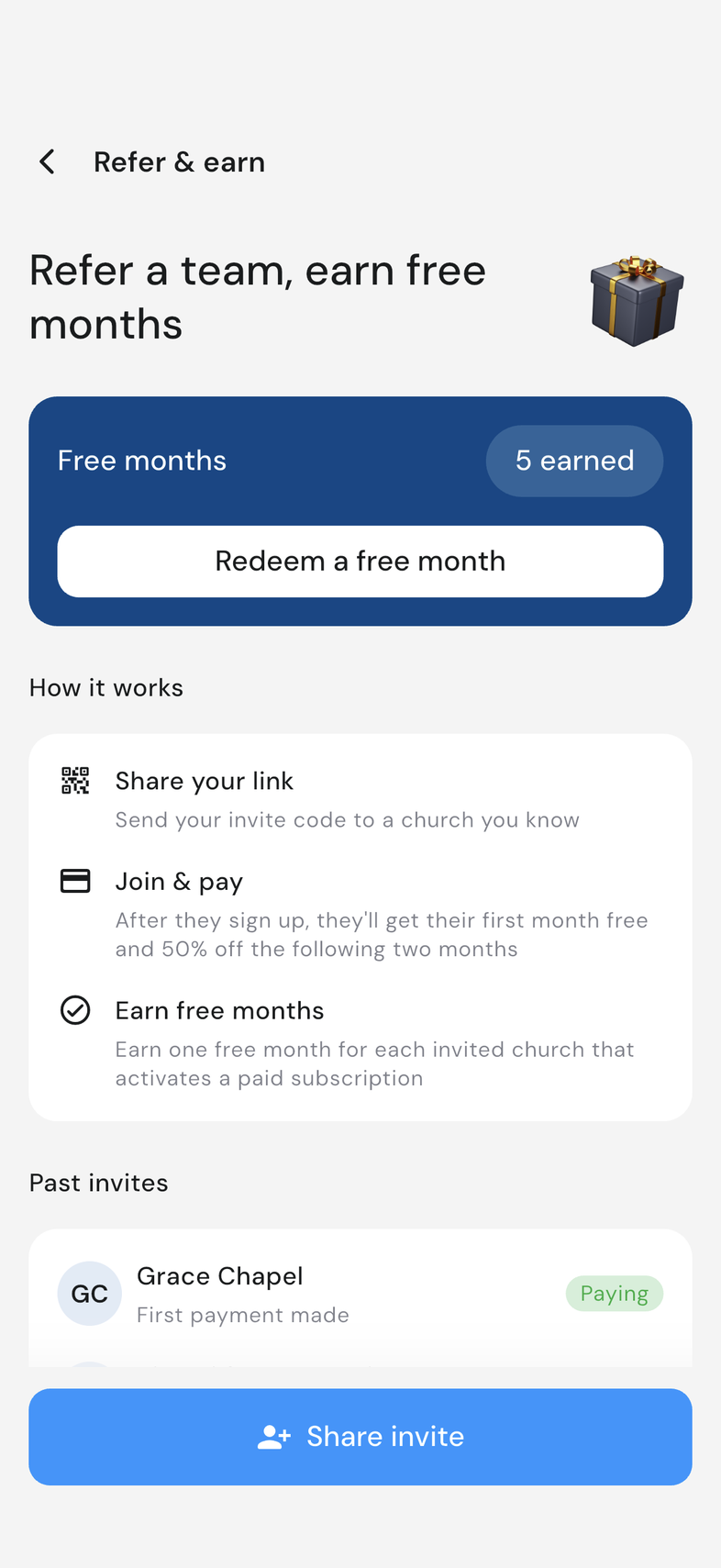
- On the Free months card, check the count: it reads 1 earned, 2 earned, and so on.
- Tap Redeem a free month.
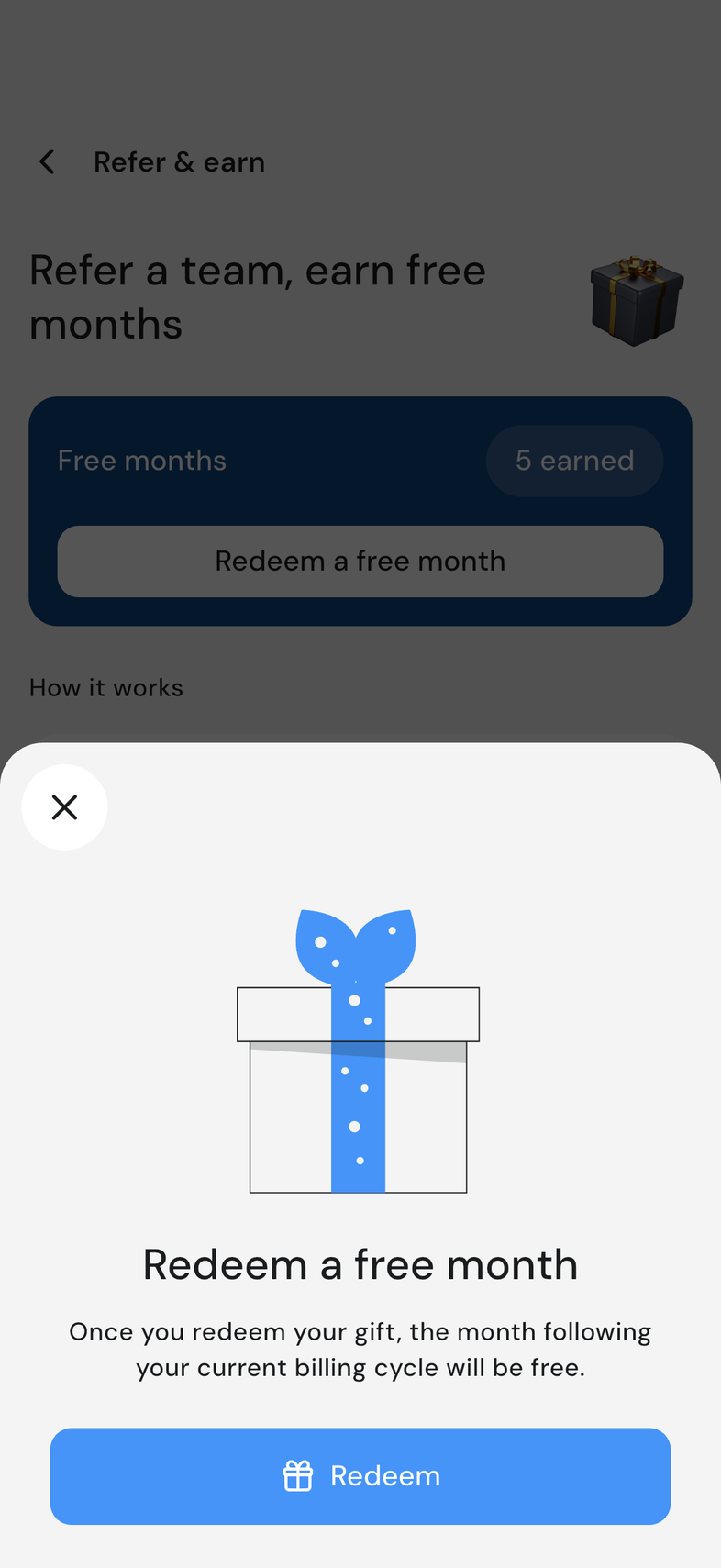
- Read the confirmation, then tap Redeem.
- Wait while Applying your free month runs. Your next month is on us means it's done.
Why your reward isn't available yet
A month you were expecting hasn't appeared, or Redeem won't go through.
- Look at Past invites. A month is earned only when a church reaches Paying: Joined and Activated haven't earned one yet.
- Check your own plan. Activate a plan first means the team needs an active paid plan before a month can be applied.
- Look for Already redeemed this cycle. One month applies per billing cycle, and the message names the date the next one can be used.
- If the screen failed to load, tap Try again.
Good to know
- The church you invite gets a free first month, then two months at half price.
- A church can only be referred once, so a link won't work for someone who's already been invited by another team.
- To claim a month you need an active paid plan, and only one applies per billing cycle. The rest wait their turn.
- Referrals belong to the Owner. No other role sees the row in Settings.
- A short message goes with the link. It reads Join me on OnStage: 1 month free, then 50% off for 2 months.
- The same link works for every church you invite. There's no need for a new one each time.
- Once they sign up, they appear under Past invites on the same screen.
- Stages move on their own, in order.
- The timeline labels the middle stage Trial Activated.
- No invites yet? The screen reads You don't have any invites yet.
- If the list doesn't load, tap Try again.
- The month lands after your current billing cycle: the month that follows it is free.
- You need an active paid plan to redeem one. Without one you see Activate a plan first, and your months stay banked until you subscribe.
- One free month applies per billing cycle. A second shows Already redeemed this cycle with the date your next one can be used.
- If it fails, Something went wrong appears and your balance is untouched. Tap Try again.
- Months you've earned stay banked while you wait, including the ones you can't use yet.