Claim a gift from someone who referred you
If your team came in through another church's invite, a gift card sits in Settings until you use it.
Who can do this: Owner. What the roles mean Where: iPhone, iPad and Android only. OnStage on phone, tablet and web Online only: You need internet for this. Why buttons disappear offline
Steps
-
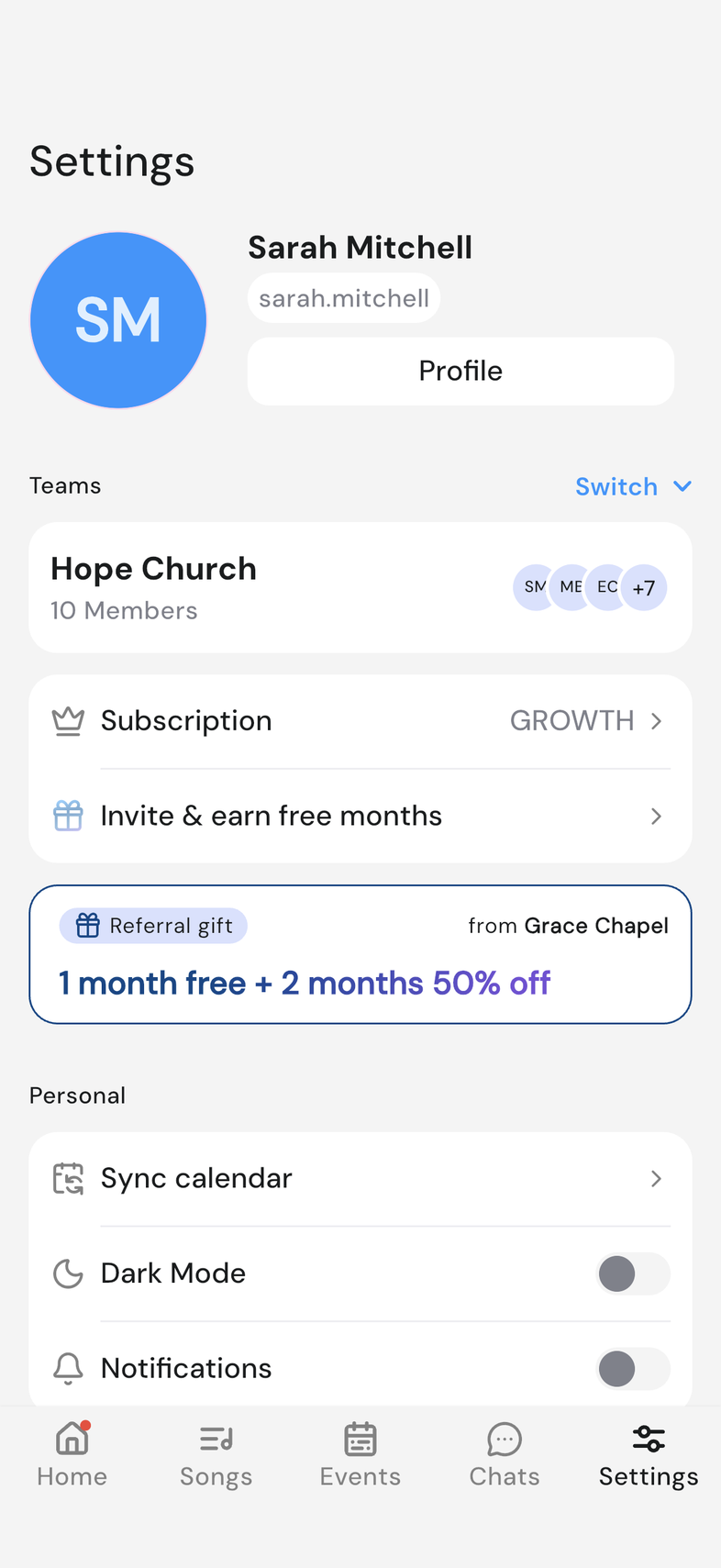
Open Settings and scroll to your team's card.
-
Tap the Referral gift card. It reads 1 month free + 2 months 50% off and names the church that invited you.
-
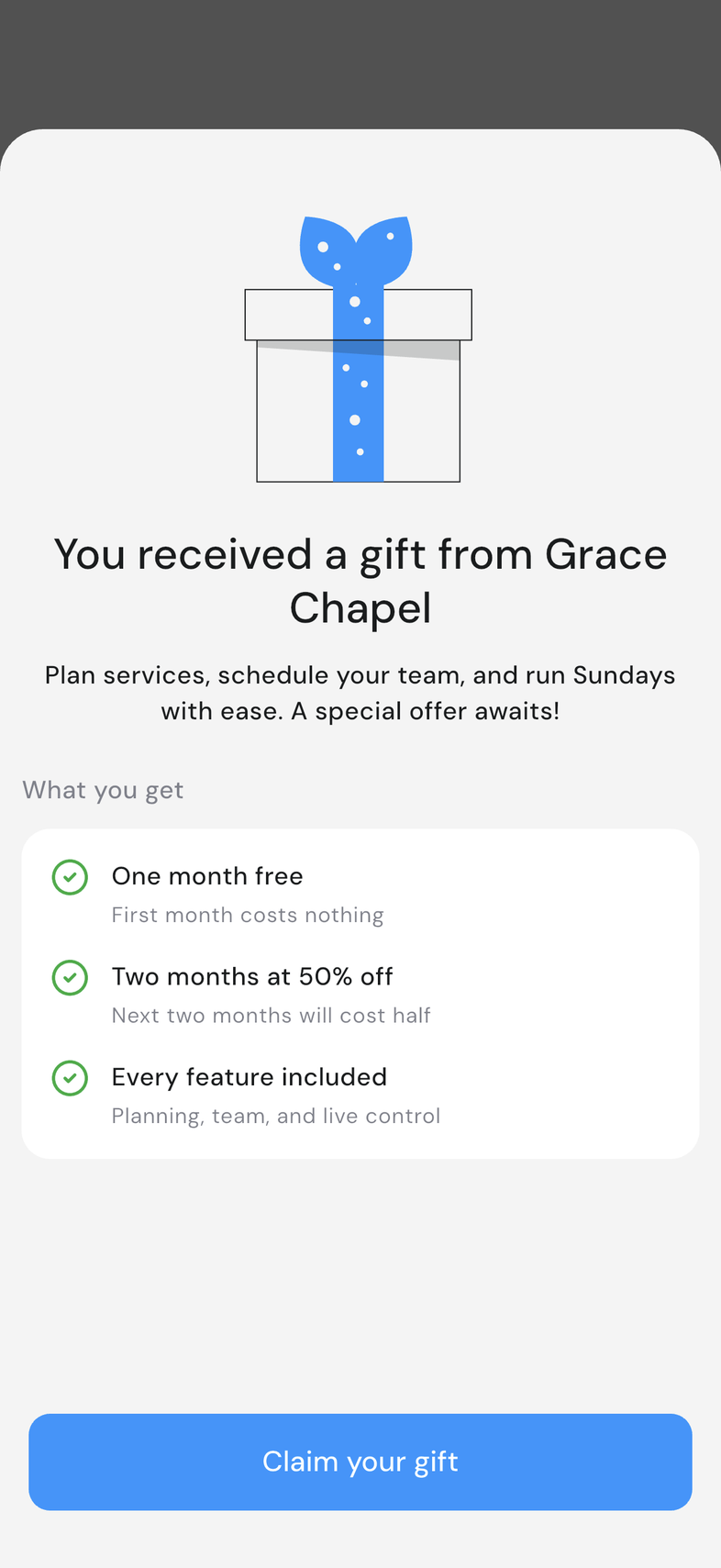
Read What you get, then tap Claim your gift.
-
Pick the plan size your team needs.
-
Tap Claim in the App Store or Claim in the Play Store and confirm there.
-
Come back to OnStage. Gift unlocked confirms it.
Good to know
- Your plan is locked in the moment you tap the claim button, so choose the size first.
- After the free month and the two half-price months, the plan carries on at its normal price.
- The gift only works for a team without an active subscription. Otherwise This gift isn't available appears.
- A church can only be referred once. You're already referred means another church claimed it first.