Start your free trial
A paid plan can be tried for 30 days before you pay anything.
Who can do this: Owner. What the roles mean Online only: You need internet for this. Why buttons disappear offline
Steps
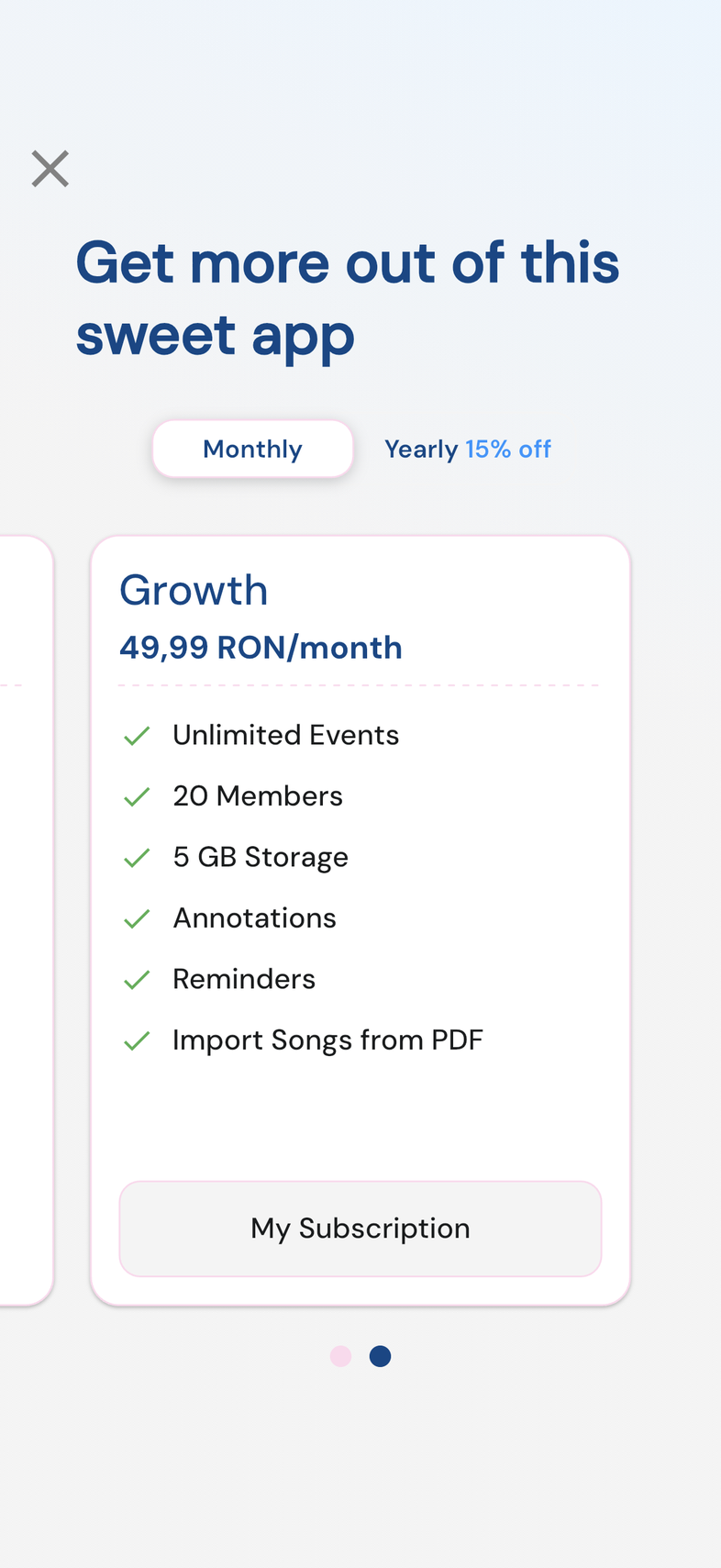
- Open Settings, then tap Subscription under your team's card.
- Swipe to the plan size you want.
- Tap Try 1-month free on the card.
- Confirm in the payment sheet that opens: the App Store on iPhone and iPad, the Play Store on Android.
- Wait for the sheet to close. Your team is on the plan straight away.
Good to know
- You aren't charged until the trial ends. After that the plan renews at its price unless you cancel before the trial is over.
- The trial is offered once per store account. If your App Store or Google account has used it, the card reads Upgrade and the plan starts as a paid one.
- When you reach a locked feature, the upgrade screen offers the same trial as Try Free for 30-days.