Plans and what they include
A paid plan adds members and storage, and switches on the features that are locked on Starter. Plans are sized by people, not by features, and each one can be billed monthly or yearly.
What's happening
Three things change on a paid plan:
- Members. Plans start at 20 people and go up to 1000, so everyone who serves can sign in and see their schedule.
- Storage. More room for audio, PDFs, and the files you send in chat.
- Features. Everything locked on Starter switches on. Which features those are is listed in This feature needs a paid plan.
Choose your size
- Open Settings.
- Tap Subscription under your team's card.
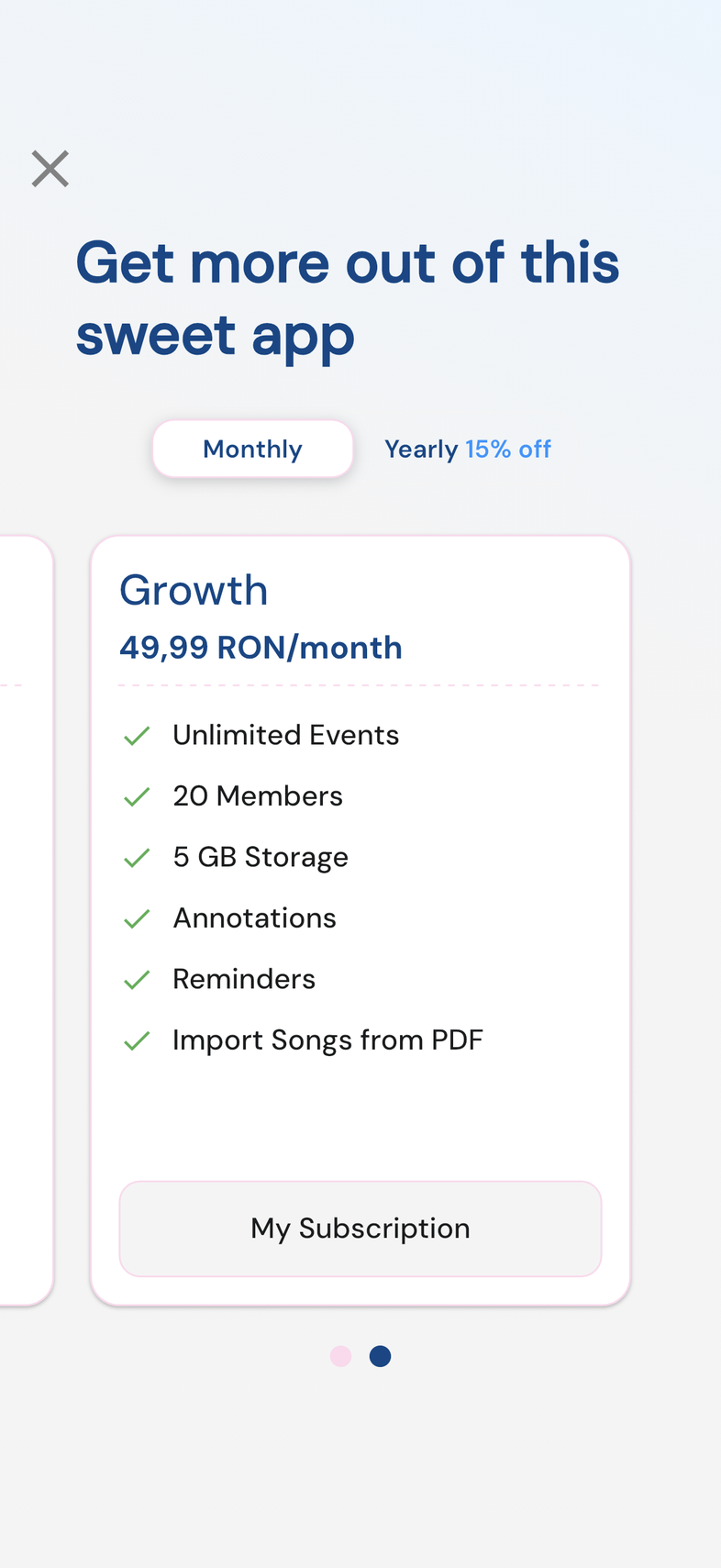
- Swipe through the plan cards. Each one lists its members, its storage and the features it includes.
- Count everyone who needs their own sign-in: musicians, singers, sound and media, hosts, and anyone who schedules.
- Choose the first size that covers that number, with a little room to grow.
- Tap the button on the card to continue.
- Sizes run 20, 50, 85, 150, 400, and 1000 members. The 50-member plan is marked Popular.
- Everyone in your team counts, whatever their role.
- You don't have to guess right. You can move to a bigger plan later.
- Bigger plans also come with more storage, which matters if you attach a lot of audio and PDFs.
Monthly or yearly
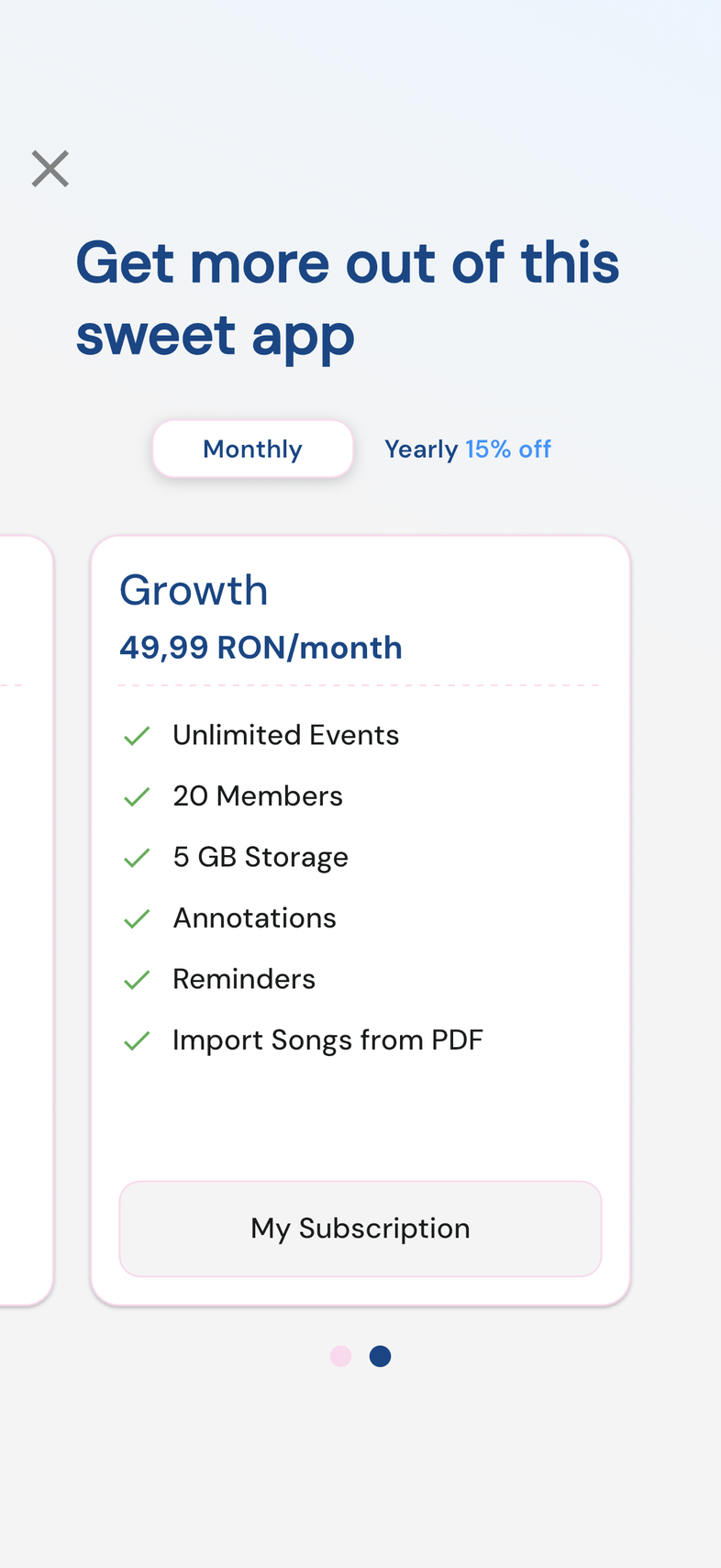
Every plan size comes in two billing periods. A toggle above the plan cards switches the whole list between them.
- At the top of the plan cards, tap Monthly or Yearly 15% off.
- Swipe to the size you want and tap the button on its card.
- Confirm in the payment sheet that opens: the App Store on iPhone and iPad, the Play Store on Android.
- Yearly takes one payment a year. Monthly takes one every month. The features and the member places are identical.
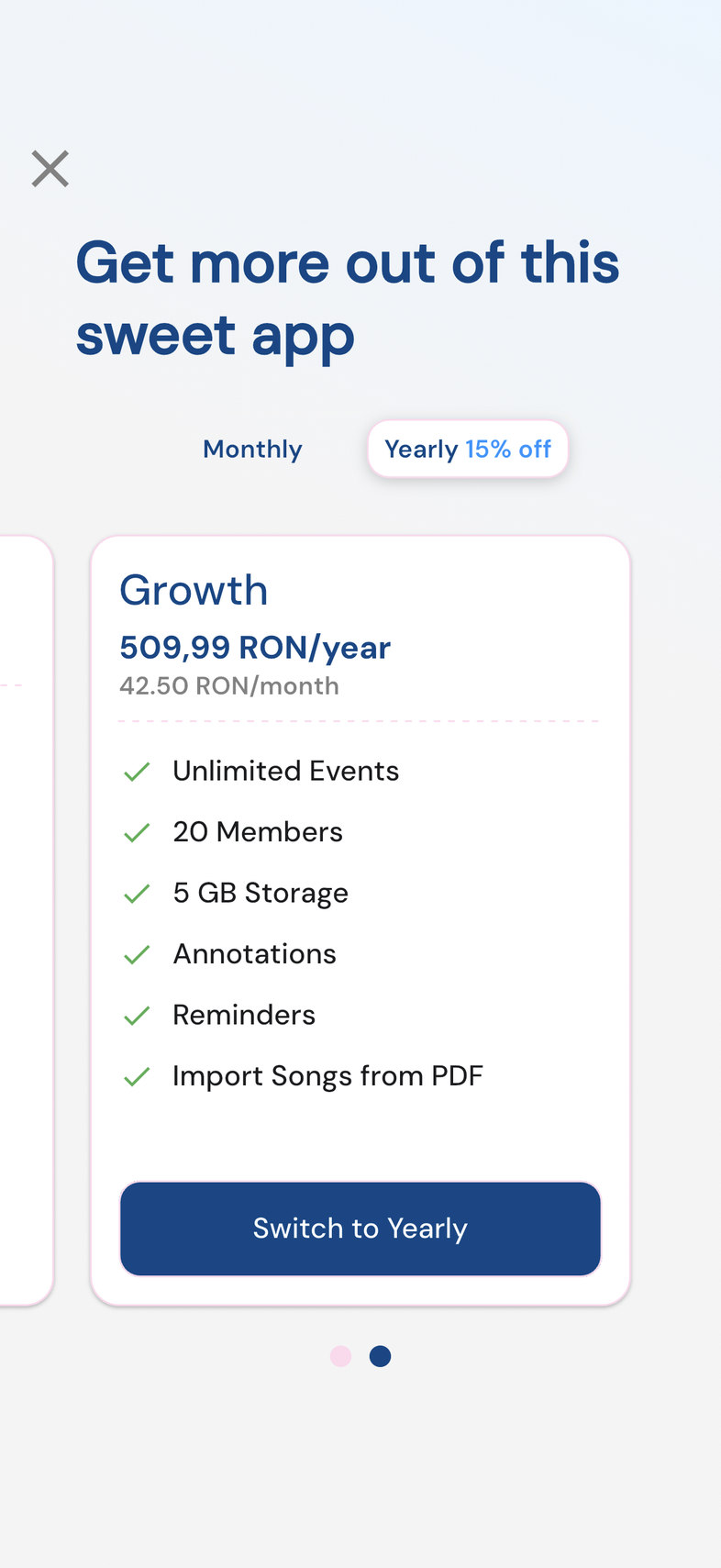
- A yearly card also shows what it works out to per month.
- Already on a plan? Open Subscription, tap Upgrade, set the toggle to the other period, and the button on your current size reads Switch to Yearly or Switch to Monthly.
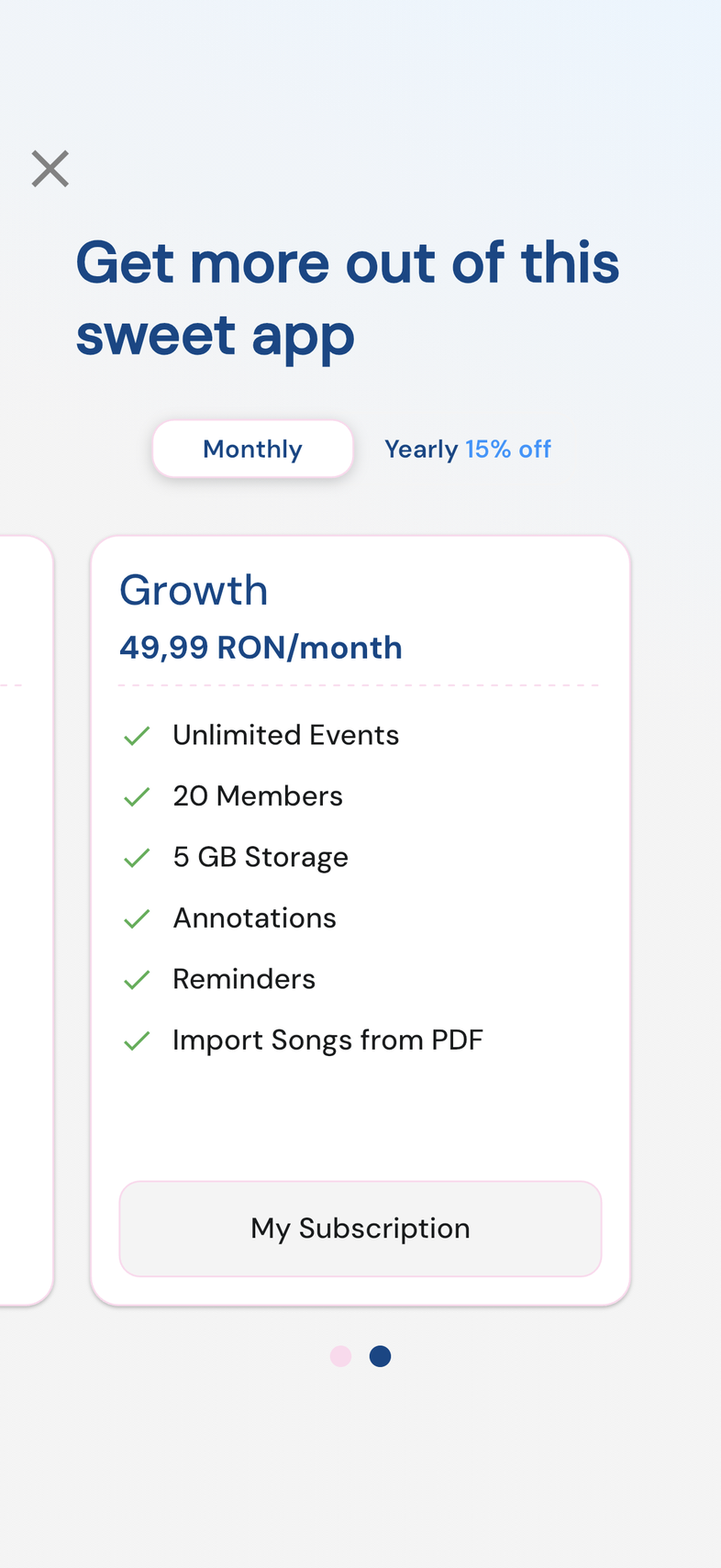
- Your current plan's card reads My Subscription, and the Subscription screen shows Monthly or Yearly beside the plan name.
If your plans show as a list
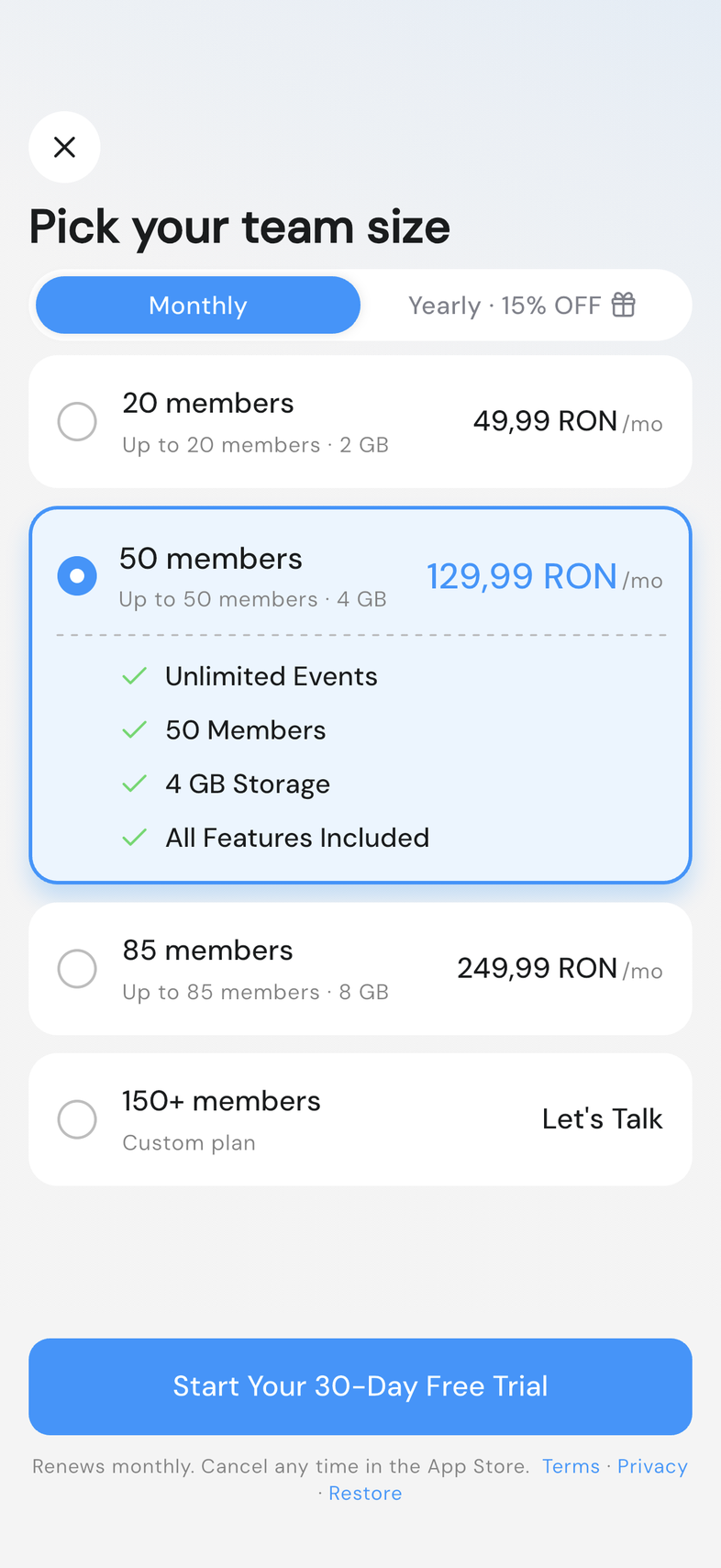
Some teams see the same plans laid out as a list instead of cards. The sizes, prices and features are the same.
- The screen is headed Pick your team size, with Monthly and Yearly · 15% OFF at the top.
- Tap a size. It opens to show its members, storage and All Features Included.
- Tap the button at the bottom. It names what happens, such as Start Your 30-Day Free Trial or Upgrade to 50 Members.
- Your current size is tagged Active, and its button reads Your Current Plan.
- The yearly price also shows what it works out to per month.
Good to know
- Each plan card lists what that size includes, so you can compare before you choose.
- Only the Owner can buy or change a plan. Anyone else who reaches a locked feature sees Ask your team owner to upgrade.
- A 30-member plan is sold on the web only, so it isn't on the plans screen in the app. A team that bought it there sees it as its current plan.
Frequently asked questions
How many members can I have?
From 20 people up to 1000, depending on the size you pick.
Do bigger plans have more features?
No. Every paid plan carries the same features. The difference is how many members and how much storage you get.
Can I pay yearly?
Yes. Every plan can be billed monthly or yearly, and you can switch later.