See your team's details
Your team's name, its people, its templates, and its storage all sit on one page.
Online only: You need internet for this. Why buttons disappear offline
Steps
-
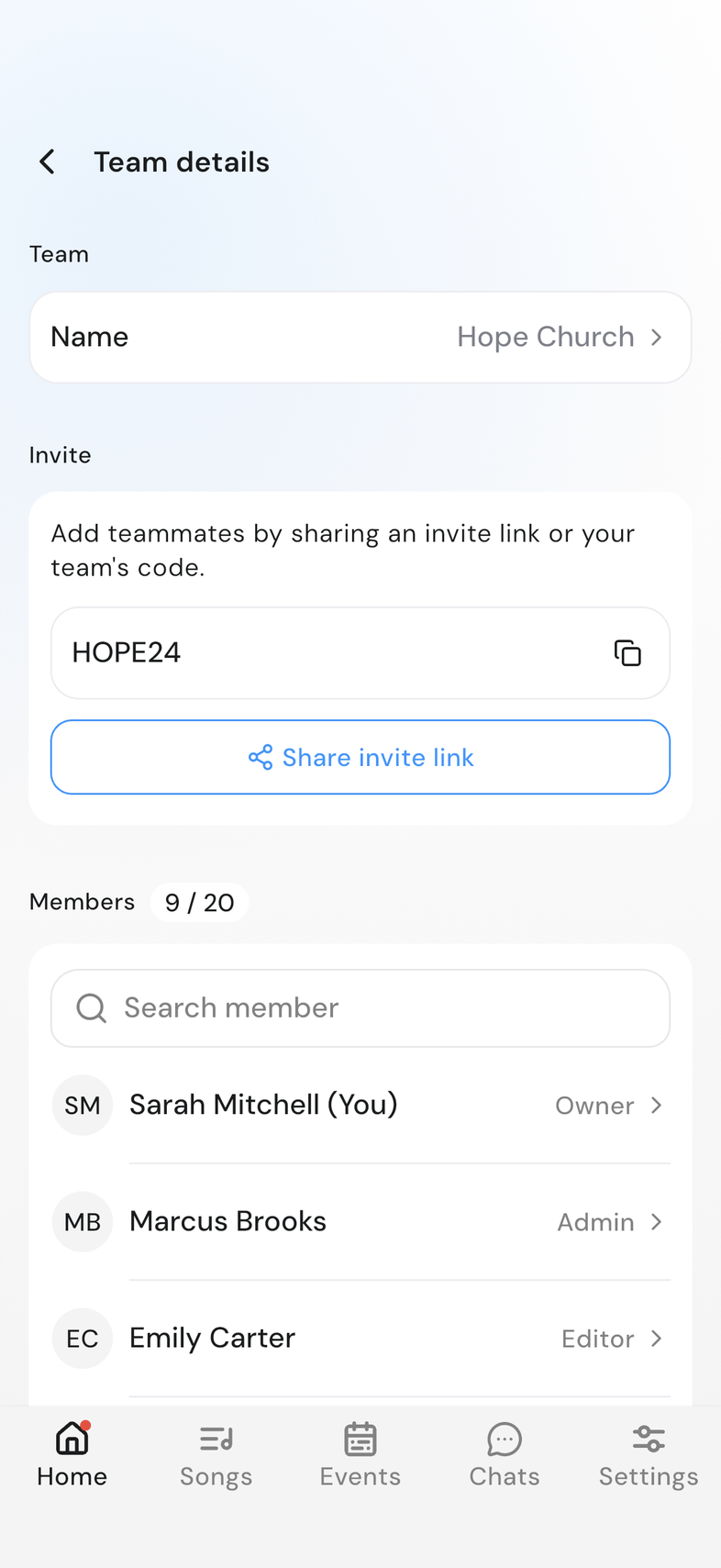
On Home, tap your team card. The team row in Settings opens the same page.
-
Check the team's Name at the top, under Team.
-
Find your team code and Share invite link under Invite.
-
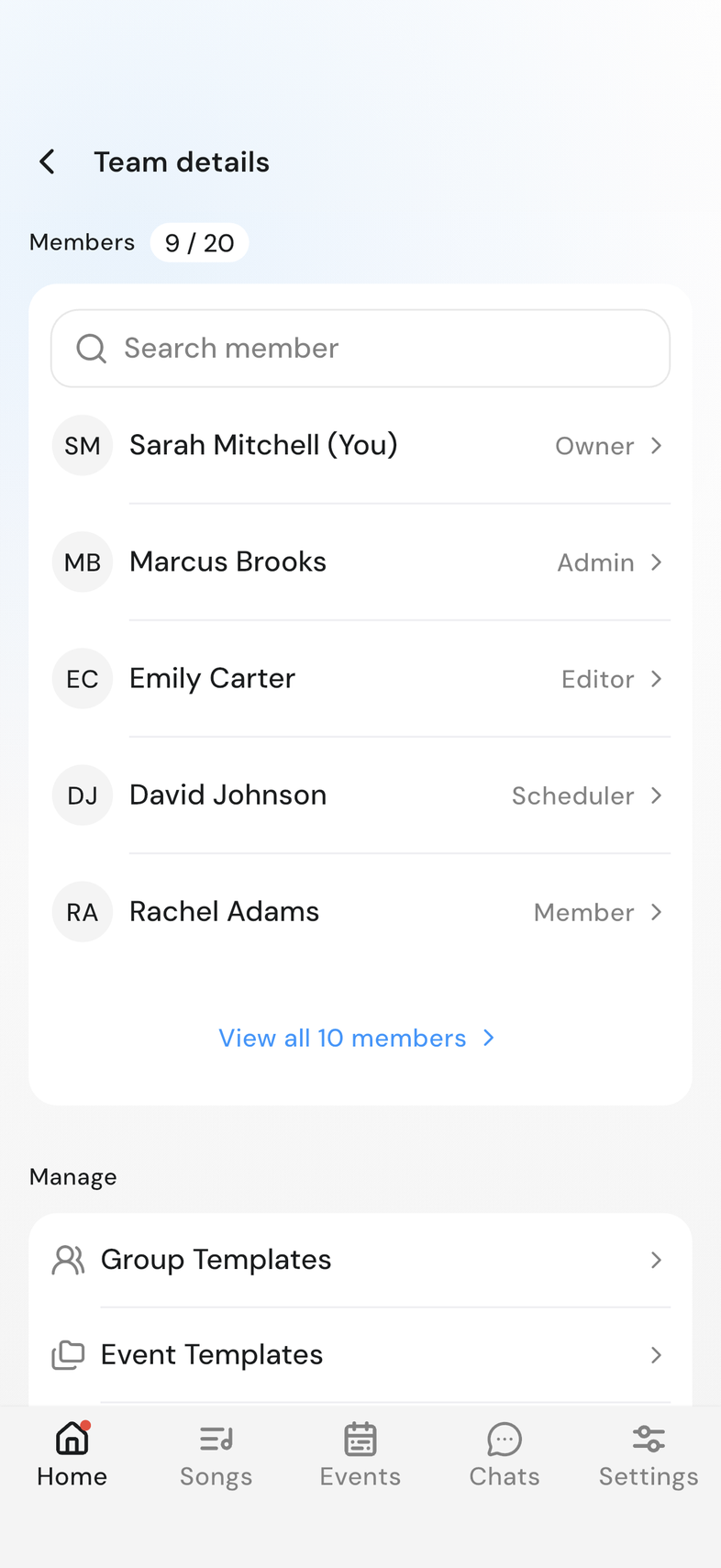
Search under Members, which shows the first five people. Once the team has more than five, View all members opens the full list.
-
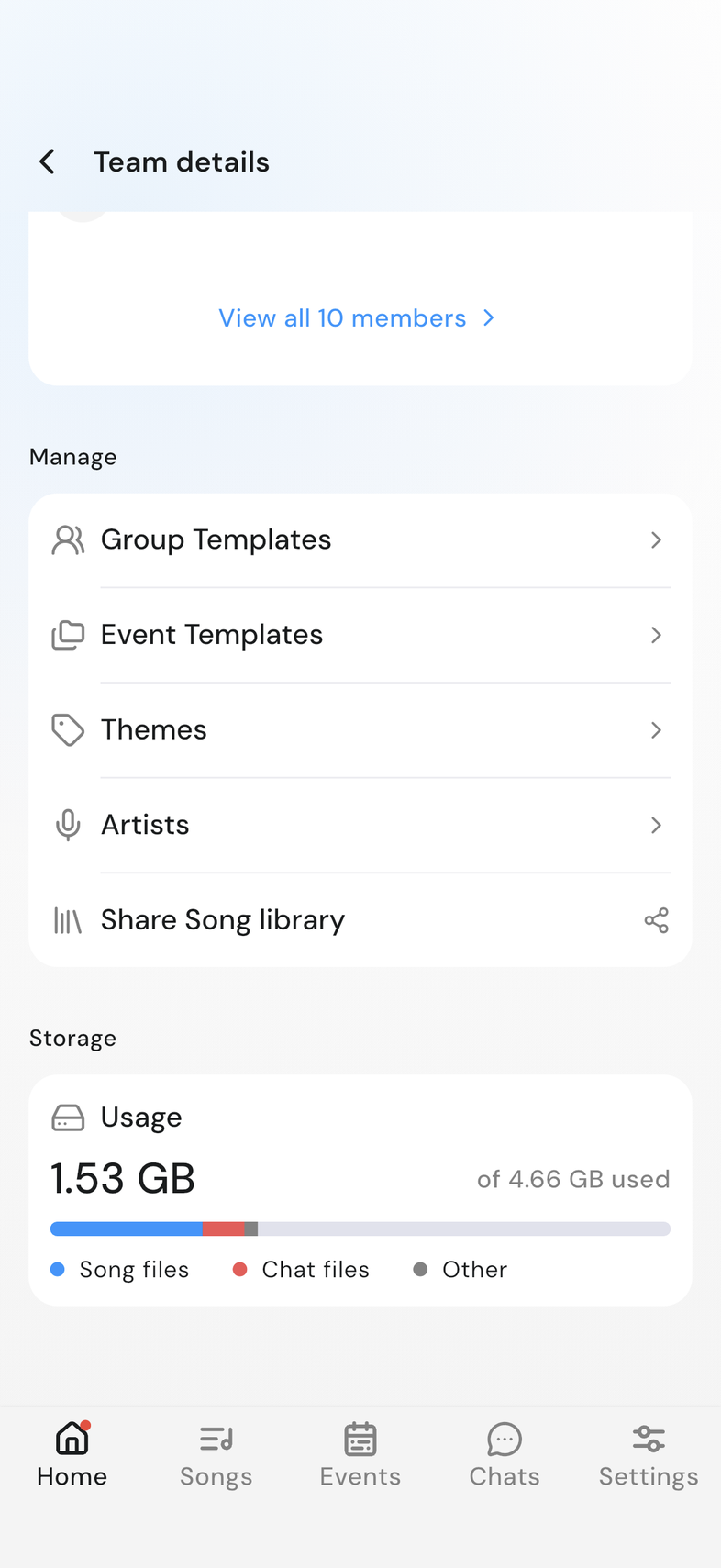
Open Group Templates or Event Templates under Manage.
-
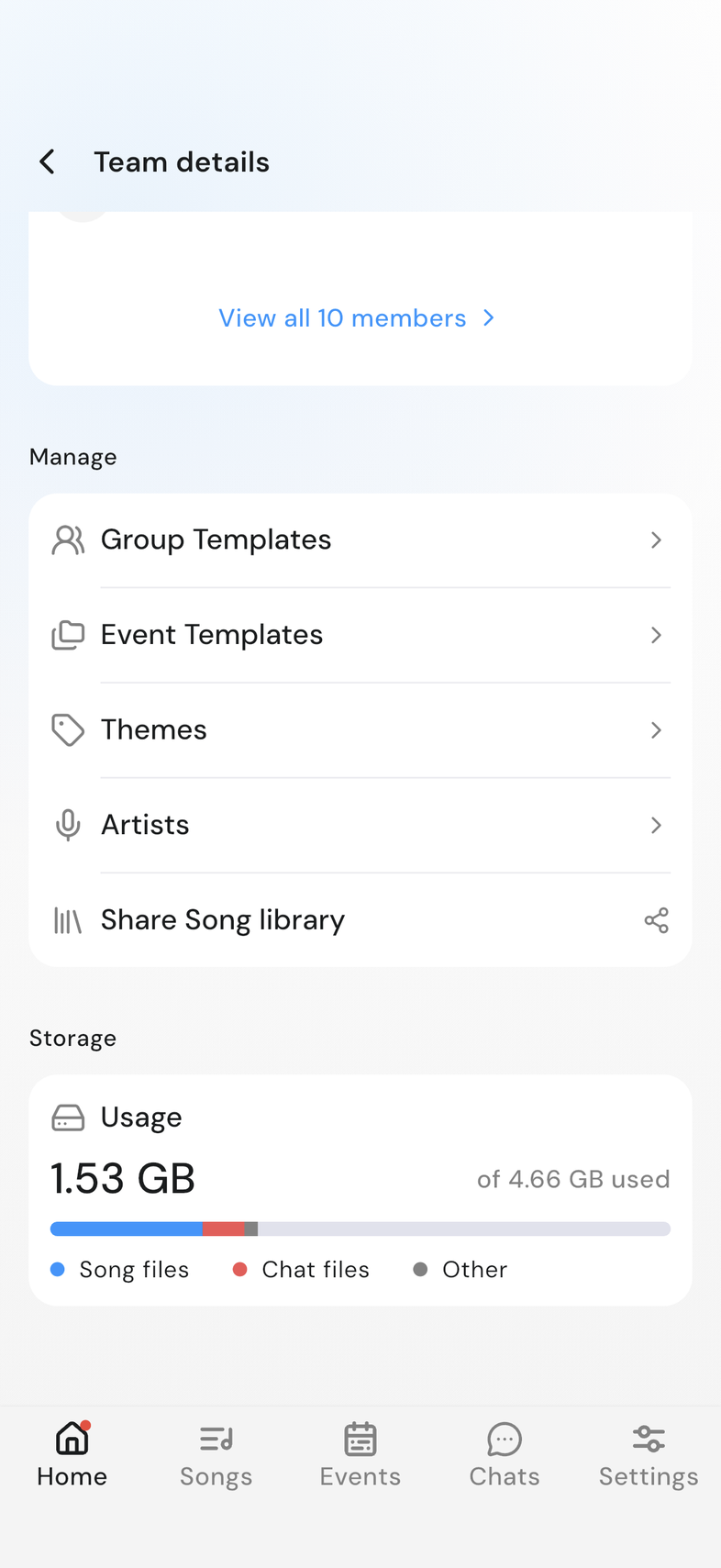
Scroll to Storage to see how much of your plan's space is used.
Good to know
- The chip beside Members counts your people against your plan's limit.
- Invite and Manage appear only when your role allows those things. Roles in OnStage
- Pull down on the page to refresh the member list.